Overview
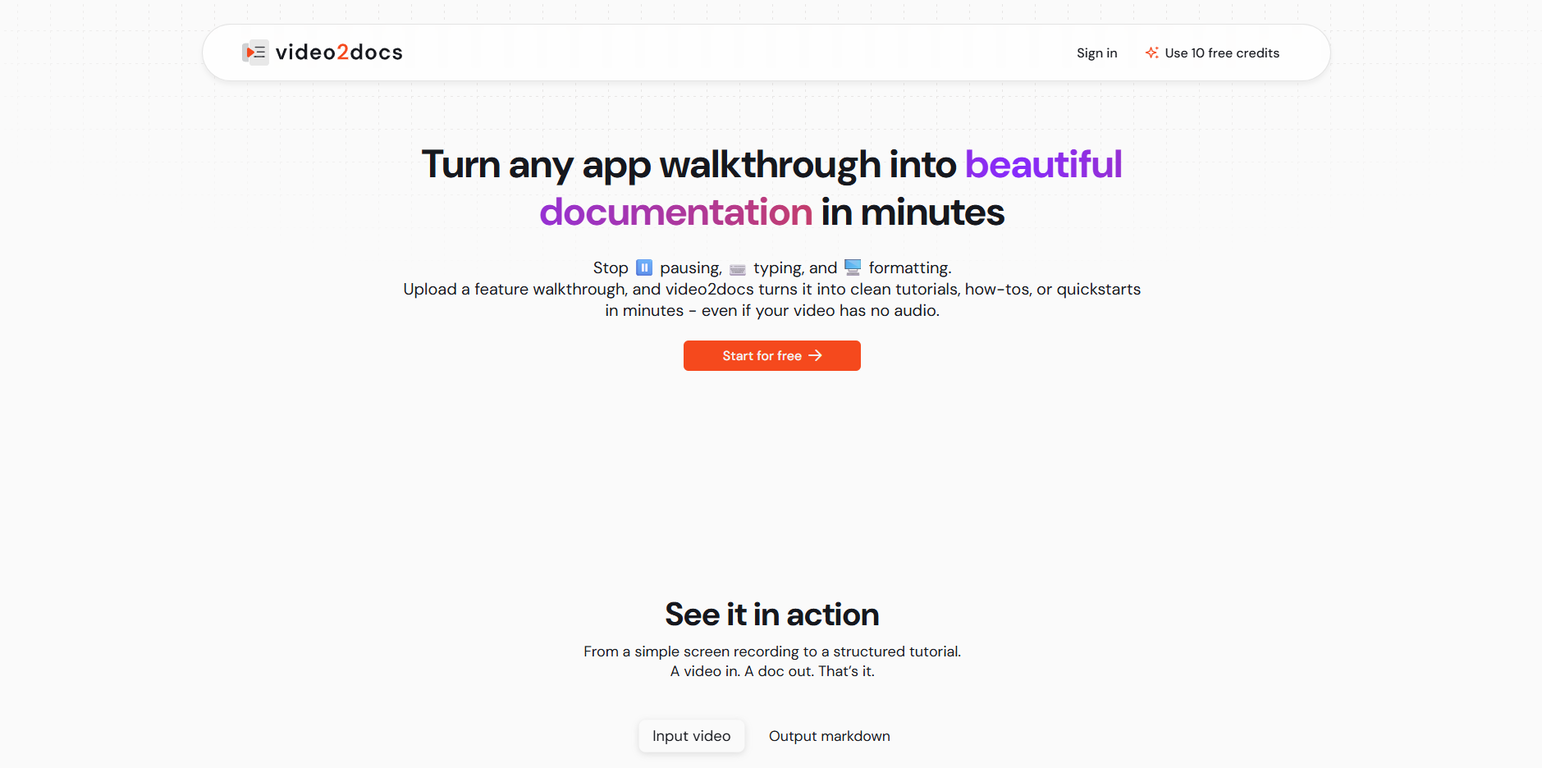
video2docs transforms screen recordings into clear, structured documentation in minutes. No browser extension needed. Simply record your workflow on the web, desktop, or mobile device, and video2docs automatically converts the video into context-aware, step-by-step instructions, saving hours of manual writing.Each guide is enriched with intelligently captured screenshots, clear action descriptions, and logical sequencing, making it ideal for tutorials, user manuals, onboarding materials, and standard operating procedures (SOPs). Built-in auto-translation helps you localize documentation for global teams or customers without extra effort.Once generated, you can refine the output by editing it directly in the app. Export your documentation in Markdown, PDF, or HTML formats. There is no lock-in subscription. You pay only for what you use with simple, credit-based pricing, free to try with 1-3 guides.
Pros and Cons
Pros
- Transforms screen recordings
- Creates structured documentation
- Works on web, desktop, mobile
- Context-aware instructions
- Enriched with screenshots
- Action descriptions
Cons
- No offline functionality
- No API for integrations
- Potential misinterpretation of content
- No real-time collaboration feature
- Localization may not be accurate
- Limited export formats
Categories
- Primary: Personal
- Secondary: Learning
- Specialty: Tutorials
Community Feedback
Only the latest comments are shown.Hey everyone, Im Evaldas, co-founder of Guideless, the fastest way to turn any browser workflow into a polished, AI-narrated video guide in minutes. No screen recording. No tedious editing. Just turn on the extension, click through your process as you normally would, and instantly get a share-ready guide. We recently shipped a major update: a sleeker UX and new high-quality AI voiceover characters making guides sound and feel more vibrant than ever. Give Guideless a try and see how effortless creating high-quality tutorials can be
Takes documentation to a different level.
Seems great. Just setup an account to try it out. Basically bounced ideas off it for SOPs for a fire department and it actually does a wonderful job.