
Overview
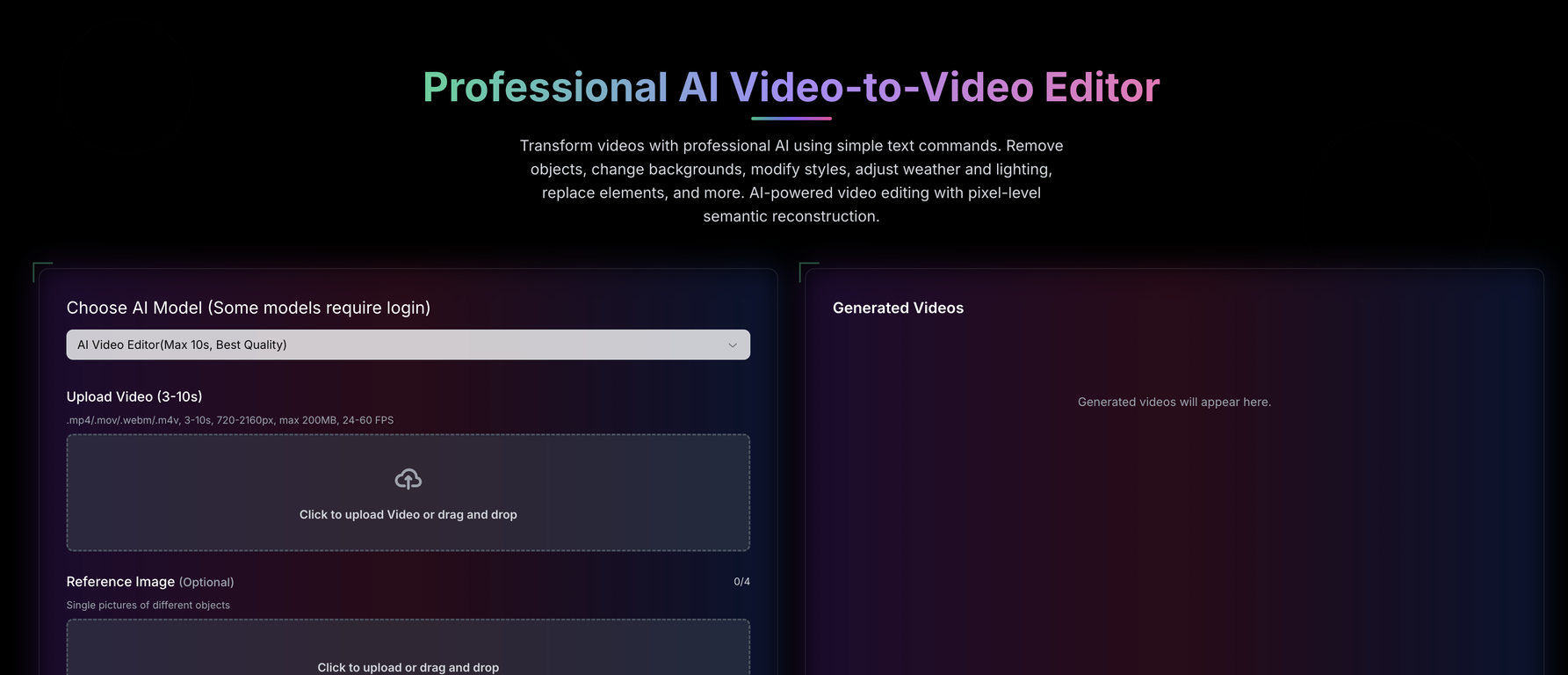
Video to Video AI is a sophisticated AI video editing tool that allows users to transform videos using simple text commands. The tool can perform various modifications such as removal of objects, background changes, style adjustments, weather and lighting alterations, and element replacements, among others.It leverages artificial intelligence technology to perform pixel-level semantic reconstruction to provide precise and effective edits. Users can also adjust camera angles and facilitate intelligent and seamless transformations swiftly.The tool supports multiple video formats such as .mp4, .mov, .webm, .m4v and maintains video qualities ranging from 720-2160px for uploads. The capabilities of the tool extend to character replacement, clothing swap, recoloring elements, artistic style transfer, and weather modifications, providing a diverse range of video editing options.Furthermore, the tool's advanced semantic reconstruction engine allows for natural language understanding and pixel-level semantic reconstruction to perform context-aware modifications based on user commands.Lastly, the tool maintains high-quality output, supports private videos, and offers priority generation, making it a comprehensive solution for AI-powered video editing.
Pros and Cons
Pros
- Modify video with text commands
- Object removal feature
- Background alteration
- Style modification available
- Lighting adjustment
- Element replacement
Cons
- Limited video formats support
- Video length constraint (3-10s)
- File size limit (200MB)
- Particular FPS range (24-60)
- Requires paid credits for usage
- No offline functionality
Categories
- Primary: Creativity
- Secondary: Videos
- Specialty: Video editing
Community Feedback
Only the latest comments are shown.Video editing
I bought it. But its pretty slow and laggy
makes actually good clips