
Overview
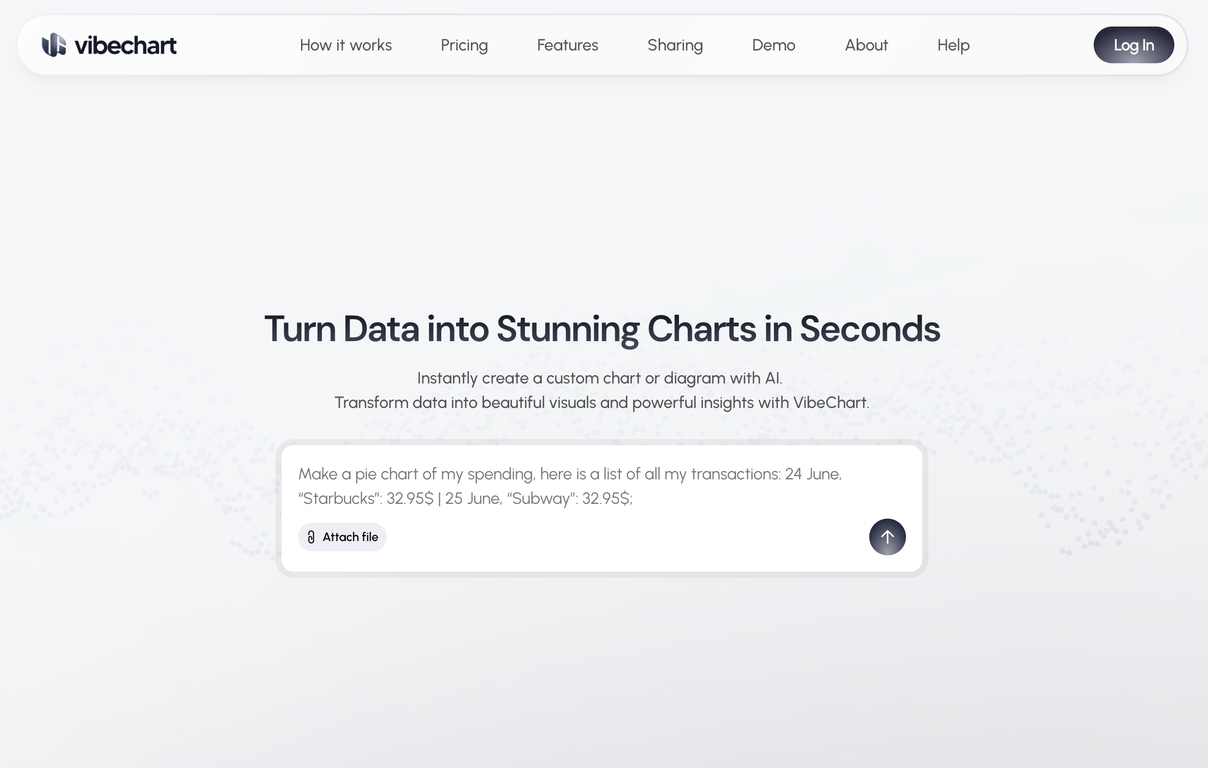
VibeChart is an AI-enabled tool that is designed to turn data into visually appealing and insightful charts or diagrams instantly. Its key feature includes a unique 'Text-to-Chart' interface that allows users to create and customize over 40 types of charts using plain language and natural data queries.This offers speed, flexibility, and precision to the users while generating these visuals. The tool is equipped with a built-in data engineer to clean, transform, and extract insights from messy data using smart, instructable tools.VibeChart provides high-speed, reliable chart generation through an API, promising high uptime and quick response times. The charts created can be easily shared across multiple platforms as the tool offers the flexibility to export the chart as an image, link, or embedded code.This makes it accommodating for various business and research needs, across different domains like data analytics, product management, surveys, consulting, accounting, investments, and quality assurance, among others.VibeChart helps to eliminate time-consuming manual charting, enabling users to visualize their data smarter and faster.
Pros and Cons
Pros
- Text-to-Chart interface
- 40+ types of charts
- Natural data query handling
- Customizable chart parameters
- Built-in data engineering
- Automated data cleaning
Cons
- Limited chart customization
- No offline functionality
- No mobile version
- Overreliance on plain language
- Limited data formats supported
- No multi-lingual support
Categories
- Primary: Work
- Secondary: Business
- Specialty: Data
Community Feedback
Only the latest comments are shown.It is a smooth way to go from messy data to clean visuals. Minor nit: big, unstructured files still benefit from a quick tidy or a more specific prompt but the overall flow feels strong. It's really great for data lovers
I was just trying to get a quick graph showing population evolution over the last 30 years, didnt have the dataset ready, so I was hoping the tool could auto-fill something reasonable. But it literally gave me three values. Three?? For 30 years?? What kind of trend can I possibly see with that? If the tool offers to research the data, it should at least offer a full timeline. And when I pasted the data I found, it created a literally bar chart???