
Overview
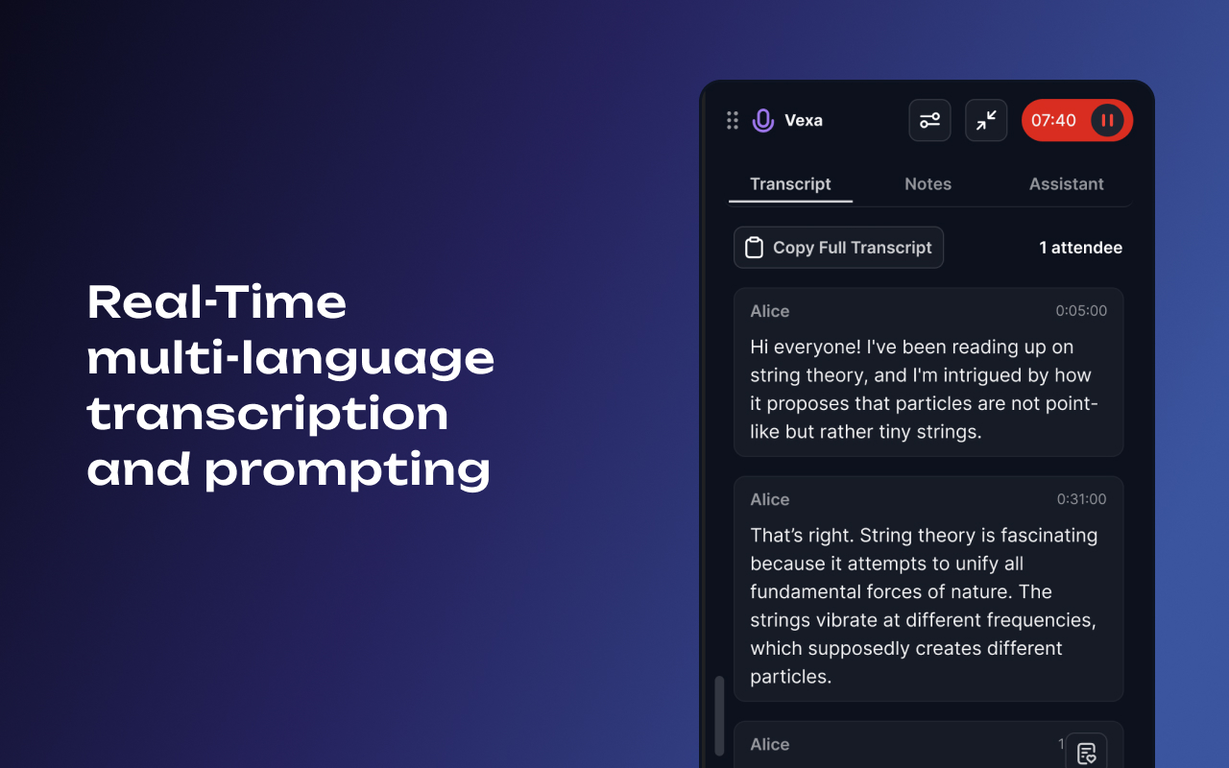
Vexa is a real-time AI Meeting Assistant designed to aid in business meetings. The tool uses the GPT-4 assistant, a state-of-the-art AI model, to capture every detail, enabling users to seamlessly rejoin conversations after distractions.It accurately records agreements, deadlines, and responsibilities for smooth project execution. Vexa also aids in decoding industry-specific language in real-time, enhancing the confidence of users in any discussion.The tool provides features such as live transcription with visual cues, automatic highlighting of time-sensitive information, prioritized task lists, and a thought capture feature to manage interruptions appropriately.It offers an ADHD-friendly environment that enhances focus and productivity.In addition, Vexa provides a chat extension for offline meetings, supports voice recognition, and provides real-time answers to queries.The tool is effective for those who struggle with time management and task prioritization, by identifying and capturing key details during discussions.Vexa also emphasizes user privacy and data protection with features such as end-to-end encryption, robust monitoring, and regular third-party penetration testing.The tool does not record conversations but only transcribes them in real-time, storing only text transcripts for user convenience.Vexa is versatile, providing functionalities such as creating summaries, managing tasks in your CRM, building a knowledge base, providing translation services, and performing quick data searches.It primarily supports Google Meet and Zoom through a Chrome extension, though it can be integrated into larger teams or entire companies if needed.
Pros and Cons
Pros
- Real-time transcription
- Automatic highlighting of time-sensitive info
- Decodes industry-specific terms
- ADHD-friendly features
- Enhances focus and productivity
- Chat extension for offline meetings
Cons
- Limited to Google Meet and Zoom
- Relies on Chrome extension
- Does not store recorded audio
- Not entirely free
- Requires continuous internet connection
- Limited access on free plan
Categories
- Primary: Work
- Secondary: Business
- Specialty: Meetings
Community Feedback
Only the latest comments are shown.good multilingual transcription helps with active listening