
Overview
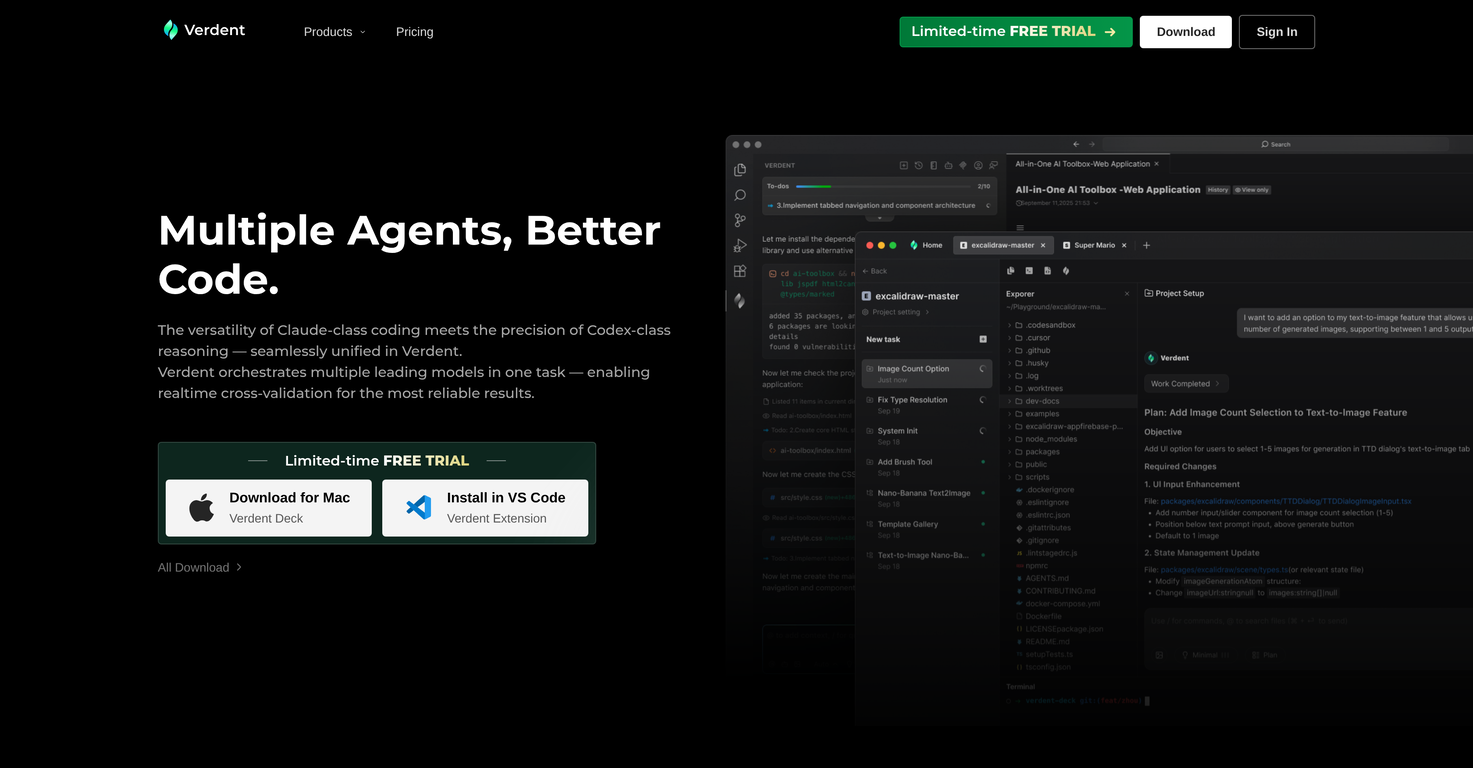
Verdent is an agentic coding suite powered by AI that integrates multiple agents to optimize coding processes. Available for Visual Studio Code, it combines a variety of AI models to perform tasks enabling real-time cross-validation for reliable results.Verdent provides features like code clarity and confidence that aid in understanding and verifying the codebase. It features a built-in Researcher and Verifier subagents for rapid comprehension and validation of the code, with provisions for incorporation of custom agents as well.The tool further equips developers with the facilities to plan their tasks, using clear, visual logic diagrams and to verify the interactions early with the guiding verifier subagent.One of its significant capabilities includes fostering a workflow that minimizes conflicts by working in isolated branches via git worktree which also promotes faster delivery.Verdent's differential lens offers full visibility into code changes, ensuring consistent quality, while its code review system facilitates the review, refactoring, and improvement of the code.The tool, overall, helps not just improve the quality and delivery speed of coding tasks, but also to manage and execute multiple tasks concurrently, providing a streamlined development process.
Pros and Cons
Pros
- Comprehensive coding suite
- Integrated with VS Code
- Real-time cross-validation
- Reliability assurance
- Isolated git worktree operation
- Faster delivery
Cons
- Requires Visual Studio Code integration
- Reliant on git worktree
- Possibly steep learning curve
- May conflict with custom sub-agents
- Credit system operation
- Limited control over reasoning depth
Categories
- Primary: Creativity
- Secondary: Software
- Specialty: Coding
Community Feedback
Only the latest comments are shown.Understood Ill keep it gentle, faithful, and not over-polished:Verdent uses a credit system similar to Windsurfs early flow credits, and runs in isolated git worktrees so agents dont interfere with one another. It offers adjustable reasoning depth, an optional planning mode, and support for custom instructionsplus a VS Code extension that fits naturally into my workflow.