
Overview
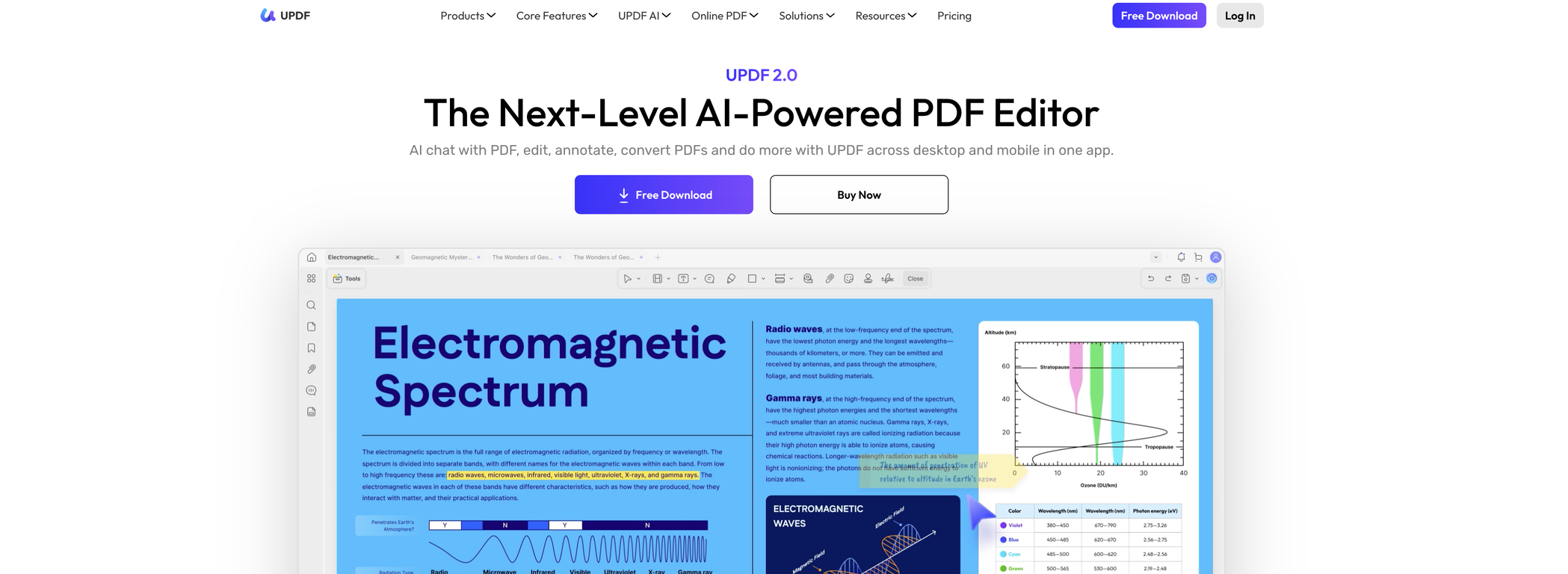
UPDF is an AI-powered tool designed for extensive manipulation and management of PDF documents. Key features of UPDF include the ability to edit PDF files, create new PDFs, and annotate existing ones.Users can adjust text, images, links, and page layout, as well as utilize OCR technology to extract text from images. There are also specialized functions for PDF organization, such as inserting, extracting, rotating, and cropping pages.Beyond standard PDF editing, UPDF provides a range of AI features, powered by GPT-5, that enhance the user's efficiency.The AI can summarize extensive PDFs, generate mind maps, and respond to queries related to the PDF content or images. It's designed to assist with various tasks like rewriting, brainstorming, or creative endeavors.UPDF is available across various platforms including desktop (Windows, Mac) and mobile devices (iOS, Android) and also features a cloud storage service.In addition to converting PDFs to different formats like Word, Excel or Images, UPDF provides tools such as PDF compression and batch processing. UPDF also offers plans for individuals, educational institutions, and enterprises, highlighting its scalability and adaptability for diverse user needs.The software offers safeguards for PDFs as well, with options to protect, sign, redact and sanitize PDFs, ensuring both security and compliance. Additionally, UPDF has a user-friendly interface and provides ample resources for user support and education.
Pros and Cons
Pros
- Works on 4 devices
- Cross-platform (Windows, Mac, iOS, Android)
- Cloud storage
- OCR Technology
- PDF Protection
- Document Editing
Cons
- Subscription-based advanced features
- Single subscription, 4 devices limit
- Requires subscription for anonymity
- Limited cloud storage
- Added watermark in trial version
- Limited conversion capabilities in free version
Categories
- Primary: Work
- Secondary: Business
- Specialty: Data
Community Feedback
Only the latest comments are shown.First week is free (hence 3 stars when it would have been 1 otherwise) then you have to pay 81 / year or 9 / month which for a light or occasional user is very expensive. There really needs to be a sensible document limit to back up the very good trial period.