
Overview
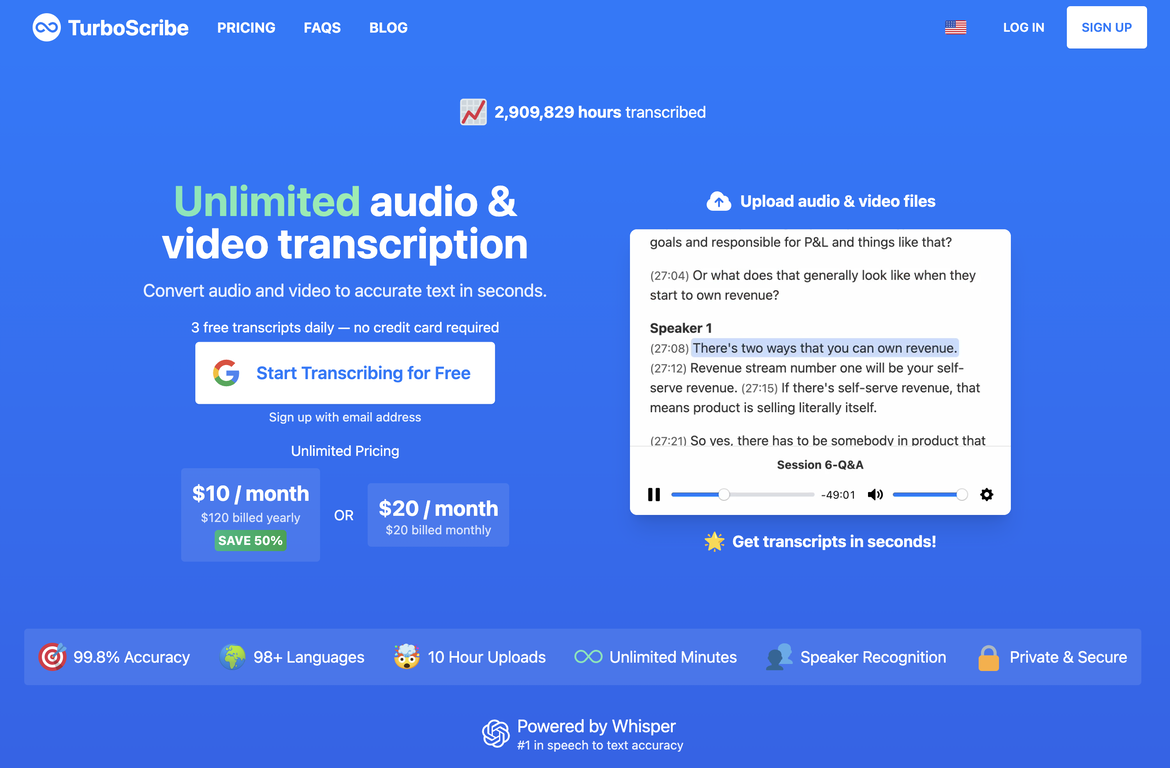
TurboScribe transcribes audio and video files to accurate text in seconds.?? #1 in Speech to Text Accuracy?? Unlimited Transcriptions?? Transcribes in Seconds?? Speaker Recognition?? Download as DOCX, TXT, PDF?? Subtitles and Captions (SRT)TurboScribe offers unlimited, high-accuracy audio and video transcription services. It supports over 98 languages and can transcribe audio and video files in various formats, including MP3, M4A, MP4, MOV, AAC, WAV, OGG, OPUS, MPEG, WMA, WMV, and YouTube video links. The tool allows users to export their transcripts in PDF, DOCX, TXT, and SRT subtitle formats.Additionally, TurboScribe includes speaker recognition, making it suitable for podcasts, interviews, and meetings where multiple speakers are involved. The tool also offers built-in translation features for transcribing audio in any language directly to English as well as translating transcripts to over 134 languages.TurboScribe offers a free tier that allows users to transcribe up to 3 files per day, with each file limited to 30 minutes. For unlimited transcriptions, users can subscribe to TurboScribe Unlimited, which is available for $10 per month when billed yearly or $20 per month when billed monthly.[NEW]: Try the new TurboScribe GPT! Transcribe and chat with audio & video files ?? https://chat.openai.com/g/g-Mc1tBt7gp-turboscribe-transcription-transcribe-audio
Pros and Cons
Pros
- Supports 98 languages
- Supports various file formats
- Multiple transcription modes
- Fastest mode transcribes quickly
- Speaker recognition feature
- Built-in translation feature
Cons
- Limits on free tier
- Accuracy may vary with accents
- Accuracy may dip in noisy environments
- No shared account option
- No mobile app
- No offline functionality
Categories
- Primary: Creativity
- Secondary: Text
- Specialty: Transcription
Community Feedback
Only the latest comments are shown.I have been using it for quite some time, with fantastic results. Accurate, fast, and with several output formats.
Insanely fast. Uploaded a 20min video and had clean transcripts in seconds. Accuracy is solid, barely any fixes needed. Saves me hours on caption work.
The best. Free plan is great, fast and reliable.