Overview
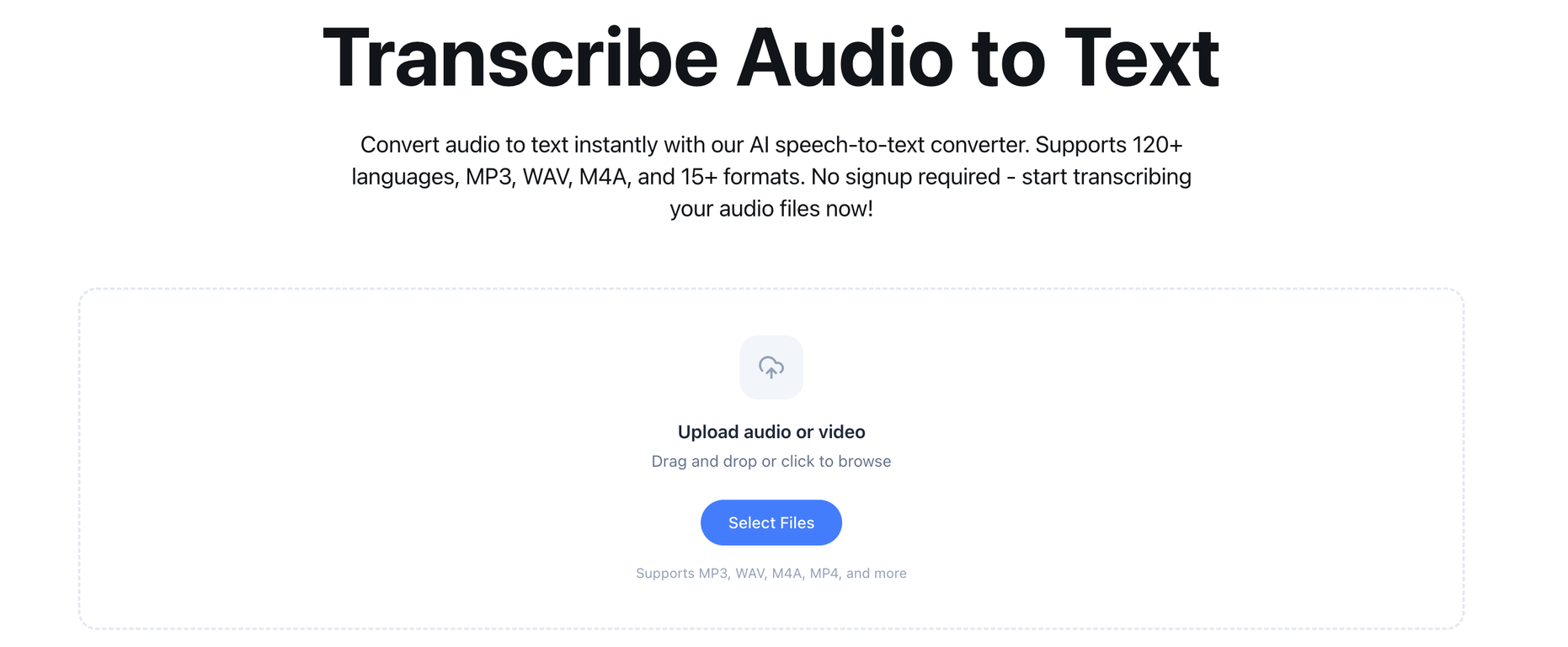
Transcribe to Text is an AI-powered audio to text converter tool aimed at providing fast and accurate transcriptions. It is designed to support over 120 languages and 15+ audio formats including MP3, WAV, M4A, and more.The tool offers a no signup, instant start feature for transcriptions. It is capable of transforming audio content into editable text, which can be useful for content creators, professionals, and teams handling various languages and dialects.The AI technology involved delivers precise conversions along with speaker identification and timestamps. The service also includes a multi-format support that allows directly uploading audio files without the need for previous conversion.Additional features include word-level timestamps, speaker identification, and multiple export formats. Results are processed and delivered in minutes due to the optimization of the AI infrastructure and processing pipeline.
Pros and Cons
Pros
- Accepts multiple audio formats
- No prior audio conversion needed
- Highly accurate conversion
- Identifies individual speakers
- Generates word timestamps
- Supports 120+ languages
Cons
- Free version limits transcriptions
- No real-time transcription
- No API for integration
- No offline functionality
- No mobile app
- Limited file size
Categories
- Primary: Creativity
- Secondary: Text
- Specialty: Transcription
Community Feedback
Only the latest comments are shown.One of the most accurate API's I've used for speech to text and summarization. Cost effective w/ bulk contracts too.
I already have another transcription tool, but this one is much better. I love the different features such as the summary, quiz, and chapters. It does a great job of them.I've only done one transcript so far to try it out, but I'm truly impressed and am going to grab another code.A couple things that would make it even better are:- the ability to rename the files and organize them through folders.- the ability to download a copy of the other features as well as the transcript. Copying and pasting it works, but doesn't keep the format.
No other tool quite like this, it's pretty straightforward. Needed to extract a long interview from YouTube and it extracted everything, providing it in different meaningful formats in less than two minutes. Awesome