
Overview
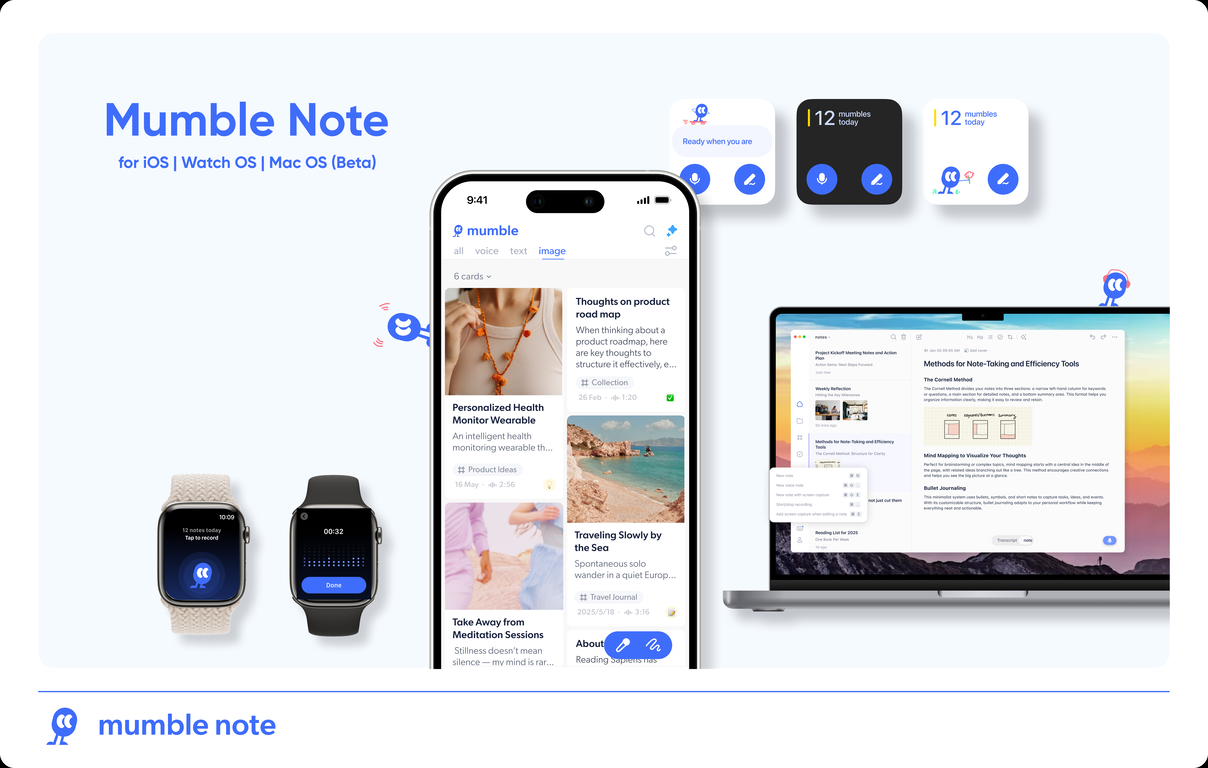
Mumble Note is an AI notetaker designed to be the fastest way to capture your scattered thoughts, and turn them into organized notes. You can speak, type or do them both. AI will combine your inputs together and generate structured, actionable and easy-to-retrieve notes, and automatically group notes into different collections based on the content.Users have been using Mumble Note for meeting notes, quick idea capture, voice journaling, and so much more. It's on iPhone and Apple Watch, with a Mac version coming soon. Perfect for capture and syncing thoughts on the go.Mumble Note transforms casual, freeform spoken thoughts into structured and functional notes. Users can talk freely to input their meeting notes, ideas, to-dos, or any thoughts, which are instantaneously transformed into organized notes by the AI. The application also allows users to add images, extract text from the image and subsequently take voice notes on them. It provides functionalities beyond transcription, such as turning voice inputs into structured notes that can be easily adjusted or modified. It can generate AI images covers, create to-do lists, ask AI to rewrite or translate notes, any sync tasks with other apps like Apple & Google Calendar, Reminders, Things 3, WhatsApp.Mumble Note also assists users in organizing and retrieving notes through AI collections. The notes are sorted into AI collections for easy navigation, retrieval, and idea formation. The technology connects scattered notes into organized insights, allowing users to generate creative output. Privacy and security are prioritized, ensuring that all information remains encrypted during transcription.
Pros and Cons
Pros
- Converts voice notes instantly
- Transforms ideas into actionable notes
- Allows image insertion
- Image annotation with voice
- Link summarization
- Creates to-do lists
Cons
- Only available for iOS
- Limited image annotations
- No manual tags
- Dependence on voice clarity
- Possible inaccuracy in transcriptions
- No multi-language support mentioned
Categories
- Primary: Work
- Secondary: Productivity
- Specialty: Notes
Community Feedback
Only the latest comments are shown.Mumble Note is a game-changer if you're on IOS and rely on voice notes. It's great for ADHD minds or anyone who thinks out loud. That said, it's frustrating that there's no Android version yet and sometimes it can mishear things if your voice isn't clear, but I think it's one of the smartest note-takers out there. :D
Very useful app..but not work in android...
I love this and the support that they give seriously for somebody with ADHD. I have a hard time being able to take notes this organizes them and does so much more AI. Allows you to ask follow-up questions etc. Definitely the app for somebody with adhd, and that needs to organize our thoughts