
Overview
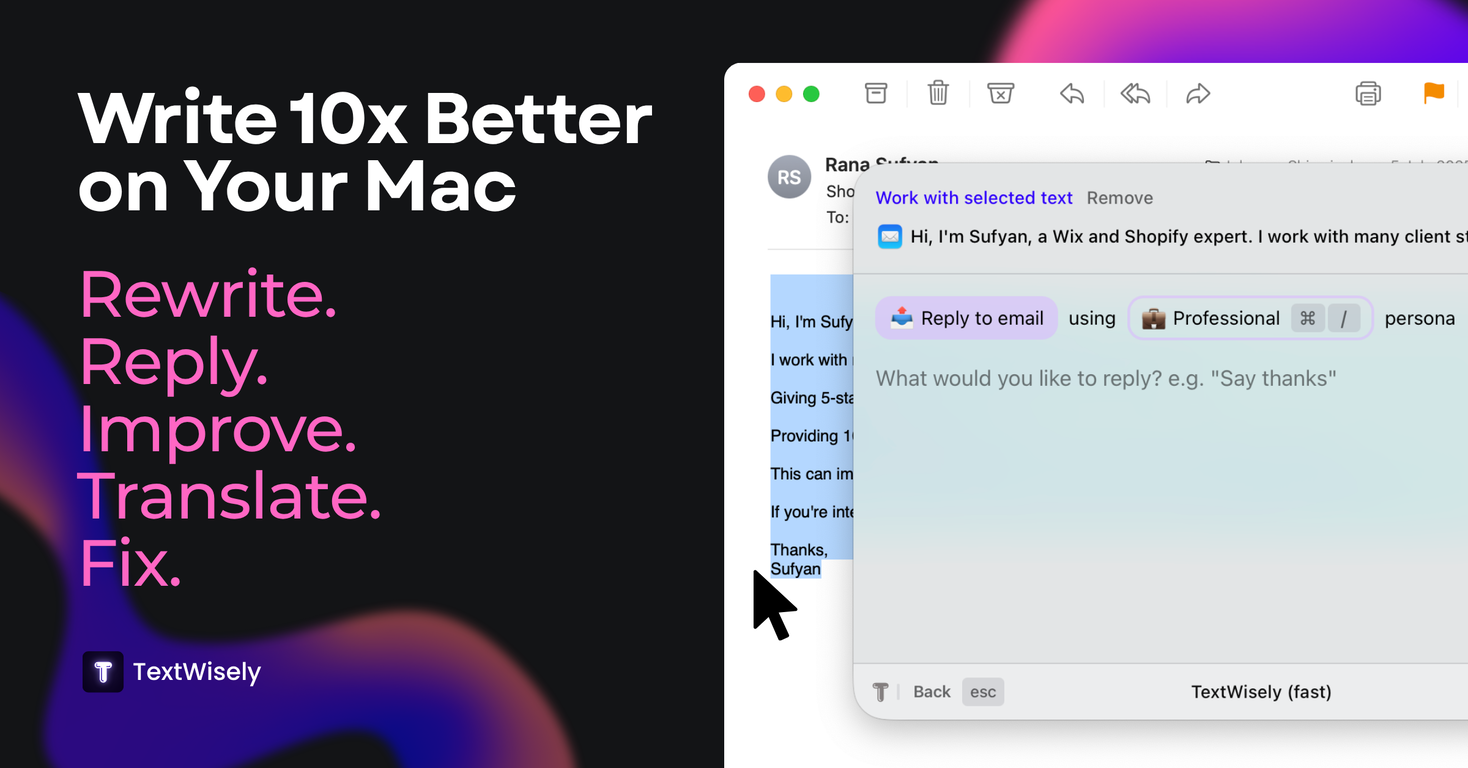
?? TextWisely for macOS Write Smarter. Instantly.TextWisely is your personal AI writing assistant, built natively for macOS to supercharge everyday writing without breaking your flow.?? Fix grammar. Rewrite. Translate. Reply. Summarize. All in one click, right where youre working.Unlike generic AI chat tools, TextWisely is purpose-built for fast, focused writing. No tabs. No copy-paste. Just instant actions inside any macOS app.Instant Text Actions:? Fix grammar & clarity?? Draft or reply to emails?? Rephrase or summarize text?? Translate across languages?? Match tone, persona, or style?? Run custom prompts effortlesslyBecause AI shouldnt slow you down.? Work seamlessly inside any app? Power-user shortcuts for speed? Click-friendly UI for newcomers? Instant context-aware responses? Private, local, fastWhether youre answering emails, editing reports, or crafting perfect messages TextWisely helps you write better, faster, and with confidence.?? Stay in flow. Stay sharp. Write like you mean it.
Pros and Cons
Pros
- Works with any macOS app
- Swift writing experience
- No app switching
- Re-usable actions via shortcuts
- Custom tones and personas
- Context-based text generation
Cons
- Only for macOS
- No free trial
- Needs Sequoia or newer
- Windows functionality unavailable
Categories
- Primary: Creativity
- Secondary: Text
- Specialty: Writing
Community Feedback
Only the latest comments are shown.Been using it for a week, surprised by how often I reach for it!
Nice tool, makes your life easier. Ive stopped using ChatGPT for small writing tasks. This is faster with shortcuts
TextWisely was born from a personal itch Sending numerous Emails and Slack messages daily, I found myself constantly switching apps and re-entering the same prompts into ChatGPT to refine my writing This inspired me to create TextWisely to boost writing speed, reduce context switching, and improve quality with instant text actions: Grammar corrections Email drafts Structured writing Tone changes Translations ...and more It's a native macOS desktop app shortcut-heavy for power users, but also click-friendly for those just starting out Give it a try Share your feedback and experience Edgar, creator of TextWisely