
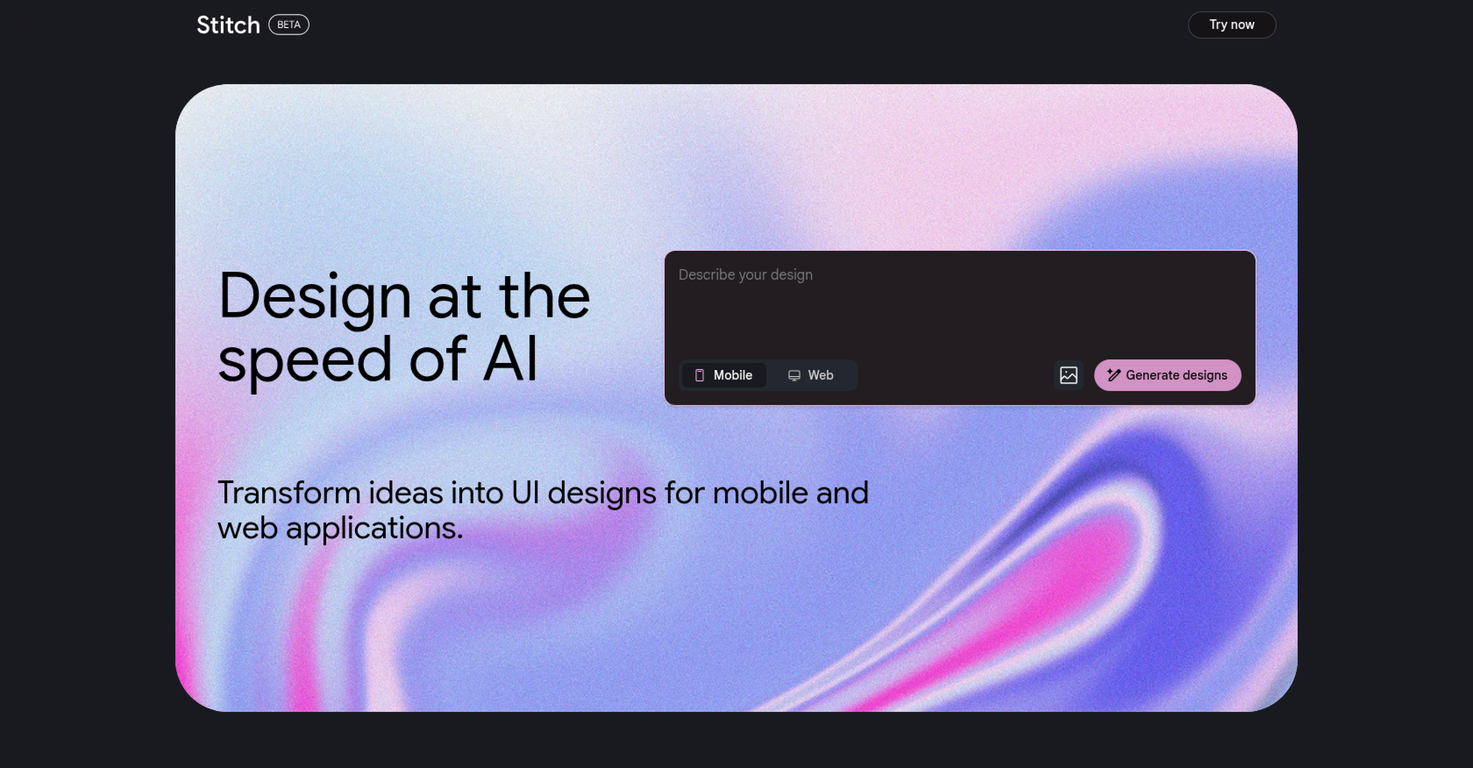
Overview
Stitch is an artificial intelligence tool designed to simplify and automate the process of designing user interfaces (UIs) for mobile and web applications.It is intended to expedite the ideation stage of design, reducing the time required and making it easier for developers to visualize and implement their ideas.The tool operates by generating UI designs based on the user's input, implying that it could assist in creating a broad array of application interfaces tailored to specific project goals.The tool's primary strength lies in its ability to rapidly produce UI designs, which could be beneficial in the fast-paced environment of application development.It uses AI algorithms and machine learning to anticipate user demands, providing designs that are not only visually appealing but also functional and user-friendly.Stitch's generated designs could also serve as a starting point for further customization and refinement by the design team.While no tool can completely replace the need for skilled UI/UX designers, Stitch certainly has the potential to assist them by automating part of their workload.This means designers can shift their focus from the initial design to refining and personalizing the UI to meet specific user needs or stand out in a crowded marketplace.Because Stitch creates design options quickly, it's ideal for the early stages of a project when many different ideas are being tested and evaluated. Stitch doesn't require a deep knowledge of design principles or software, making it a feasible choice for beginners and small teams without dedicated UI/UX experts.However, professionals can also leverage this tool for creating initial sketches and drafts in a fraction of the time, leaving more room for optimization and refinement.
Pros and Cons
Pros
- Rapid UI design production
- anticipates user demands
- Generates visually appealing designs
- Functionally user-friendly designs
- Facilitates design customization
- Ideal for initial project stages
Cons
- Limited to UI design
- No full replacement of professionals
- Potential over-reliance on automation
- May lack design diversity
- Little information on technical specifications
- Over-simplifies design process
Categories
- Primary: Creativity
- Secondary: Design
- Specialty: UI design
Community Feedback
Only the latest comments are shown.They nailed it. Its better than 3.7 at coding.
Accuracy nice. Free
Google Imagen has been a pleasant surprise for clean work (icons, stickers)!!! Loads of style options and it nails tidy lines, soft shading and punchy color without much prompt fuss. GREAT TOOL!!