Overview
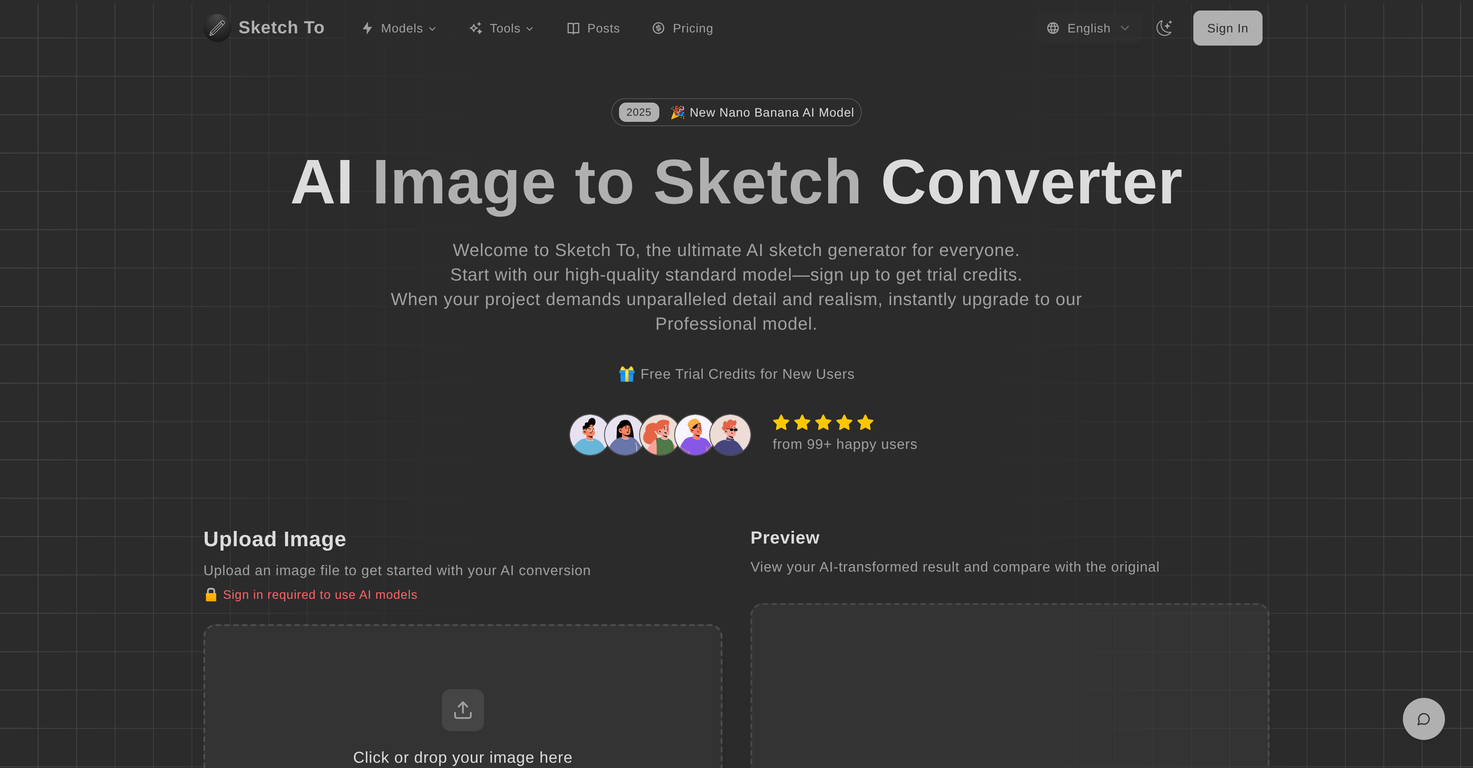
Sketch To is an AI-based tool that transforms images into sketches, and sketches back into images. Suitable for both casual users and professionals, it provides a unique combination of practicality and creativity.The tool offers two models based on user needs. The Standard Model is ideal for everyday uses such as social media posts, school assignments, or creative hobbies.It provides users with high-quality conversions from photo to pencil sketch. The Professional Model, meanwhile, is designed for commercial and professional use, delivering high-precision results with enhanced detail and realism, supporting sketch to realistic image transitions.The process of converting images is quick and seamless: users upload their files, choose their desired style and model, and then generate and download the output.Sketch To offers trial credits for beginners to acquaint themselves with the toolbox. Upgrading to the Pro model provides additional benefits such as superior detail, high-resolution output, and faster processing powered by cloud-based AI infrastructure.Furthermore, Sketch To supports multiple image formats and preserves image history. The tool is highly respected by its users for its powerful and user-friendly features.
Pros and Cons
Pros
- Convert images to sketches
- Sketch to image conversion
- User-friendly interface
- Instant processing
- High-resolution output
- Two available models (Standard, Professional)
Cons
- No API support
- No batch processing
- Limited to two models
- Max image size 5MB
- No mobile app
- Detailed outputs require subscription
Categories
- Primary: Creativity
- Secondary: Images
- Specialty: Image editing
Community Feedback
Only the latest comments are shown.Not at all accurate. The only thing similar between original and generated images were the clothes and accessories face was absolutely new and unconnected.
I was struggling to create some free Christmas and New Year's e-cards, and these templates are really good. I recommend giving them a try. The only downside is that each free template can only be used once.
Will not let you test on a HD picture without paying. I found a lot of these "programs" do a poor job and I am tired of paying for a test.Maybe offer 1 HD picture, but crop it (user crop)?