
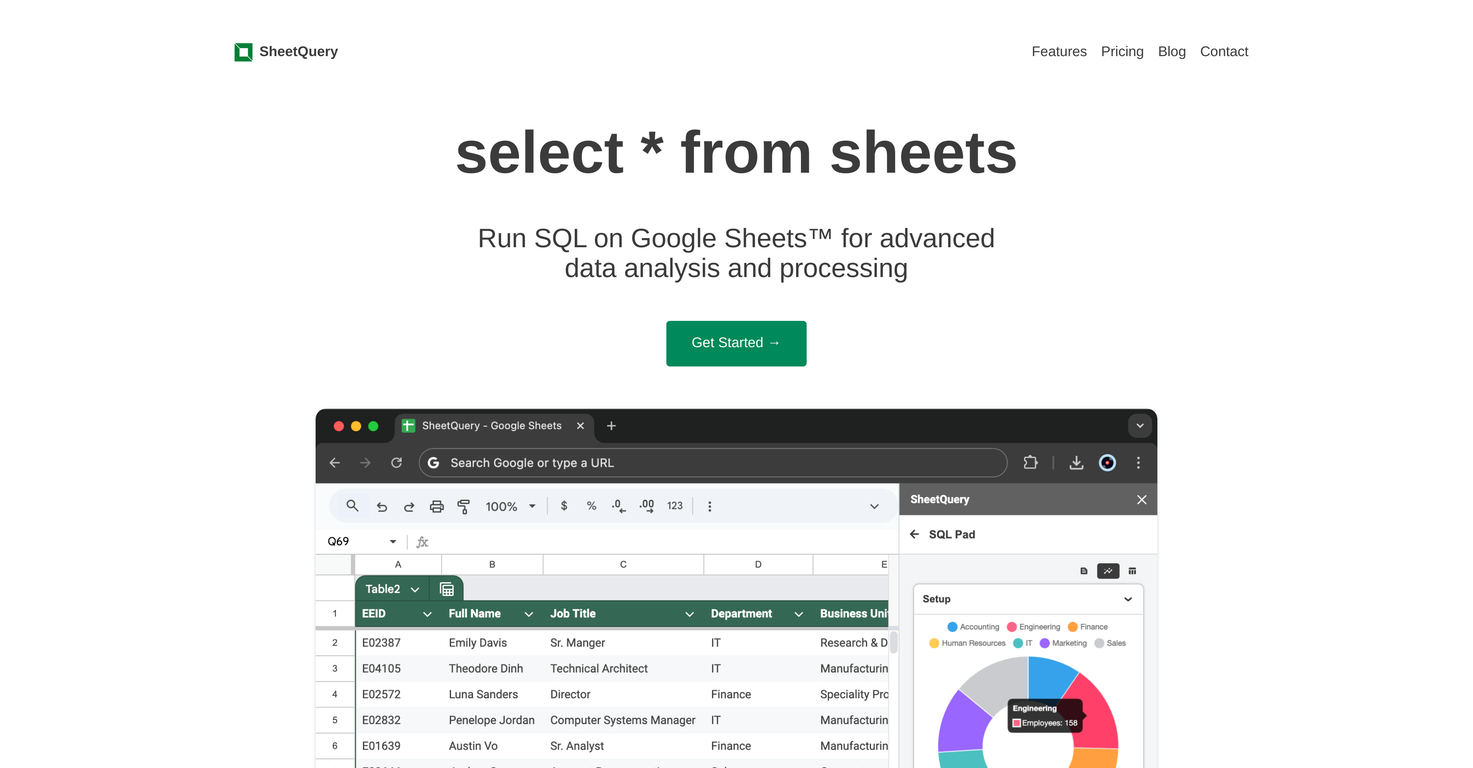
Overview
SheetQuery enables users to run SQL on Google Sheets for advanced data analysis and processing. It provides the full power of SQL allowing users to join or union data from multiple sheets, apply window functions, use common table expressions, and perform many other functional operations.It has an advanced analysis feature, which allows for complex data processing like departmental salary summation or task updating based on dynamic conditions.SheetQuery also allows for large-scale data manipulations including bulk updates and bulk deletes using SQL like syntax, using complex conditions and filters.It extends its capability even further by offering bulk insert functionality which can merge data from multiple sheets into one and import JSON data from APIs.With SheetQuery, data maintenance and management are more streamlined and consistent, as opposed to the manual methods available in Google Sheets. Its pay as you go pricing model allows users to purchase query credits for use whenever needed, eliminating the need for regular subscriptions.
Pros and Cons
Pros
- Advanced data analysis
- SQL Operations on Google Sheets
- Join or Union Data
- Window Functions support
- Common Table Expressions
- Complex data processing
Cons
- Potential SQL knowledge required
- No fixed subscription option
- Costly for frequent users
- Limited to Google Sheets
- Complex for basic operations
- Dependent on Google services
Categories
- Primary: Creativity
- Secondary: Software
- Specialty: Coding
Community Feedback
Only the latest comments are shown.Great product, helps us to get insights from DB without involving developers.
Works really well, keeps context about your database schema and works directly with data to very quickly generate sql, datatables and visual graphs