
Overview
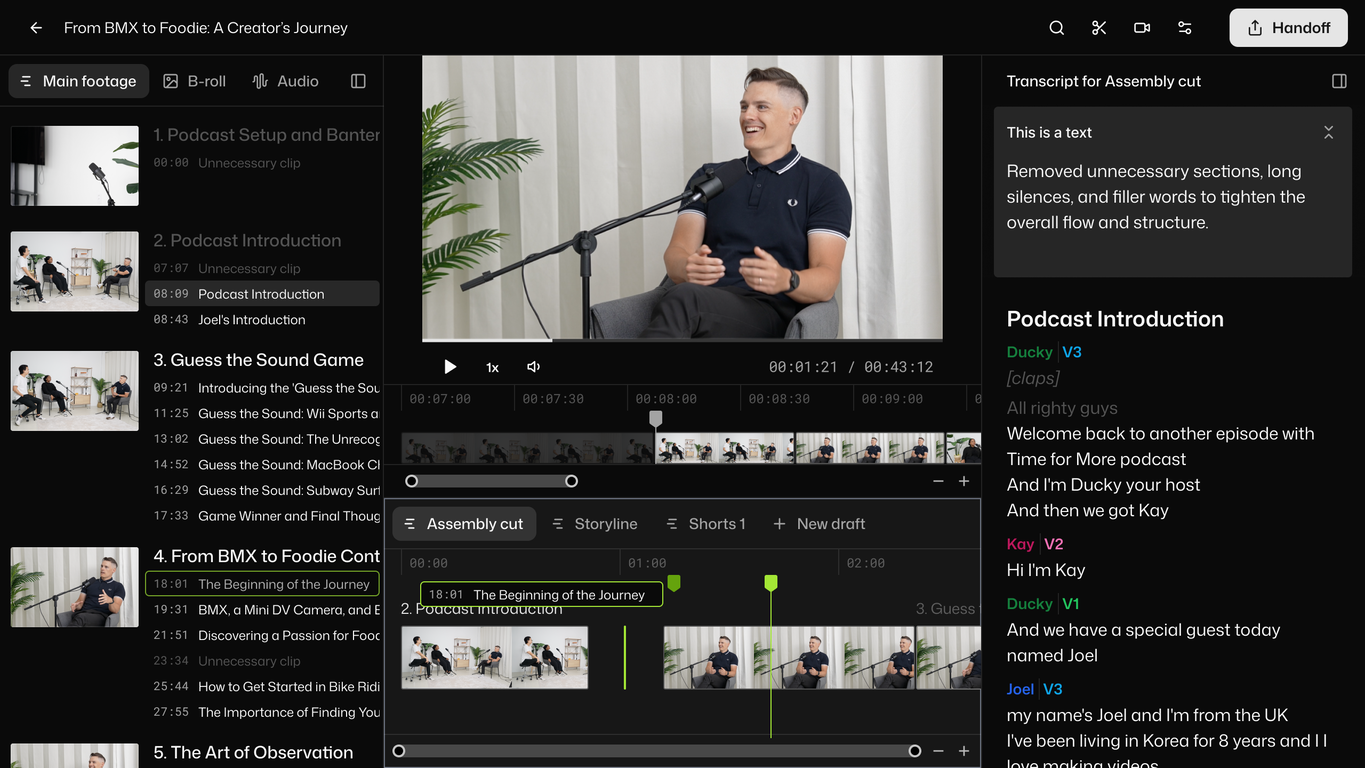
Selects by Cutback is an AI-powered tool designed to streamline and automate the post-production process for creators and studios. The tool focuses heavily on automating the prep phase, reducing the time spent on preliminary tasks such as sorting, organizing, and reviewing raw footage.Features include the ability to drop raw videos and have them ready for further editing within minutes, saving valuable time for creative work. The tool also provides task differentiation, catering to various types of projects such as podcasts, livestreams, documentaries, events, and vlogs.It has advanced features for syncing multi-camera files and supports both 4K and 360 videos, offering a comprehensive solution for complex editing processes.One distinctive feature is the 'smart stringout with chapters', where the footage is automatically organized into topic-based chapters, streamlining the reviewing process.It supports a natural language search to find moments instantly and allows seamless handover to popular editing tools like Adobe Premiere Pro, Final Cut, and DaVinci Resolve.The tool is also designed with a narrative perspective, allowing for easy transformation of prepped footage into story-driven rough cuts. A focus is also placed on clarity, providing organized, color-coded chapters, markers, labels and transcripts for effective project management.For increased convenience and collaboration, it gives users the power to easily share transcripts or export videos. Tested and trusted by reputed studios, Selects by Cutback aims at bringing efficiency and creativity to video editing processes.
Pros and Cons
Pros
- Raw video prep automation
- Time-saving
- Adobe Premiere Pro compatible
- Final Cut compatible
- DaVinci Resolve compatible
- Supports different projects types
Cons
- Limited editing software compatibility
- Not fully-adjustable automation
- No built-in video editing
- Limited language support
- Limited transcript exporting options
- Dependent on external NLEs
Categories
- Primary: Creativity
- Secondary: Videos
- Specialty: Video editing
Community Feedback
Only the latest comments are shown.Video editing
I bought it. But its pretty slow and laggy
makes actually good clips