Overview
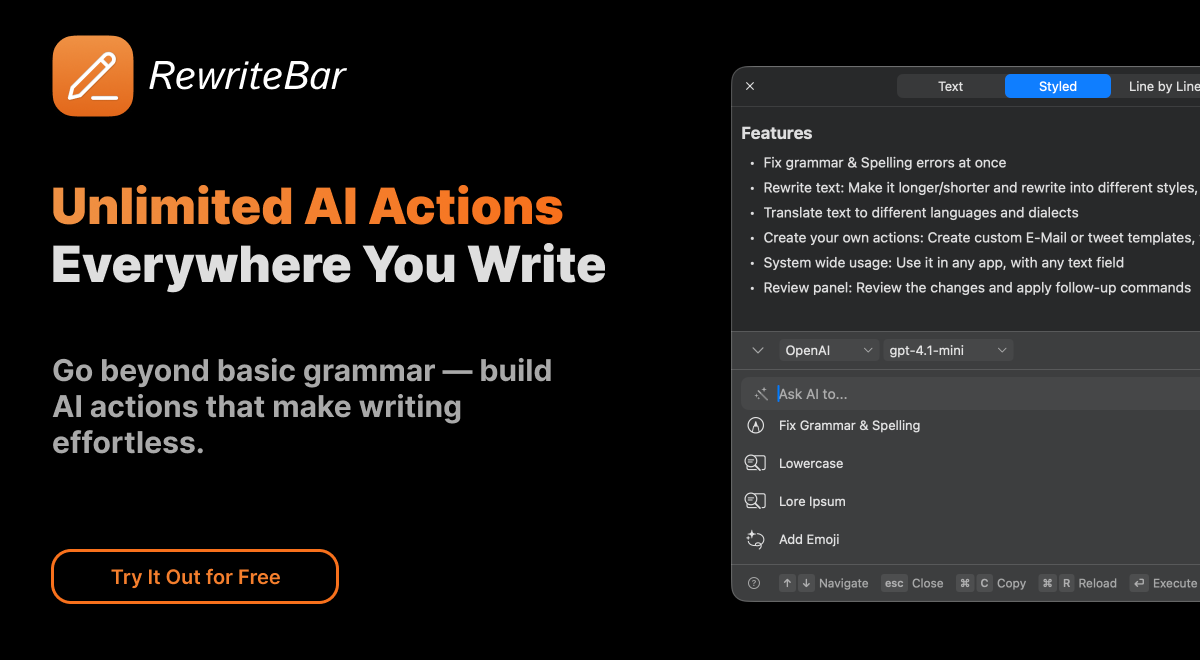
RewriteBar is a powerful macOS menubar application that revolutionizes your writing experience by bringing AI-powered text enhancement directly to any application on your Mac. With a lightweight 20MB footprint and seamless integration, RewriteBar eliminates the need for context switching when improving your writing.Simply select text in any macOS applicationwhether you're composing emails in Mail, writing messages in Slack, coding in your favorite editor, or drafting documentsand choose from a variety of AI-powered actions to instantly transform your content. The app works harmoniously with existing tools like Grammarly, providing an additional layer of writing assistance without conflicts.Key capabilities include correcting grammar errors that even advanced spell-checkers miss, rewriting text in different tones and styles, translating content without leaving your current application, simplifying complex sentences for clarity, and expanding or summarizing paragraphs. You can even create custom AI actions tailored to your specific workflows.Powered by OpenAI and other leading AI providers, RewriteBar delivers professional-grade writing assistance that adapts to your needs. Whether you're a developer crafting technical documentation, a professional writing business communications, or anyone who values clear, effective writing, RewriteBar streamlines your workflow and elevates your content quality with just a few clicks from your menubar.
Pros and Cons
Pros
- Fixes grammar and spelling errors instantly
- Works offline with local models like Ollama or LM Studio
- Works across all macOS applications Mail, Slack, Notion, VS Code, Figma, etc.
- Lightweight (20MB), optimized for Apple Silicon
- Custom AI actions and reusable templates for advanced workflows
- Adjusts tone and writing style automatically
Cons
- macOS only not available for Windows or web yet
- Learning curve for creating custom AI actions (advanced users benefit most)
- No built-in voice or speech input support (text only)
- Requires macOS Ventura (13.0) or newer
- Needs macOS accessibility permissions to function across apps
- One-time license plan requires your own API key
Categories
- Primary: Creativity
- Secondary: Text
- Specialty: Writing
Community Feedback
Only the latest comments are shown.It's a useful app.
It's a useful app.