
Overview
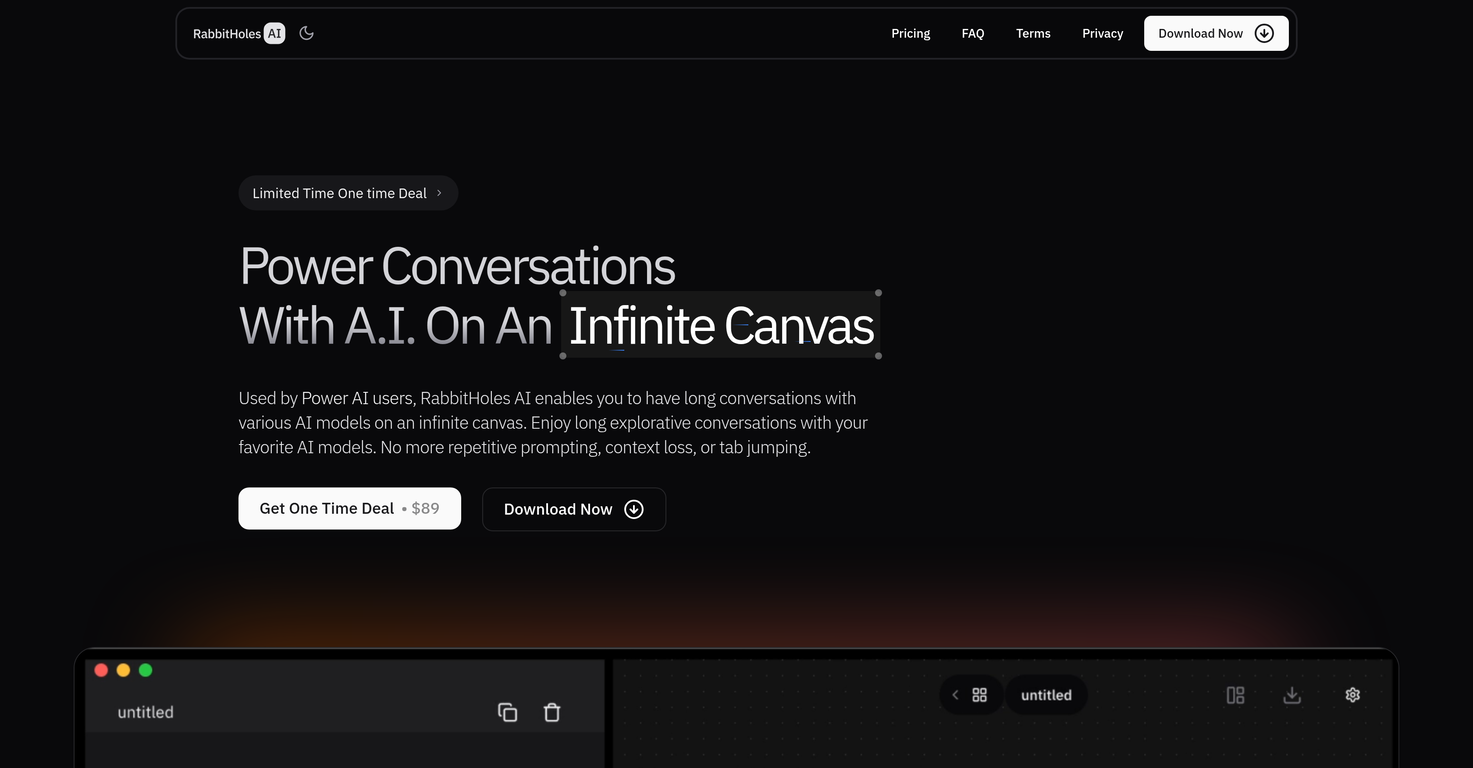
RabbitHoles AI is a desktop application designed for deep, multi-threaded conversations with AI on an infinite canvas. Built for researchers, students, and knowledge workers, it enables node-based chat structures where each message can branch into multiple directions, supporting spatial thinking and long-form exploration without context loss.Users can interact with multiple AI models simultaneously, including OpenAI, Anthropic, Google, and locally hosted models via Ollama or custom providers. RabbitHoles AI also supports rich input typesallowing users to attach PDFs, websites, images, and more as sources to their conversations. All chats are stored locally on the users device and can be exported in JSON or markdown format.With customizable model parameters like temperature and system prompt (when supported), RabbitHoles AI gives users full control over the experience. The app is available via a one-time purchase, with no ongoing subscription fees, and includes a license for two devices with free updates and support for a year.
Pros and Cons
Pros
- Infinite Canvas
- Node Based Chats
- Multiple Models
- Latest Models
- Advanced Settings
- Custom Providers
Cons
- Requires API keys
- No cloud syncing
- Limited export options
- No web version
- Closed source code
- No free trial
Categories
- Primary: Personal
- Secondary: Relationships
- Specialty: Chatting
Community Feedback
Only the latest comments are shown.The Node system and the infinite canvas, combined with AIs like perplexity and claude is just making wonders. Faster learning, no need to click between tabs, and all the chats are in one place, making the progress 101% more efficient and more effective.
But bringing our API keys will require us to purchase that specific model right?Does it make sense?
Yeah AI has ongoing cost. You have to purchase that model. But if you have a good computer, you can also use local models