
Overview
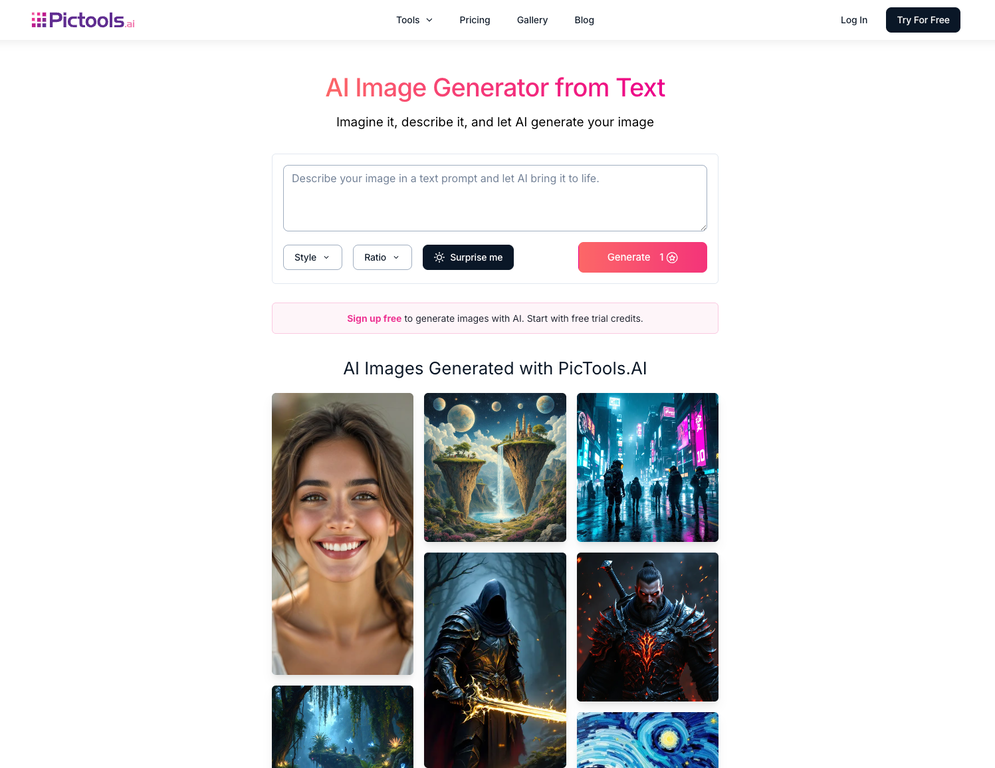
PicTools.AI lets you edit photos or generate new images using AI prompts. Use the photo editor to remove objects, change backgrounds, restore old pictures, enhance portraits, or apply filters to give your photos new styles and realistic transformations in seconds.When you want something new, the AI image generator turns your prompts into unique images instantly, ready for social media, projects, or personal use.
Pros and Cons
Pros
- Generate AI images from simple prompts
- AI photo editor with prompt-based editing
- Apply AI filters for styles or transformations
- Remove backgrounds, objects, or unwanted people
- Restore and enhance old photos
- Free to try before upgrading
Cons
- Results may vary depending on prompt or photo quality
- Works online only, no offline mode
- API not yet available for integrations
- Free version has feature limitations
- Extended usage requires a subscription
Categories
- Primary: Creativity
- Secondary: Images
- Specialty: Image editing
Community Feedback
Only the latest comments are shown.Fast, consistent, precise. Easily the best AI photo editor Ive tried!
Working photographer here. One short prompt in Pictools.ai removed unwanted objects and kept backgrounds consistent. Believable results.
Its the AI image generator that produces higher-quality images. You can generate a few images for free, but the subscription is very affordable.