
Overview
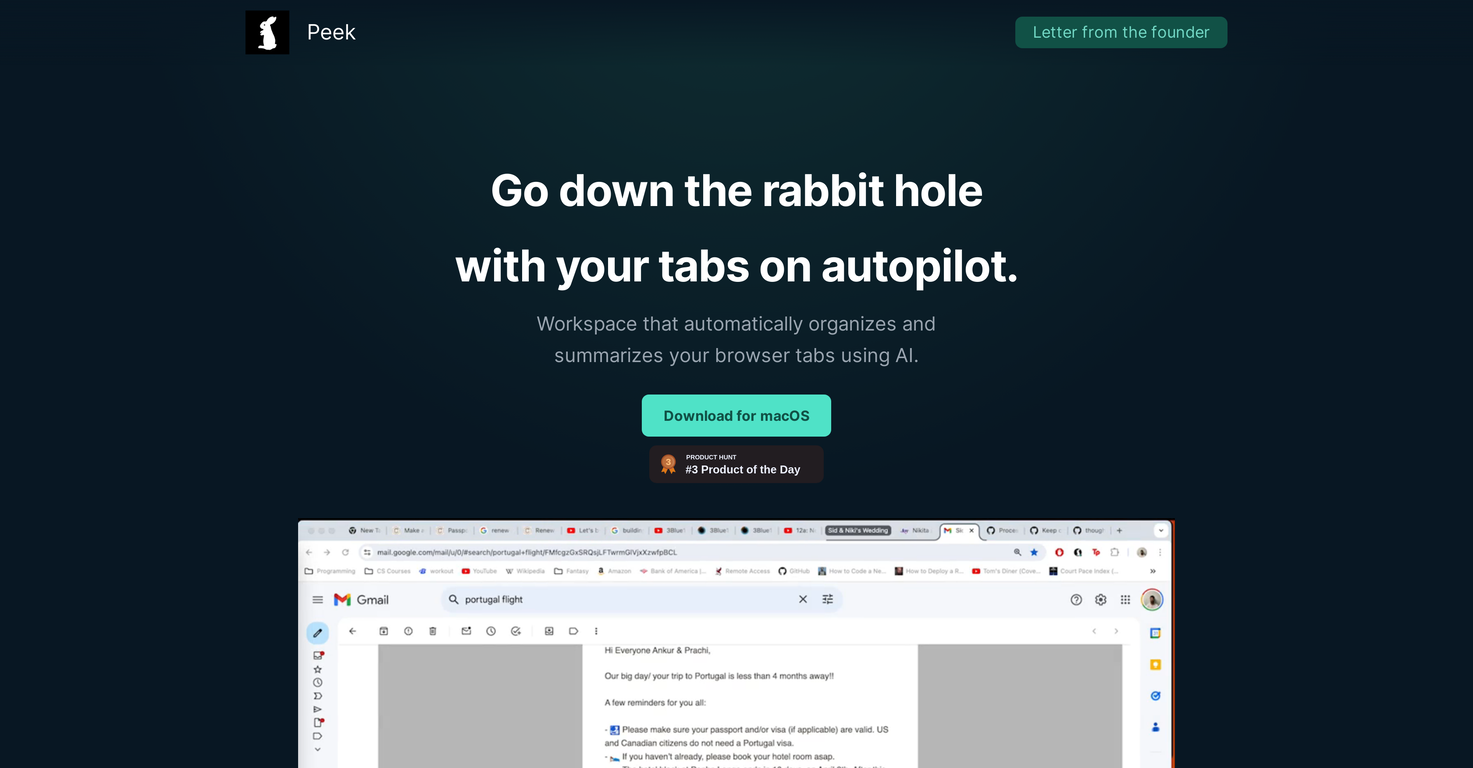
Peek is an AI-driven workspace designed to make online browsing more efficient. It utilizes artificial intelligence to classify and organize browser tabs automatically, categorizing them into distinctive topics based on their contents.As a result, users can maintain a streamlined workflow without having to manually sort out their tabs. In addition to organizing tabs, Peek is also capable of extracting critical information from web pages such as dates, names, and prices, among others to make tasks much easier.It also offers functionality for users to swiftly prioritize, organize, and shift between topics. Users also have the ability to merge, reorder, and nest topics and tasks to enhance their focus on accomplishing one task at a time.Other key Peek features include the capacity to open and close tabs in color-coded, effectively labeled tab groups from the workspace, preventing clutter and duplication.Moreover, the tool enables users to add notes to their tab groups, creating a comprehensive and unified source of information. The notes can be accessed directly from the browser thus providing a smooth user interface experience.
Pros and Cons
Pros
- Auto-organizes browser tabs
- Classifies tabs by topic
- Automated workflows
- Extracts critical web page information
- Task prioritization feature
- Topic merging capability
Cons
- Data privacy concerns
- Limited to browser tabs
- May disrupt user-established organization
- No cross-browser compatibility
- No multi-device support
- Limited data extraction fields
Categories
- Primary: Work
- Secondary: Productivity
- Specialty: Web browsing
Community Feedback
Only the latest comments are shown.Its a fast, sleek, and feature-rich browser that makes multitasking effortless and browsing more enjoyable. Highly recommended!
A great tool without a doubt. However I prefer to have something that stays under my sight, like a separate app or a browser extension.