
Overview
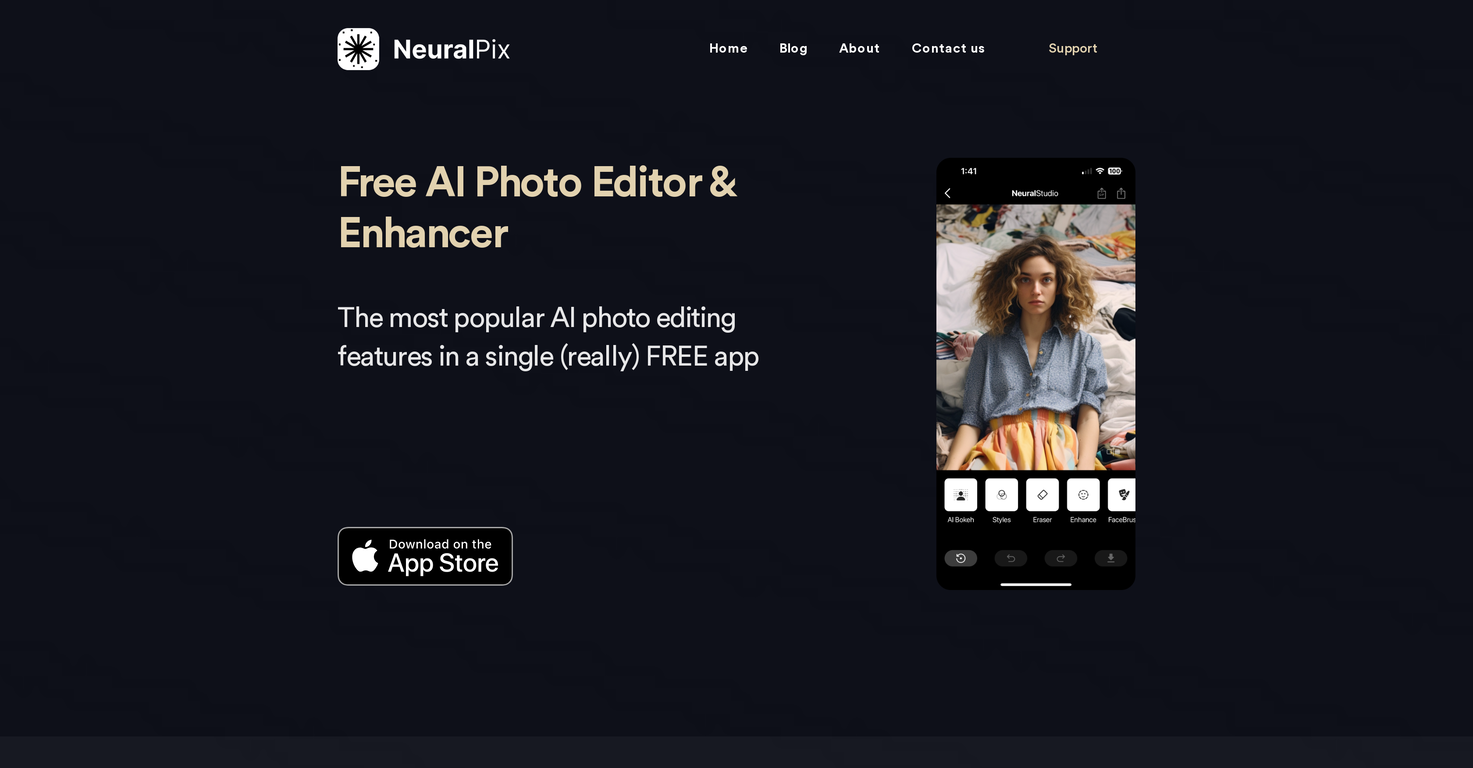
NeuralPix is an AI-powered photo editing and enhancement application developed by NeuralCam. This app offers various features to improve the quality and aesthetics of your photographs.With it, you can import or capture photos for enhancement or scan physical photos that need improvement. The app's features include an AI Bokeh function, which works great especially on portraits and product photos, adding a professional DSLR feel by creating a depth map and selectively blurring the background.There is a Magic Eraser that can be used to remove imperfections from photos like people in the background, blemishes on faces or scratches on old photos.A Photo Enhancer is also included, providing a two-step process to enhance faces in the image using a special face restoration model, and to remove noise and deblur the context around it.The Unblur feature utilizes the latest image deblurring models to sharpen blurry sections of images. The AI Styles feature enhances your photos by applying styling models trained on professionally edited photos.Other features involve adding a white background to product or portrait photos, colorizing black and white photos, brightening underexposed areas of the photo, and upscaling photos to a higher definition.The application is free to download and use, and it does not contain ads or require subscriptions.
Pros and Cons
Pros
- Magic Eraser feature
- Special face restoration model
- Image deblurring models
- White background addition
- Colorization of photos
- Brightening underexposed areas
Cons
- No Android version
- No desktop version
- No batch editing
- No video editing features
- Limited style options
- Single photo enhancement focus
Categories
- Primary: Creativity
- Secondary: Images
- Specialty: Image editing
Community Feedback
Only the latest comments are shown.Not at all accurate. The only thing similar between original and generated images were the clothes and accessories face was absolutely new and unconnected.
I was struggling to create some free Christmas and New Year's e-cards, and these templates are really good. I recommend giving them a try. The only downside is that each free template can only be used once.
Will not let you test on a HD picture without paying. I found a lot of these "programs" do a poor job and I am tired of paying for a test.Maybe offer 1 HD picture, but crop it (user crop)?