Overview
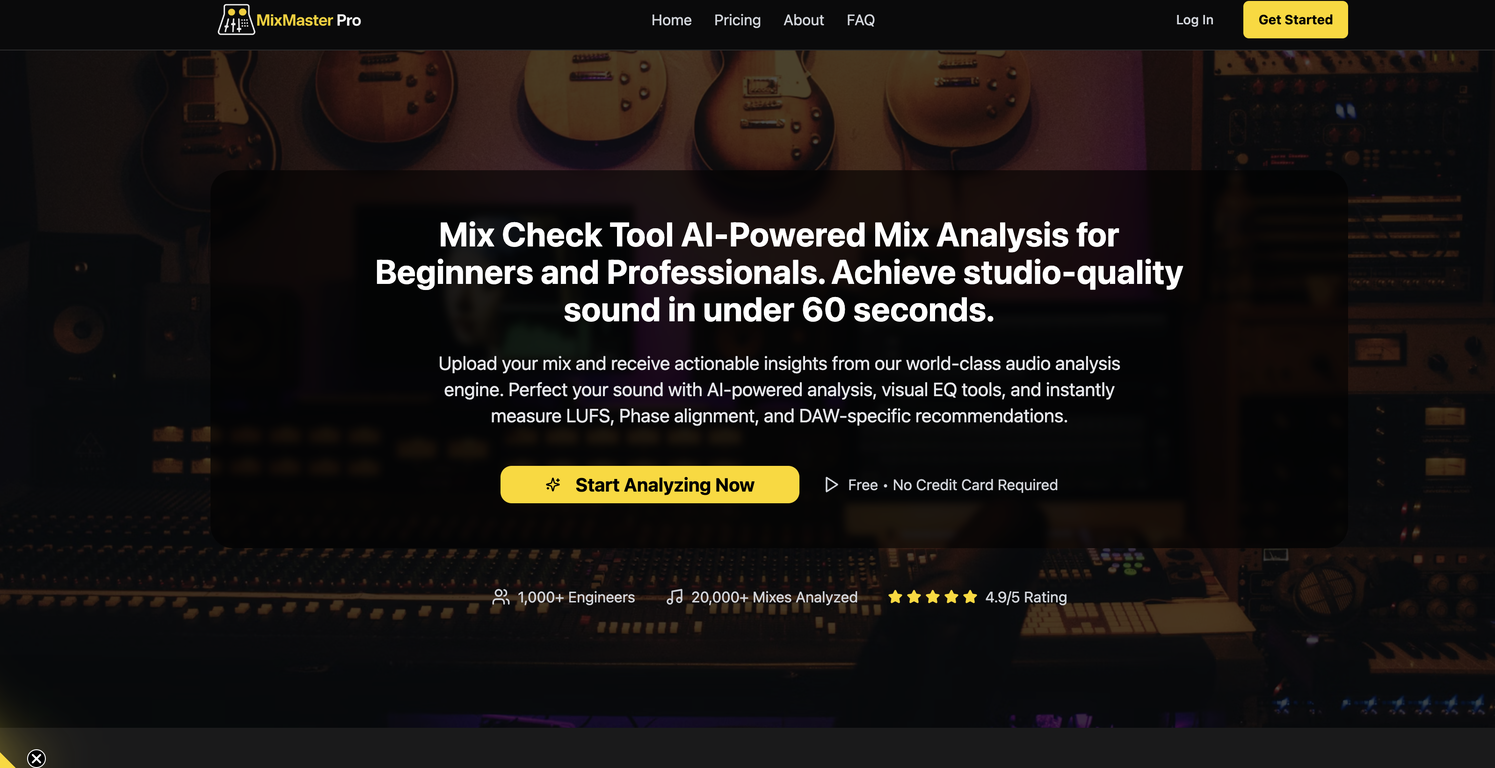
MixMaster Pro is an AI-powered mix analysis tool designed to enhance your sound quality by providing professional feedback and actionable checklists. This tool is useful for both amateur and professional sound engineers looking to achieve studio-quality results.Notably, it offers DAW-specific tips which are aimed at improving your mixes within your Digital Audio Workstation of choice. This means the tips are tailored to the capabilities and specificities of different DAWs, making them more effective and user-friendly.The program quickly and efficiently analyzes several important audio factors, including Loudness Units Full Scale (LUFS), Root Mean Square (RMS), EQ balance, stereo width, compression, phase alignment, and the frequency spectrum.LUFS and RMS are essential metrics for proper audio mastering, helping engineers deliver consistency in perceived loudness. EQ balance and stereo width analysis assist in creating a well-balanced and immersive listening experience, while phase alignment ensures the coherence of multi-track recordings.The features of MixMaster Pro are manifold and enable the enhancement of your mix in various ways.From the AI's compression analysis that helps you maintain appropriate dynamics in your tracks, to the insightful frequency spectrum analysis that aids in identifying and correcting problematic frequency ranges, each aspect of the tool fosters an enhanced mix production experience.MixMaster Pro's functionality, coupled with its AI-driven analytics, makes it a comprehensive and valuable tool for anyone involved in music production, audio engineering, or sound design.As it allows for a thorough and nuanced analysis of the mix's elements, users can not only perfect their current project but also gain insights for future creative works.
Pros and Cons
Pros
- Professional feedback
- Actionable checklists
- DAW-specific tips
- Instant analysis
- LUFS analysis
- RMS analysis
Cons
- Web-based, needs Internet connectivity
- Lacks offline capability
- DAW-specific tips limit flexibility
- Doesn't support all DAWs
- Real-time adjustment requirement
- No mentioned multi-lingual support
Categories
- Primary: Creativity
- Secondary: Audio
- Specialty: Audio enhancement
Community Feedback
Only the latest comments are shown.way to go! perfect job
nice work! there's a free version of this site here with similar functionality: https://track-analysis.com/
This tool is nowhere near a proper, professional sound analysis solution. The quality is far from whats needed to evaluate a real mix. The fact that you gave such a low rating clearly shows youre not an objective user, but a competitor trying to provoke.