
Overview
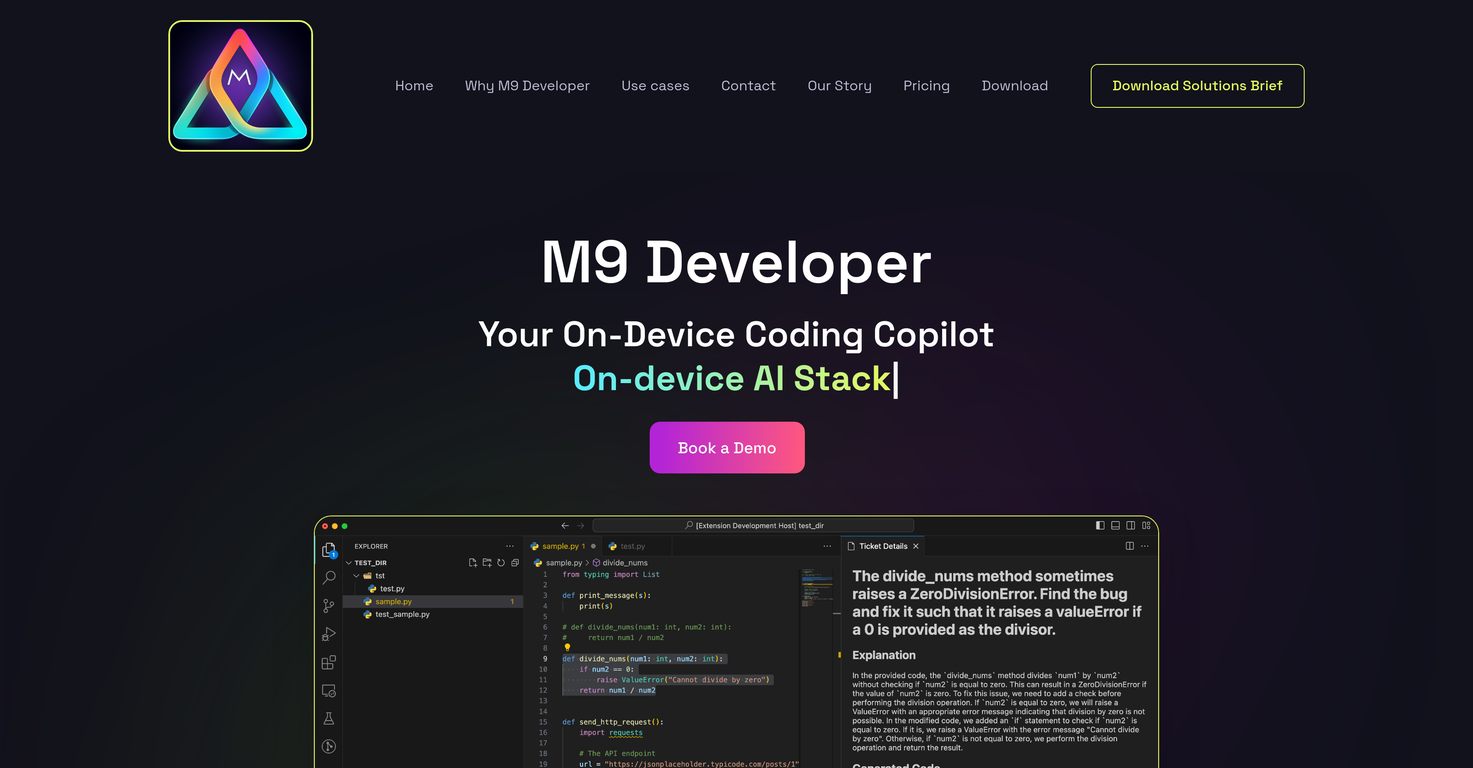
M9 Developer, developed by Momentum AI, is an AI-powered tool designed to automate various aspects of the software development lifecycle. It can be run on a GPU-enabled notebook, on-premises or as a self-hosted web app, ensuring maximum security and data privacy as all code and data remain within the user's chosen environment.This tool is capable of automating over 95% of developer tasks within their existing Integrated Development Environment (IDE).M9 Developer's AI is uniquely tailored to a company's specific context and tribal knowledge, including its code and documentation.It offers code generation, automatic generation of unit and integration tests, secure coding scans and fixes, bug detection and fixes, and code explanation features.In addition, the AI prompts for implementation based on its understanding of the code context and offers quality checks for potential bugs.Additional features include test case generation, automated code documentation, code quality checks, and security audits for vulnerability scans.It also provides performance optimization by suggesting code improvements based on analysis.It comes with two modes of operation: active and passive. In the active mode, developers guide the AI by navigating to specific parts of the code and giving instructions.In passive mode, the AI directly reads requirements from tools like Jira, and automatically implements the code.However, it's important to note that while M9 Developer enhances productivity, it does not completely replace the need for human developers.It's a tool designed to assist, not eliminate human intervention, particularly in managing complex architecture and design problems.
Pros and Cons
Pros
- Automates 95% of dev tasks
- Optimizes software development lifecycle
- Contextual code understanding
- Generates and fixes code
- Automates unit & integration tests
- Perform secure coding scans
Cons
- Requires human intervention
- May introduce erroneous codes
- Tailored to company's context
- Requires setup in environment
- Limited to existing IDE
- Potentially disruptive workflow changes
Categories
- Primary: Creativity
- Secondary: Software
- Specialty: Coding
Community Feedback
Only the latest comments are shown.Would rate 4.9 if possible, but rounding up to 5 stars because this app truly excels compared to other AI coding tools.Why 5 Stars:Best-in-class AI coding assistanceHuge improvements over competitorsActually works for real developmentReal Impact:I successfully built and published an actual app using this tool - that's game-changing for non-developers like me.Bottom Line:Yes, there's room for improvement, but this is already the top AI coding app available. The fact that ordinary people can create real apps with it says everything.Perfect for anyone wanting to turn ideas into actual apps!
Cursor is underrated.
>Why is this website so ugly?Our goal is to rapidly make the software better, not to have a shiny website.Love it!