
Overview
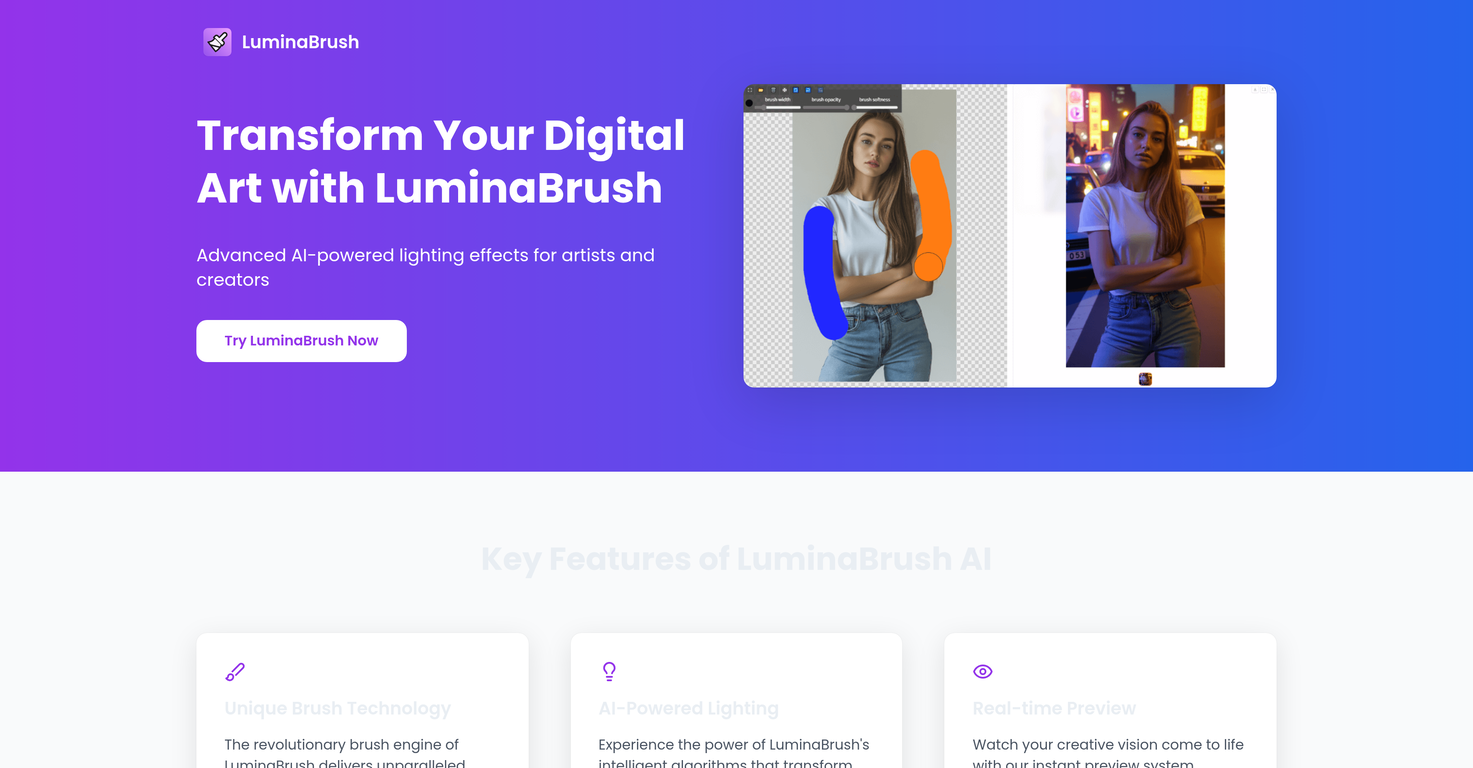
LuminaBrush is an AI-powered digital art tool designed specifically for creating and enhancing lighting effects. It uses artificial intelligence to deliver a realistic and precise simulation of traditional artistic techniques.The tool's main feature is its unique brush technology, capable of transforming ordinary artwork with intricate lighting patterns. This feature is paired with a real-time preview system that allows for rapid creative experimentation and refinement.LuminaBrush provides an extensive toolkit for fine-tuning every detail of your brushes, from texture to opacity, facilitating a truly individual artistic expression.A professional-grade layer management system aids in handling complex compositions effortlessly. LuminaBrush employs a revolutionary two-stage approach: first, it transforms the images to achieve uniform lighting, and then it generates very precise illumination effects based on user input.The intuitive user interface is designed for maximum efficiency, fostering creativity and minimizing the learning curve. LuminaBrush is built upon the cutting-edge Flux framework, providing unparalleled consistency and pro-level results even in demanding artistic projects.The advanced control system enables precise control while maintaining professional output quality. It's trusted by professionals worldwide for its precision, control and flexibility, and the capability to seamlessly fit into existing digital art workflows.
Pros and Cons
Pros
- Unique brush technology
- Real-time creative experimentation
- Extensive brush fine-tuning tools
- Professional-grade layer management
- Two-stage image transformation
- Intuitive, efficient interface
Cons
- No offline functionality
- May overcomplicate simple tasks
- Requires high system resources
- Software Update frequency unspecified
- No mobile version
- Lacks advanced layer blending modes
Categories
- Primary: Creativity
- Secondary: Images
- Specialty: Image editing
Community Feedback
Only the latest comments are shown.Took this one for a spin on portraits shots: edge aware masking around hair clothes is solid, background cleanup quick color grades are fast and relight gives believable shifts without wrecking skin tones.