
Overview
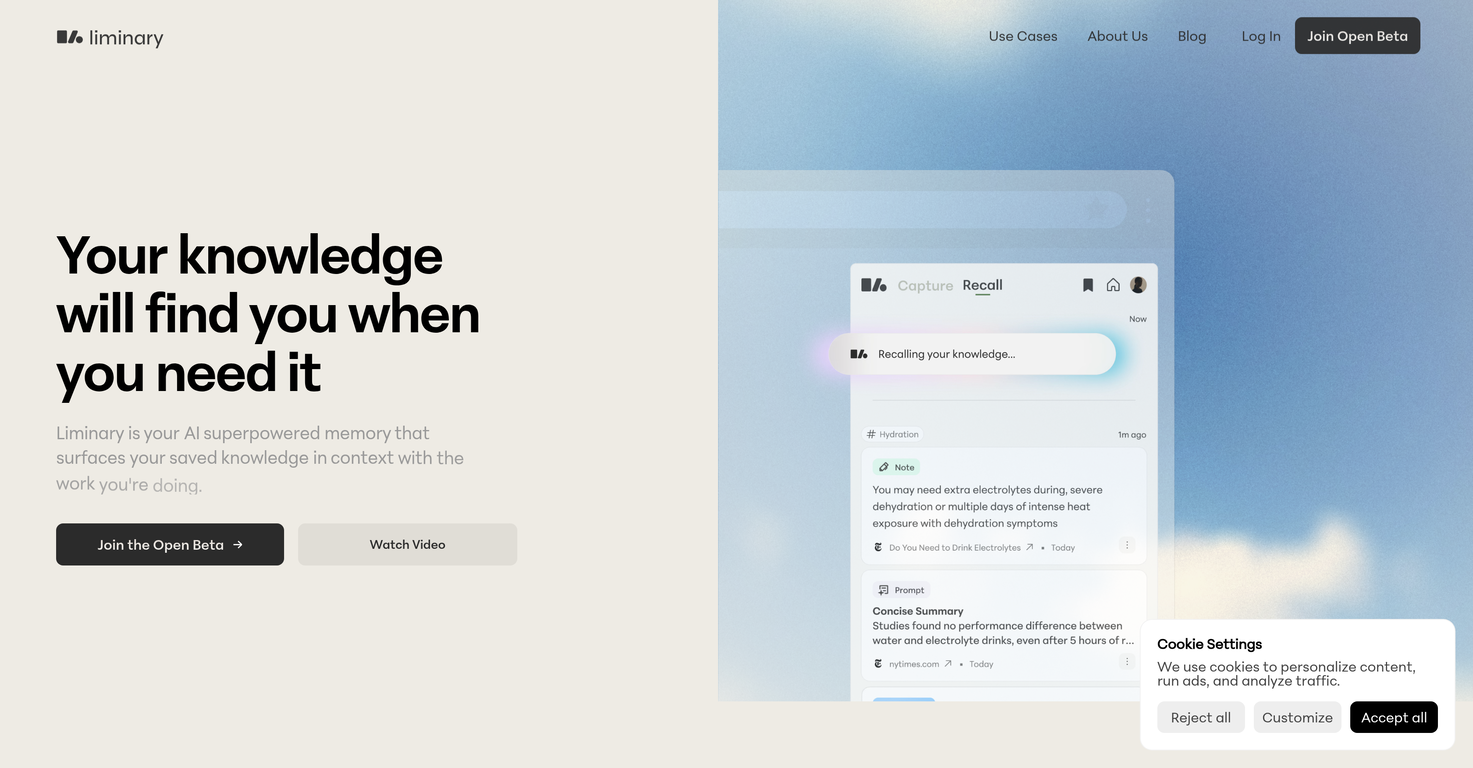
You saved it somewhere. The article. The stat. That thread from ChatGPT that had exactly what you need right now. But you can't find it.Liminary saves anything webpages, youtube videos, PDFs, AI chats, emails and surfaces it while you work. No searching. No folder archaeology. No context switching. Just the right piece of knowledge, right when you're writing something that matters.Built for people who bill for their perspective and lose hours hunting for the thing they know they saved. Everything Liminary surfaces comes from your sources. No hallucinations. No made-up citations.- Local file upload, and one-click capture of all types of content formats in one place- A self-organizing knowledge base- Automatic connections between semantically similar ideas- Ability to chat with your collected knowledge to deepen your insights- Proactive recall of saved knowledge most relevant for your current contextLiminary is particularly helpful for solo consultants and business researchers who deal with information overflow and need to extract valuable insights.
Pros and Cons
Pros
- Your knowledge finds you - automatic recall of relevant saved knowledge
- One-click save of anything
- Enhances workflow, helps you stay in flow
- Supports all types of content formats
- Self-organizing knowledge base - Facilitates idea connections
- Helps transform info overload into insights
Cons
- Only supports Chrome for one-click save
- Lack of offline functionality
- No mobile app (but does have mobile web experience)
- No MCP support
- No desktop app yet
Categories
- Primary: Work
- Secondary: Productivity
- Specialty: Knowledge
Community Feedback
Only the latest comments are shown.Love this!! 100x better than Notion, this should get more attention
I may be wrong, but it seemed like any RAG Agent
Supercharge Your AI Workflow with Keymate!AI enthusiasts, researchers, and productivity power-users meet Keymate, your new favorite AI-powered assistant to collect, manage, search, and chat with your digital knowledge. Why Keymate? Collect any source PDFs, Google Docs, YouTube videos, emails, web links all in one private memory space. Chat with your content Ask complex questions and get grounded answers directly from your own documents. Add notes and organize collections Structure your memory the way you think. Boost with AI context Keymate uses a 128K context window and multi-LLM setup to deliver better, focused results. Secure