
Overview
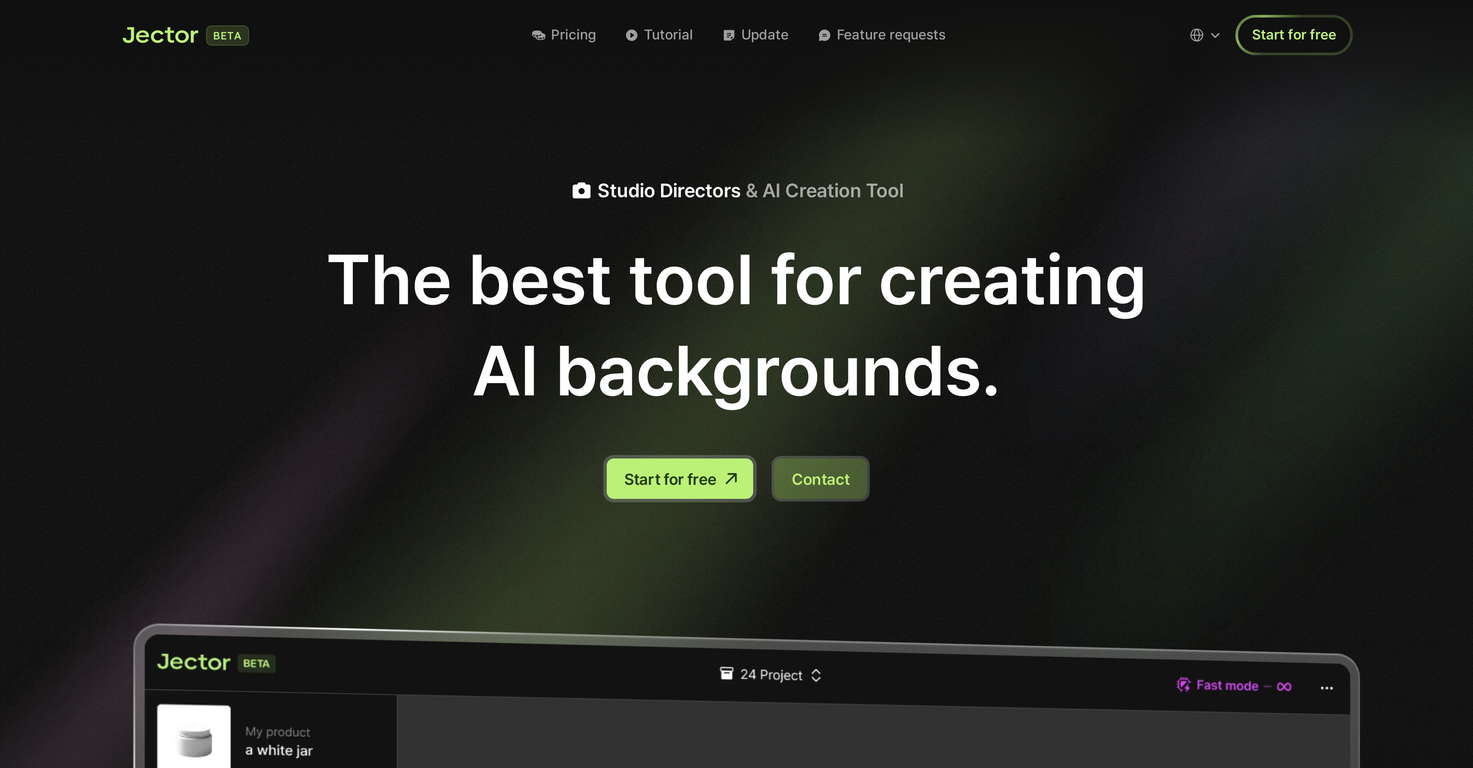
Jector is an AI-based tool specialized in generating digital backgrounds. It is primarily used for a variety of tasks in product photography and e-commerce fields, making it a powerful asset for studios, independent freelancers, and businesses alike.Jector provides an efficient approach to creating reference images for project proposals, eliminating the need for physical props and reducing delivery time of completed photographs or graphics.It is particularly beneficial for objects that are challenging to transport, such as large furniture, as images can be generated without requiring the physical movement of the items.Moreover, Jector's processing capabilities can enhance and optimize even roughly taken photographs, relieving the stress associated with capturing perfect shots.Beyond image generation, Jector offers features for erasing and upscaling, automatic product synthesis, and the capacity for unlimited saves and downloads.The tool is designed to simplify complex AI setups, showcasing its intuitive usage. A particularly innovative feature is its ability to construct an image generation history with nodes, providing a visual trail of the creative process.User-friendly and flexible, Jector offers a new way to incorporate AI into creative work processes, making the control of generative AI more accessible than ever before.
Pros and Cons
Pros
- Specialized in digital backgrounds
- Efficient reference image creation
- Reduces need for physical props
- Reduces delivery time
- Ideal for large objects
- Optimizes rough photos
Cons
- Limited to background creation
- No manual image adjustment
- Doesn't support real-time collaboration
- Lacks detailed customization options
- No version control for changes
- No integration with other software
Categories
- Primary: Creativity
- Secondary: Images
- Specialty: Backgrounds
Community Feedback
Only the latest comments are shown.decent concept. the site looks clean but would've been nice to have proper language support instead of relying on browser translation (it's fully in korean). the tool's fun and useful for mockups, especially for things like food, but it struggles with matching perspectives. sometimes the background just doesn't align and ends up looking off. still, it's a nice start and does the job in a pinch. could def be improved tho.