
Overview
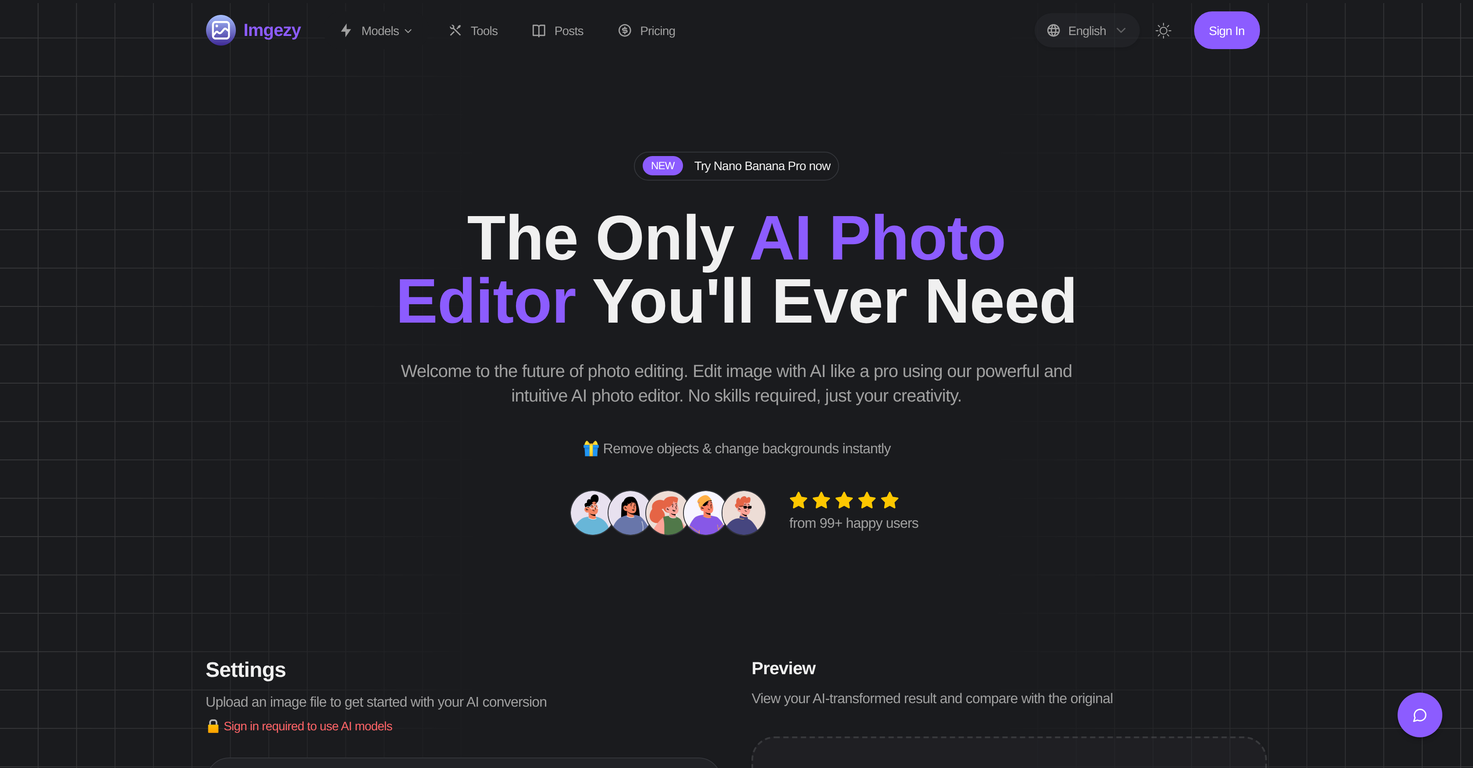
Imgezy is an online AI-powered image editing tool that allows users to modify and make enhancements to their images with utmost ease and precision. It offers functionality to remove unwanted objects, alter backgrounds, and refine images through a few quick clicks.The tool is designed to act as the user's smart creative partner, providing professional-grade results while maintaining intuitive and easy user-interface.One standout feature of Imgezy is its ability to intelligently identify and remove unwanted objects from photos, reconstructing the spaces with pixel accuracy.In addition, it enables users to instantly modify the background of their photos. The AI-driven editor also offers automatic enhancements to color, lighting, and sharpness of images.For larger projects, the tool supports batch processing, allowing users to edit multiple photos simultaneously, making it time-efficient. Imgezy also supports high-resolution downloads of the end results ensuring no loss of quality in the edited photos.It incorporates a smart repair feature that can renovate damaged or ambiguous image areas to bring back the photo's clarity. A unique offering of Imgezy is its user-friendly mode of operation; with no need for complex tools or layers, users can make edits simply by describing what they want in a text box.
Pros and Cons
Pros
- Removes unwanted objects
- Alter backgrounds easily
- Enhance image quality
- Batch Processing
- Repairs damaged photos
- Supports major image formats
Cons
- Requires user login
- Doesn't support all image formats
- No offline functionality
- Limited to predefined models
- Premium features behind paywall
- Uploaded files deleted after 24 hours
Categories
- Primary: Creativity
- Secondary: Images
- Specialty: Image editing
Community Feedback
Only the latest comments are shown.Not at all accurate. The only thing similar between original and generated images were the clothes and accessories face was absolutely new and unconnected.
I was struggling to create some free Christmas and New Year's e-cards, and these templates are really good. I recommend giving them a try. The only downside is that each free template can only be used once.
Will not let you test on a HD picture without paying. I found a lot of these "programs" do a poor job and I am tired of paying for a test.Maybe offer 1 HD picture, but crop it (user crop)?