
Overview
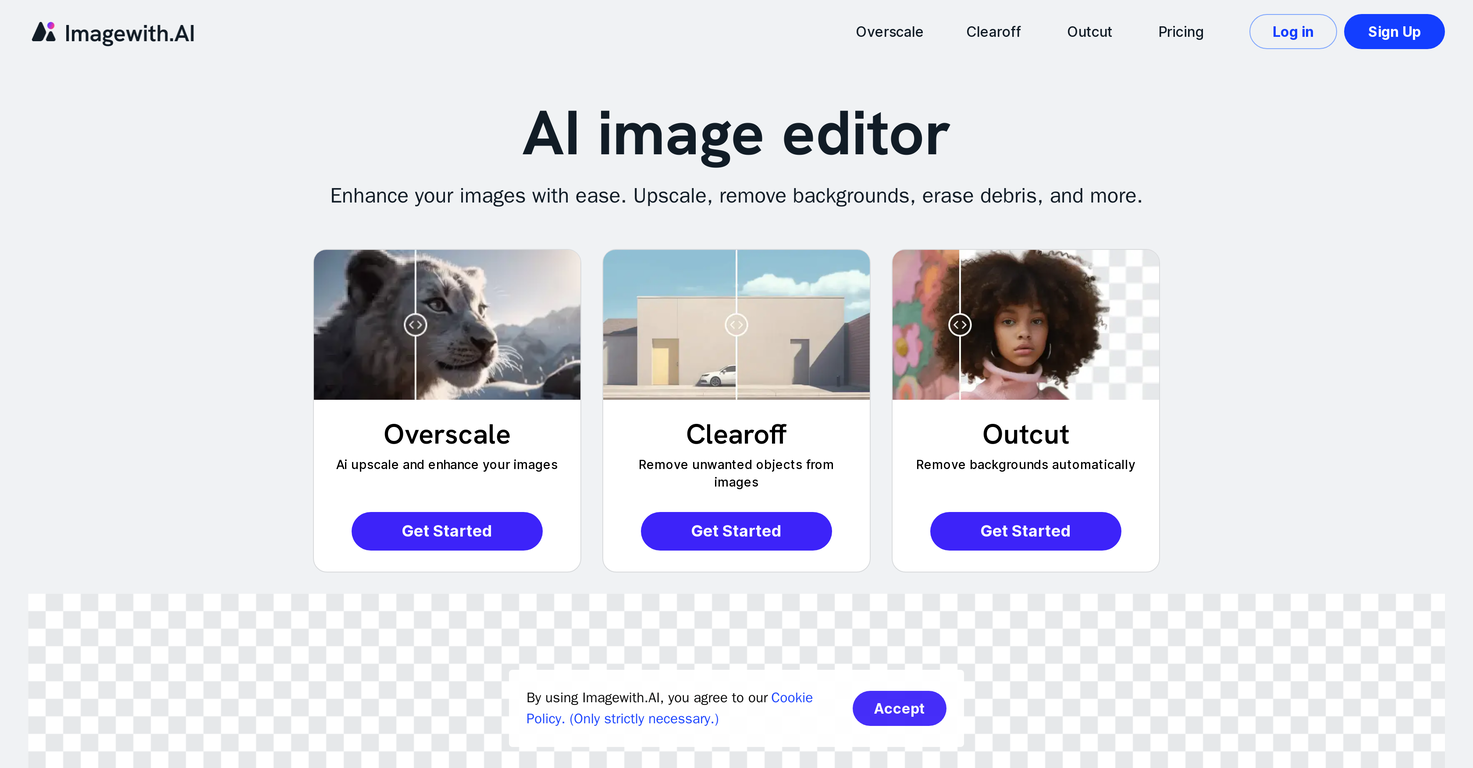
Imagewith.AI is an online AI-powered image editing platform offering a range of sophisticated tools designed to enhance and refine images. This platform includes a suite of features such as Overscale AI, a cutting-edge image upscaler, which utilizes advanced artificial intelligence techniques to enhance image resolution and quality.The platform's AI enhance image tool identifies and optimizes image properties like brightness, color balance, and sharpness, ensuring superior image quality.Another prominent tool within this platform is the AI image background removal feature that removes backgrounds from images accurately, saving users time and effort.The AI removal of unwanted objects feature efficiently removes distractions or imperfections from images while retaining the photo's natural appearance.With the AI upscale images online feature, Imagewith.AI also offers users the ability to enhance image resolution and quality without losing any crucial details.Other features include AI-powered photo restoration which revitalizes aged or damaged photos and AI Portrait Enhancer that refines facial images in photos, maintaining their natural appeal.Imagewith.AI is a versatile platform that benefits a wide user base ranging from creative professionals to print services and photographers needing to produce quality visuals.
Pros and Cons
Pros
- Sophisticated image enhancing tools
- Optimizes image properties
- Versatile user base
- Brightness optimization
- Color balance optimization
- Sharpness enhancement
Cons
- Limited image output types
- Dependent on internet connection
- No offline version
- Lack of video editing
- May not replace human editors
- Not fully customizable
Categories
- Primary: Creativity
- Secondary: Images
- Specialty: Image editing
Community Feedback
Only the latest comments are shown.Not at all accurate. The only thing similar between original and generated images were the clothes and accessories face was absolutely new and unconnected.
I was struggling to create some free Christmas and New Year's e-cards, and these templates are really good. I recommend giving them a try. The only downside is that each free template can only be used once.
Will not let you test on a HD picture without paying. I found a lot of these "programs" do a poor job and I am tired of paying for a test.Maybe offer 1 HD picture, but crop it (user crop)?