
Overview
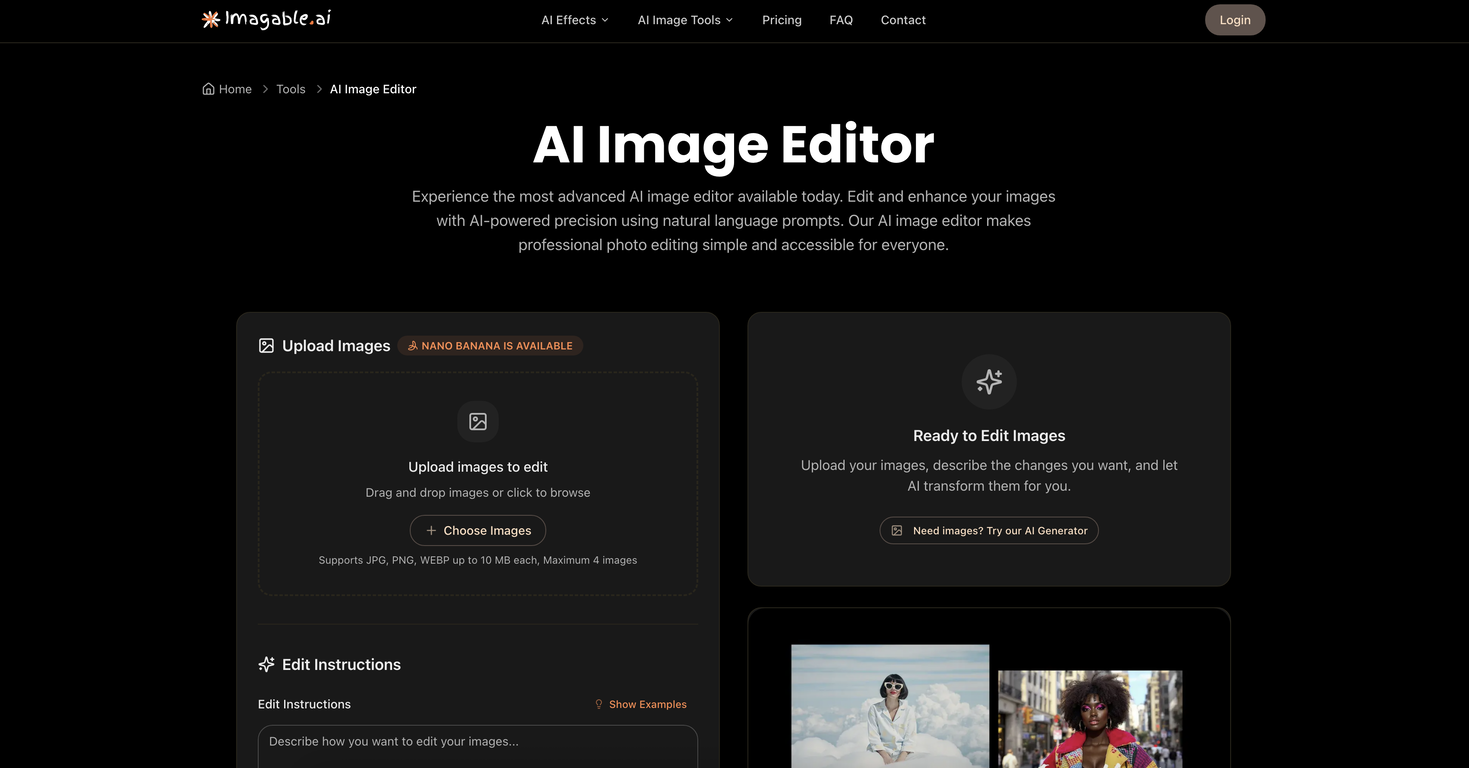
Imagable's AI Image Editor is an advanced tool designed to simplify professional photo editing with AI-powered precision. This tool allows users to modify and enhance images using instructions provided in natural language.These editing instructions can range from adjusting color tones, removing objects, to even changing the overall style and aesthetic of the image, demonstrating the tool's versatility in catering to a range of user preferences.The AI Image Editor also supports multiple file formats including JPEG, PNG, and WebP and can handle up to 4 images for batch processing. Users can instruct the tool to generate multiple variations of an edited image in one request, offering flexibility in the final selection.Another key feature is the tool's retry function, which enables users to refine their prompts or alter settings if the initial outcomes do not meet their expectations.The tool has wide applications, including the creation of consistent characters for storytelling and branding, visualization of space in interior design, and crafting aesthetic product shots for e-commerce.Whether you're a business, designer, or content creator, Imagable's AI Image Editor offers a streamlined, intuitive solution for transforming ordinary photos into high-quality professional images.
Pros and Cons
Pros
- Edits via natural language
- Supports JPEG, PNG, WebP
- Performs batch processing
- Generates multiple image variations
- Retry function for refinement
- Useful for diverse applications
Cons
- Limited to 4 images
- Reliant on precise language
- Retry function indicates unpredictability
- Not mentioned supported resolution
- Credits per generated image
- Unclear handling of layers
Categories
- Primary: Creativity
- Secondary: Images
- Specialty: Image editing
Community Feedback
Only the latest comments are shown.Not at all accurate. The only thing similar between original and generated images were the clothes and accessories face was absolutely new and unconnected.
I was struggling to create some free Christmas and New Year's e-cards, and these templates are really good. I recommend giving them a try. The only downside is that each free template can only be used once.
Will not let you test on a HD picture without paying. I found a lot of these "programs" do a poor job and I am tired of paying for a test.Maybe offer 1 HD picture, but crop it (user crop)?