
Overview
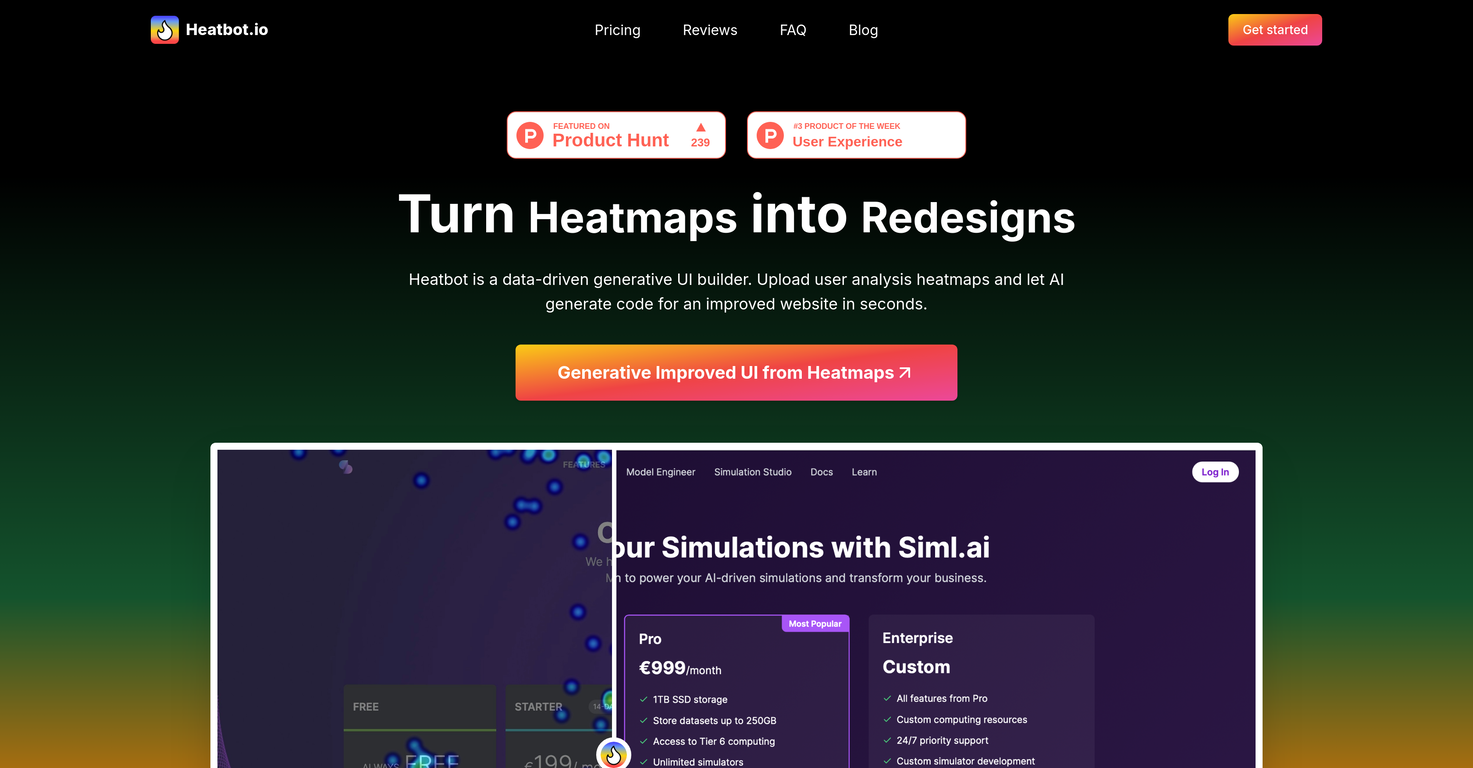
Heatbot.io is an AI-powered tool designed to generate improved user interfaces (UI) for websites based on heatmap data. This data-driven generative UI builder turns interactions and user analysis heatmaps into redesigned elements for a more efficient website or app.The tool conducts a thorough analysis of the heatmap data alongside user-determined improvement goals, then uses these insights to generate an enhanced version of your UI.This includes code development in HTML, CSS, and JavaScript languages.Starting with a screenshot of your website's UI, a heatmap image from your tracking software, and the setting of goals for your desired improvements, Heatbot.io does the heavy lifting.It works well with a variety of heatmap softwares such as Hotjar, Mouseflow, CrazyEgg, Heatmaps.com, and Microsoft Clarity among others.Apart from generating an improved UI, Heatbot.io also provides a comprehensive improvement report detailing the changes made.It offers a range of packages designed to suit a variety of needs, from individual users and small projects, to power users, teams, small businesses and large enterprises.Each package has varying features, the details of which will depend on your subscription plan.A key challenge Heatbot.io addresses is the balance of user experience and business goals.It saves on the time, costs, and complexities of interpreting heatmap data, initiating changes, and ensuring consistency across devices. Therefore, it provides a data-driven approach to UI design without the need for a cross-functional team that includes UX designers, marketers, and business stakeholders.
Pros and Cons
Pros
- Generates improved UI
- Uses heatmap data
- User-determined improvement goals
- Comprehensive improvement report
- Compatible with multiple heatmap softwares
- HTML, CSS, JavaScript development
Cons
- Needs external heatmap data
- Requires screenshot input
- Subscription based
- Varying package limitations
- No multi-user for Pro
- Full features for Enterprise only
Categories
- Primary: Creativity
- Secondary: Design
- Specialty: UI design
Community Feedback
Only the latest comments are shown.Thank you everyone for trying 1UI! If you haven't yet, give it a spin and use code TAAFT to get $5 credits to try 1UI.
As a technical entrepreneur, working with designers is often way too slow - when I have an idea, I want a prototype the same day - not days/weeks later.I created UX Canvas because I wanted a better way to communicate my UI/UX ideas to developers, without having to spend thousands on hiring UI/UX designers or opening Figma and spending days/hours manually creating, iterating on, and prototyping designs myself.UX Canvas unlocks the ability for anyone - technical or not - to rapidly prototype their design ideas and instantly share them with team members in minutes.If you can put your idea into words, you can design it. No design skills required. (Although they are helpful)The agent has the ability to do cool things like generate its own image assets to be used in the design, and you can even export your designs to clean React/Typescript code - so you can hand the code over to your developers (or other AI tools like Cursor, Windsurf, etc.) to bring your product idea to life.Try it for free and let me know what you think!https://uxcanvas.ai