
Overview
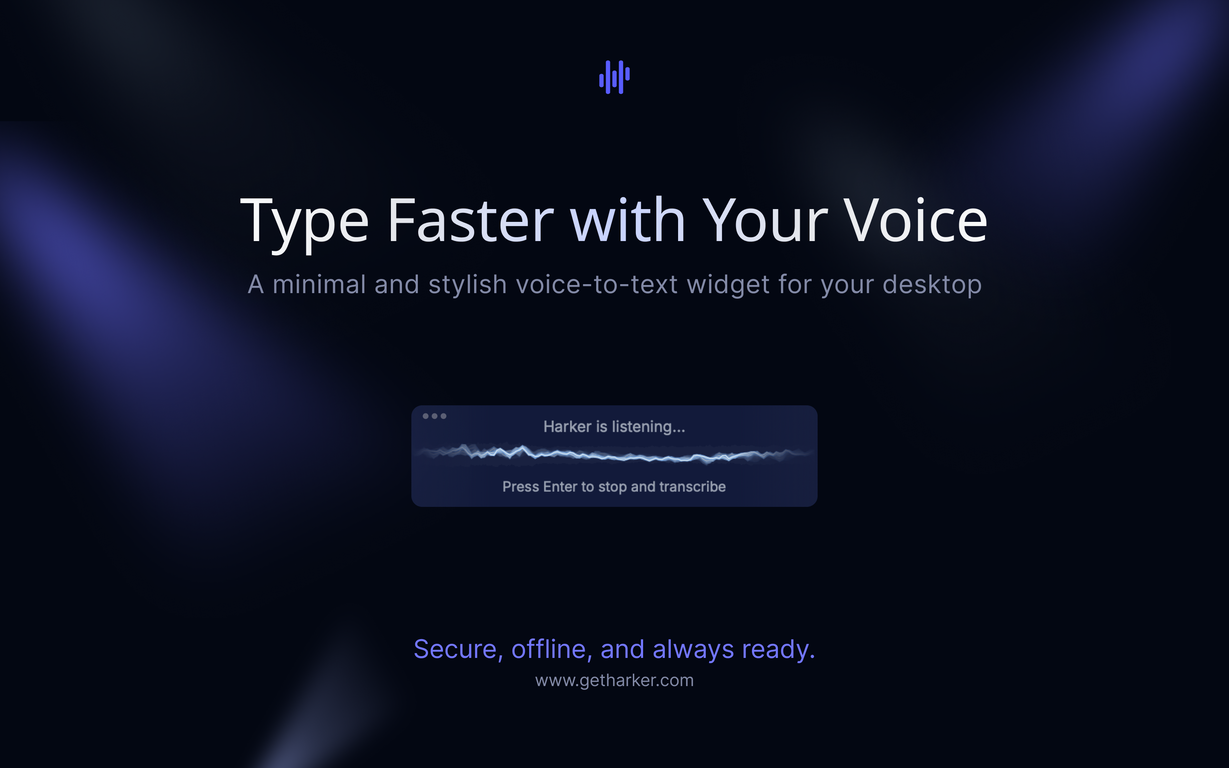
Stop typing long AI prompts and start speaking them. Harker is the fastest way to turn thoughts into text. Perfect for ChatGPT conversations, Claude chats, Cursor prompts, and any AI interaction where typing slows you down.Why Harker beats other speech-to-text tools:Completely offline - your voice never leaves your Mac (unlike cloud-based tools)Works everywhere - any text field, any app, instant activation with one keyboard shortcutAI-optimized - speak complex prompts instead of typing them outInvisible until needed - minimal interface that stays hidden in the backgroundLightning fast - no lag, no internet required, always readySpeaking long prompts to ChatGPT, Claude, Cursor, and other AI toolsRapid email composition and responsesNote-taking and documentationAny situation where your thoughts move faster than your fingersKey features: Supports 50+ languages, minimal resource usage, private by design, seamless auto-paste functionality. Currently available for Mac with Windows support coming soon.Try Harker with confidence thanks to our money-back guarantee.Join fast thinkers who've already made the switch from typing to speaking.
Pros and Cons
Pros
- Supports 50 languages
- Minimalist and stylish design
- Offline operation
- Hosts data locally
- Universal keyboard shortcut activation
- Automatic transcription into apps
Cons
- Incompatible with Intel-based Macs
- Windows version not released
- Only supports 50 languages
Categories
- Primary: Creativity
- Secondary: Text
- Specialty: Transcription
Community Feedback
Only the latest comments are shown.Wow, this little widget is a game changer. It saves me a lot of time in writing emails, comments and work notes. Thank you, it's really useful, I was looking for it!