
Overview
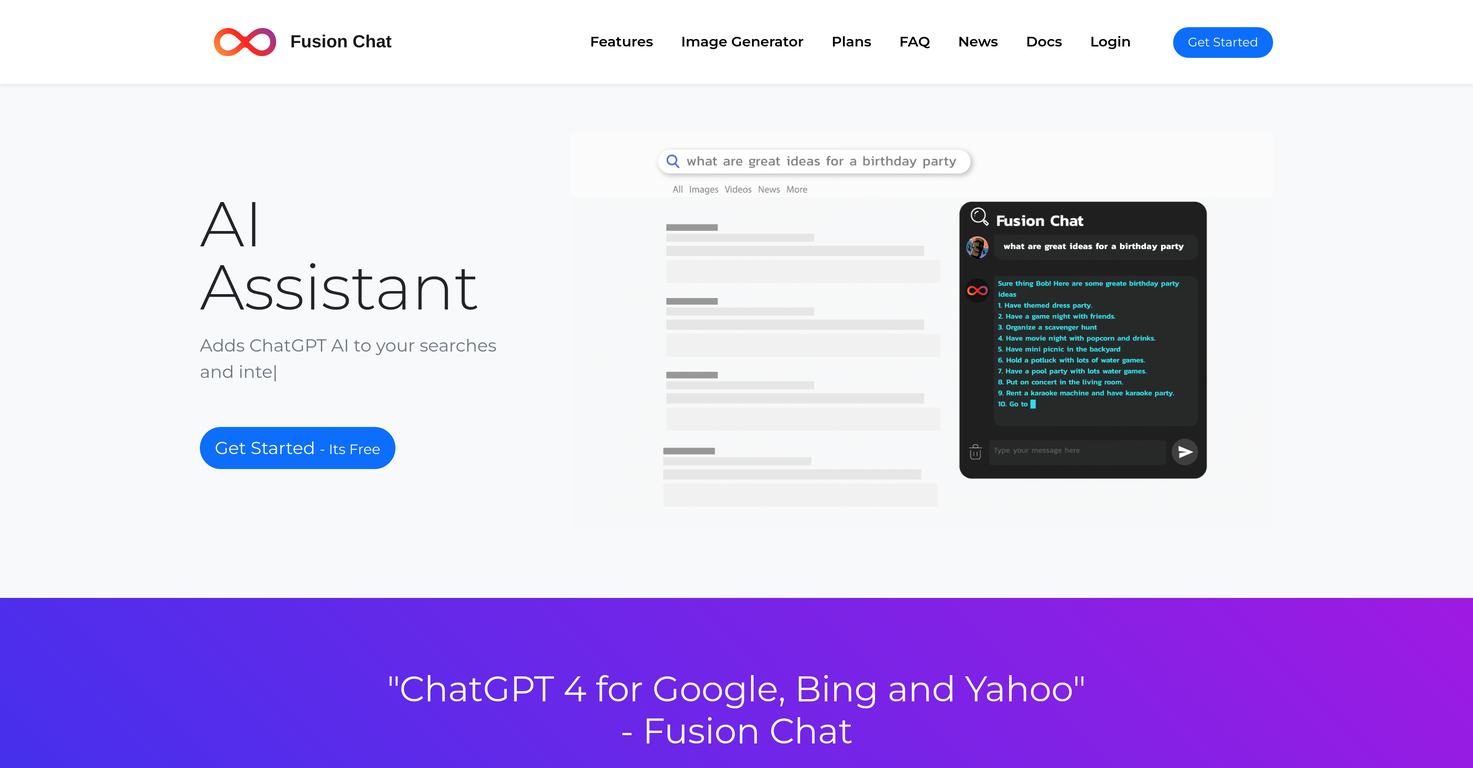
ChatGPT 4 Fusion Chat is an AI assistant that integrates with your web browser and search engine. It is powered by the advanced ChatGPT 4 software, enabling users to chat with the assistant when a query arises or while conducting a search using popular search engines such as Google, Bing, or Yahoo.Fusion Chat offers several functions: it can assist in searches directly from your search engine, pop-up when you select text, create documents, and generate images based on descriptions provided by users.Remember, Fusion Chat is not just for typing: simply call it with text commands to perform tasks like writing emails, generating reports, and creating images.As with any AI, Fusion may generate plausible but potentially incorrect responses - the team behind Fusion Chat is actively working on improving its accuracy.It's important to note that Fusion takes privacy very seriously. It doesn't use data for anything other than providing assistance, and user privacy rights are strictly maintained.Accessibility and ease of use are core features of Fusion Chat, as users can easily sign up and install it via an extension.
Pros and Cons
Pros
- ChatGPT 4 integration
- Web browser integration
- Search engine assistance
- Text selection pop-up
- Document creation functionality
- Image generation from descriptions
Cons
- Requires browser extension
- Limited to certain search engines
- Generates potentially incorrect responses
- May struggle with complex requests
- Data use unclear despite privacy policy
- Usage involves credit system
Categories
- Primary: Work
- Secondary: Productivity
- Specialty: Search
Community Feedback
Only the latest comments are shown.Loved the search engine ideas.
I really like the detailed answers with sources, and the explore content on the right. I have been using it a lot from market research for my job and planning my short trip to my neighbor city.
The hybrid feature is very powerful. I finally dont need to manage our local knowledge base anymore.