
Overview
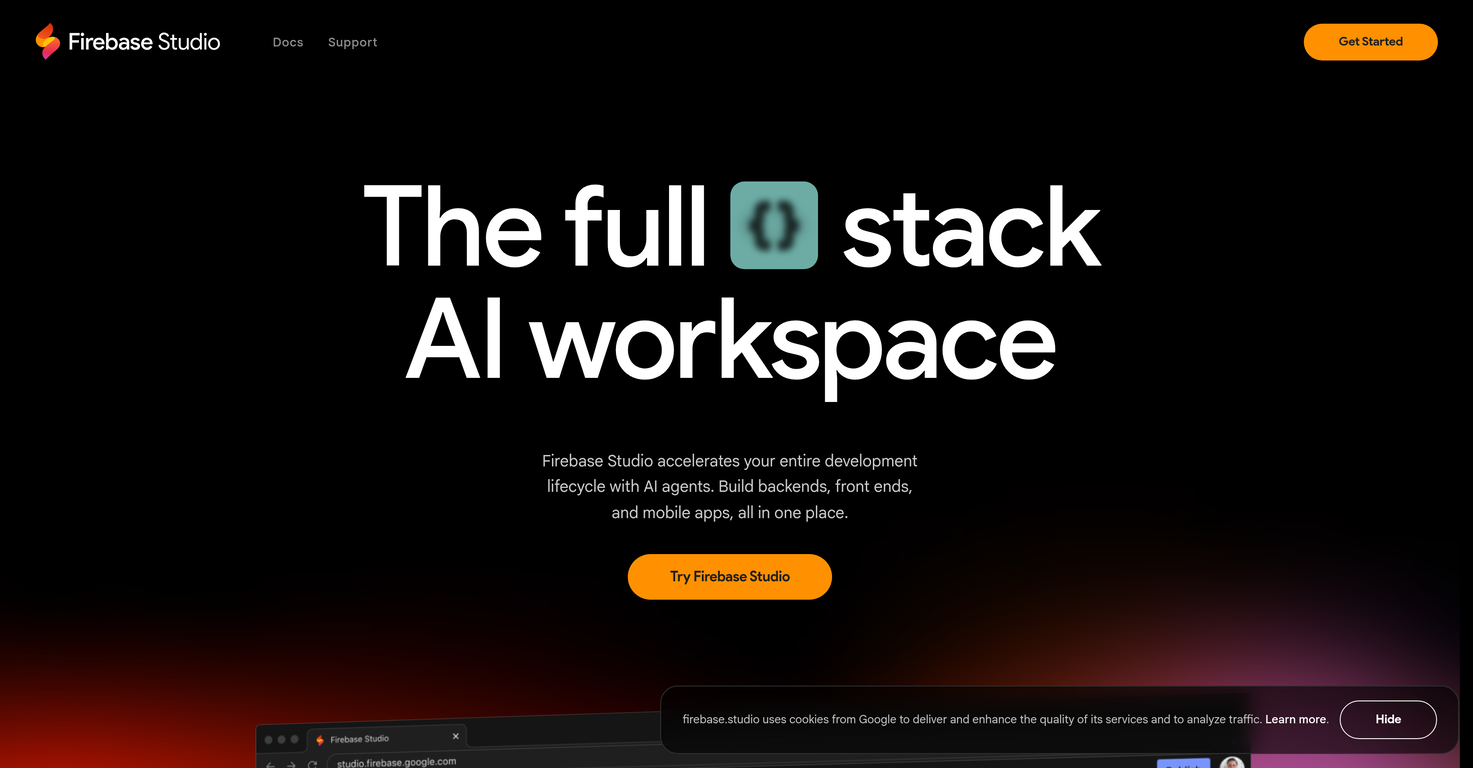
Firebase Studio is an advanced, web-based platform that enables full-stack application development. This platform incorporates the latest generative Artificial Intelligence from Gemini to optimize the development process.Firebase Studio is designed to accelerate the entire development lifecycle, allowing users to build frontends, backends, and mobile apps in a single workspace.The platform offers AI agents that aid in coding, debugging, testing, refactoring, explaining, and documenting code. It supports interaction with your codebase, enhancing efficiency by taking actions on users' behalf.The platform is designed to facilitate quick application building, supporting imports from repositories on platforms like GitHub, GitLab, Bitbucket, and even local machines.Firebase Studio supports most tech stacks and also allows application prototype development using natural language, mockups, drawing tools, and screenshots.The platform also includes Firebase App Hosting, allowing for easy publishing of applications and user behavior monitoring, along with performance monitoring.Additionally, it facilitates end-to-end testing across platforms, with access to Open VSX Registry extensions for API endpoint optimization and the inclusion of web previews and Android emulators for user-experience testing.Firebase Studio's users can choose either Firebase Hosting, Cloud Run, or their own custom infrastructure for deployment.
Pros and Cons
Pros
- Web-based platform
- Accelerates development lifecycle
- Code testing tools
- Refactoring tools
- Code explanation features
- Code documentation
Cons
- Limited infrastructure options
- Only web-based
- No offline mode
- Workspace limit
- Dependency on Google accounts
- Limited customisation options
Categories
- Primary: Creativity
- Secondary: Software
- Specialty: Apps
Community Feedback
Only the latest comments are shown.Really like how it finds connection in the content that I save. I don't think any other tool can do that.
Quick update: Verify is now live on the Microsoft Edge Add-ons store in addition to Chrome.Same one-click resume red flag check in seconds. Same free first-day trial. Now available in whichever browser your team uses most.Recruiters are already catching issues their ATS missed... sometimes on the very first resume they check.If youve been meaning to test it, this is your sign https://microsoftedge.microsoft.com/addons/detail/hiiappghgofoiionoeloemlkcankbpka
We used Rumora for our SaaS app and went from 512 to 23,956 signed up users in 3 months, here's the case study with screenshots: https://rumora.ai/case-studies/olovka