
Overview
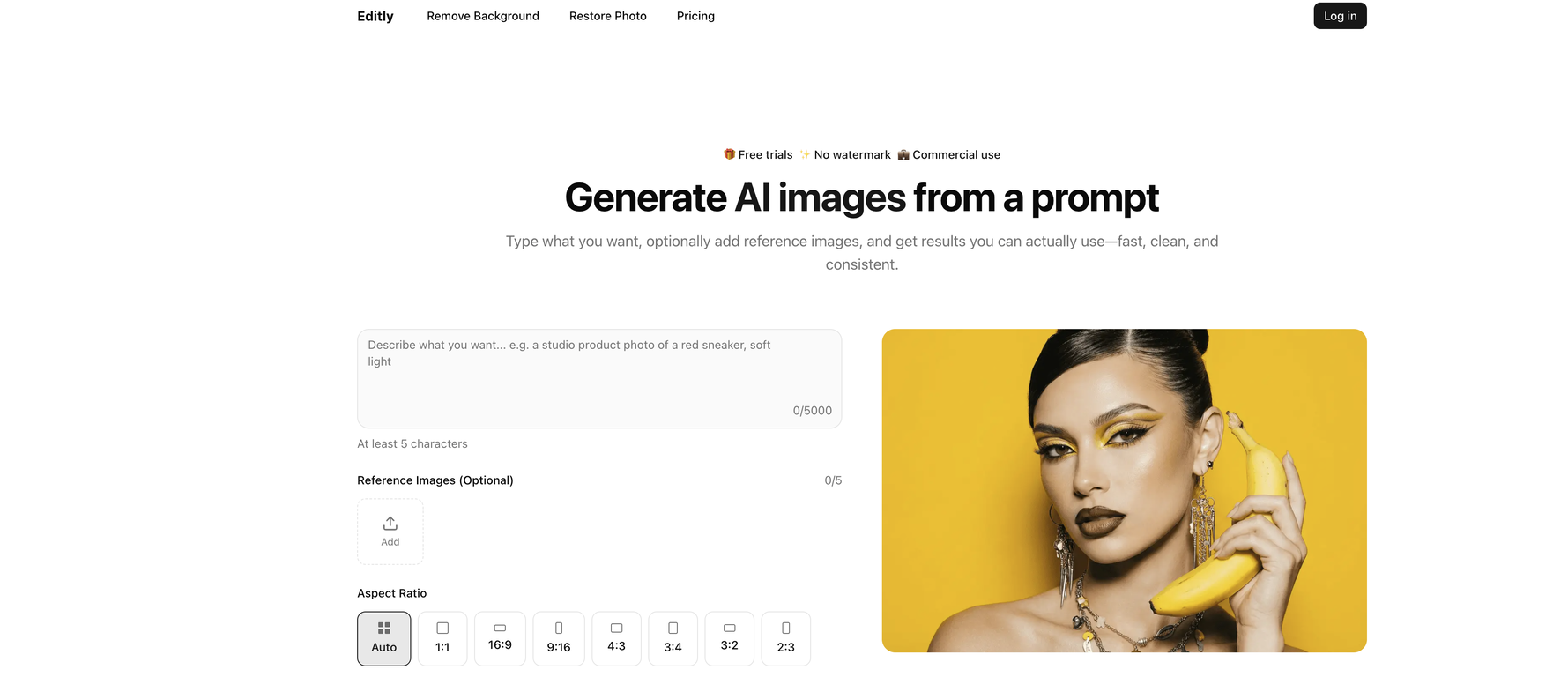
Editly leverages AI capabilities to create and edit images. This tool is capable of generating images from prompts, enhancing the quality of existing images, and exploring newly added features.It offers a suite of functionalities including AI-generated images, background removal, and photo restoration.Users can generate images by describing a scene, product, or character.They can also supplement their prompts with optional reference images to influence the style and details of the generated output. The tool is especially efficient in removing backgrounds of images with intricate details such as hair, jewelry, glasses frames, and other thin objects.In addition to these, Editly also aids in restoring old or low-quality images.Users can utilise the tool to fix scratches, reduce noise, and recover clarity in their images, while still managing to retain a natural look on faces.The tool promises a fast workflow that involves uploading or prompting, previewing, and then downloading images.Commercial use is permissible and users are ensured clean downloads devoid of any forced branding on their images.The tool is designed for handling real image work, making it suitable for quick ideas as well as for production. Whether it's for brainstorming, creating ads, thumbnails, or concept art, Editly can cater to versatile image creating and editing needs.
Pros and Cons
Pros
- Generates images from text
- Allows reference images
- Provides image description
- Offers background removal
- Photo restoration service
- Exports in transparent PNG
Cons
- Credits Expire in 30 days
- Only PNG output format
- No Mobile App
- No subscription option
- Lacks advanced editing features
- No psd, raw support
Categories
- Primary: Creativity
- Secondary: Images
- Specialty: Image editing
Community Feedback
Only the latest comments are shown.Not at all accurate. The only thing similar between original and generated images were the clothes and accessories face was absolutely new and unconnected.
I was struggling to create some free Christmas and New Year's e-cards, and these templates are really good. I recommend giving them a try. The only downside is that each free template can only be used once.
Will not let you test on a HD picture without paying. I found a lot of these "programs" do a poor job and I am tired of paying for a test.Maybe offer 1 HD picture, but crop it (user crop)?