Overview
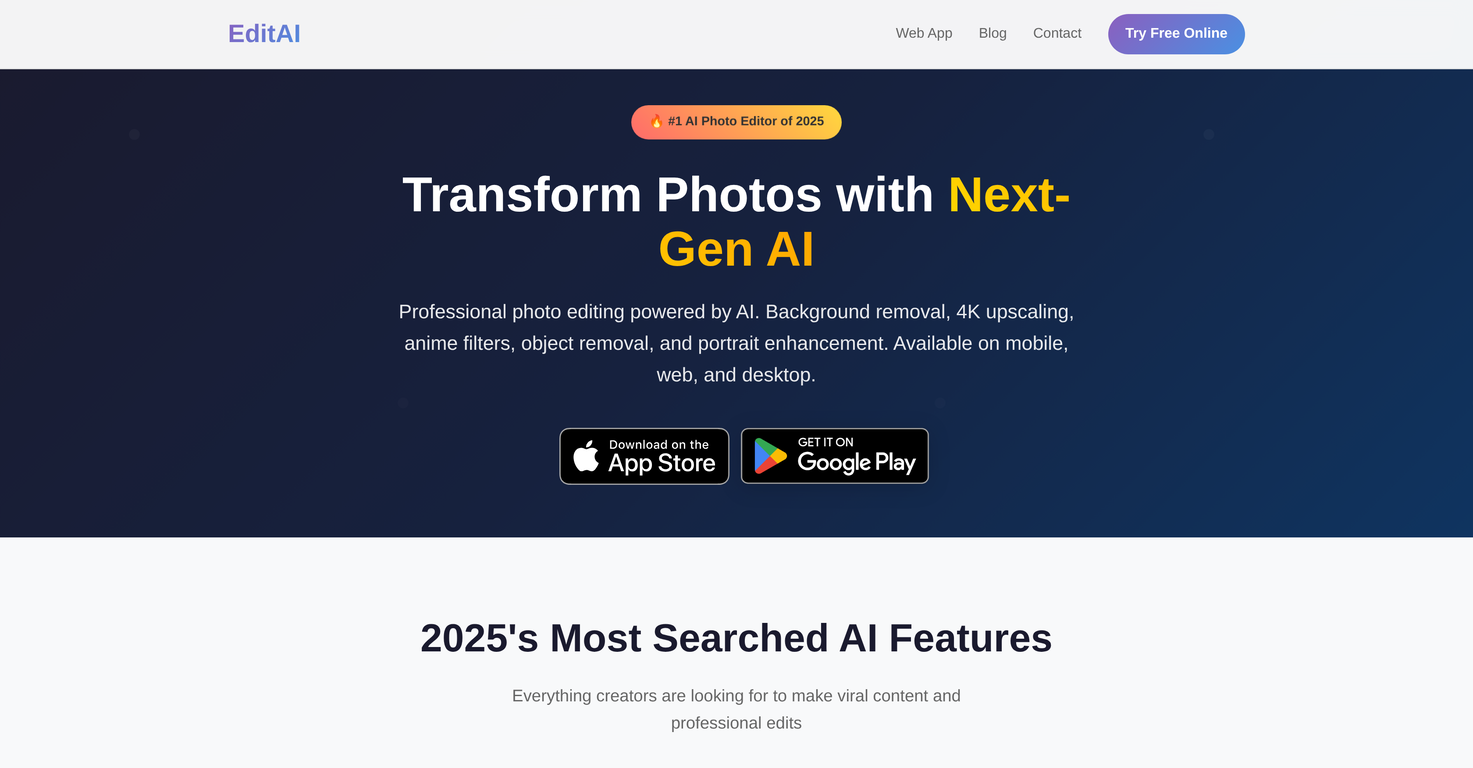
EditAI is an AI photo editor available on mobile, web, and desktop platforms including iPhone, iPad, and Android. This AI-powered tool offers a suite of advanced editing features.Key functions include instant background removal with high accuracy, thus making it an effective tool for product photos, portraits, and social media content.The tool provides 4K upscaling which is useful for enhancing photo quality for professional and high-quality content creation needs. Moreover, users can transform their photos with viral anime filters and create Chibi style art or Studio Ghibli aesthetics for appealing social media avatars and creative content.There is also an object removal feature, enabling users to eliminate unwanted objects, people or texts from photos. Alongside, it provides professional portrait retouching empowered by AI, which includes enhancement of facial features, skin smoothing for creating flawless headshots.In addition, the editor includes a collection of over 500 trending filters, such as watercolor, vintage, clay, and pixel art, to match popular styles in 2025.Apart from these, the tool offers features for converting photos to anime-style artwork, transforming pictures into cute Chibi characters with oversized heads & anime eyes, and adding vintage grain or light leaks to create trending Lo-Fi aesthetic photos.
Pros and Cons
Pros
- Smart Background Removal
- Anime filters
- Object removal tool
- Portrait enhancement
- Photo filters
- Transforms to anime-style
Cons
- No batch processing
- Limited to selected filters
- No manual editing
- No image archival
- Not open-source
- No plugin support
Categories
- Primary: Creativity
- Secondary: Images
- Specialty: Image editing
Community Feedback
Only the latest comments are shown.Not at all accurate. The only thing similar between original and generated images were the clothes and accessories face was absolutely new and unconnected.
I was struggling to create some free Christmas and New Year's e-cards, and these templates are really good. I recommend giving them a try. The only downside is that each free template can only be used once.
Will not let you test on a HD picture without paying. I found a lot of these "programs" do a poor job and I am tired of paying for a test.Maybe offer 1 HD picture, but crop it (user crop)?