
Overview
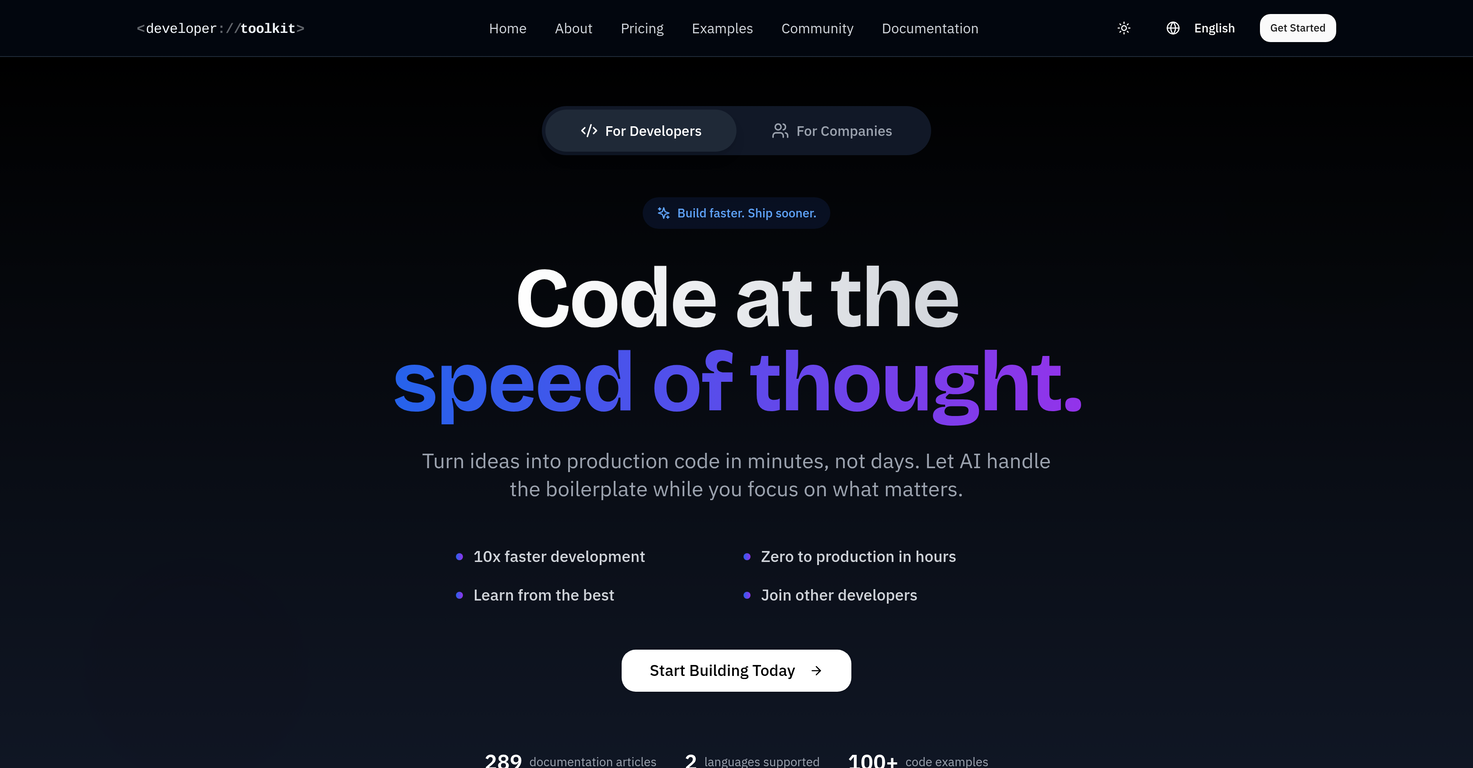
This project exists for devs who are not early adopters, had a rough time with ChatGPT, and dont know where to start with Cursor, Claude Code, or MCP servers. Its a step-by-step path: opinionated setup guides, sane defaults, and reproducible workflows that turn a spec into working code, tests, and docsfast.What you get: copy-and-paste config for Cursor and Claude Code, a prompts/playbook that actually survives real repos, plain-English explanations of current capabilities (whats realistic vs. fantasy), and simple MCP server examples so your tools can talk to your codebase, APIs, and scripts without yak-shaving. We focus on speed to first useful outcome, review-friendly changes, and keeping your costs and data under control.If you tried AI coding once and it felt like noise, this aims to be the calm guide: fewer magic tricks, more shipped features. Feedback welcome.
Pros and Cons
Pros
- Generates production-ready code
- Automates boilerplate code
- Understanding of project structure
- Code suggestions
- Supports team collaboration
- Strong privacy measures
Cons
- Subscription required
- No offline access
- Limited language support
- No free version
- Requires coding experience
- No on-premise option
Categories
- Primary: Personal
- Secondary: Learning
- Specialty: Tutorials
Community Feedback
Only the latest comments are shown.Would rate 4.9 if possible, but rounding up to 5 stars because this app truly excels compared to other AI coding tools.Why 5 Stars:Best-in-class AI coding assistanceHuge improvements over competitorsActually works for real developmentReal Impact:I successfully built and published an actual app using this tool - that's game-changing for non-developers like me.Bottom Line:Yes, there's room for improvement, but this is already the top AI coding app available. The fact that ordinary people can create real apps with it says everything.Perfect for anyone wanting to turn ideas into actual apps!
Cursor is underrated.
>Why is this website so ugly?Our goal is to rapidly make the software better, not to have a shiny website.Love it!