
Overview
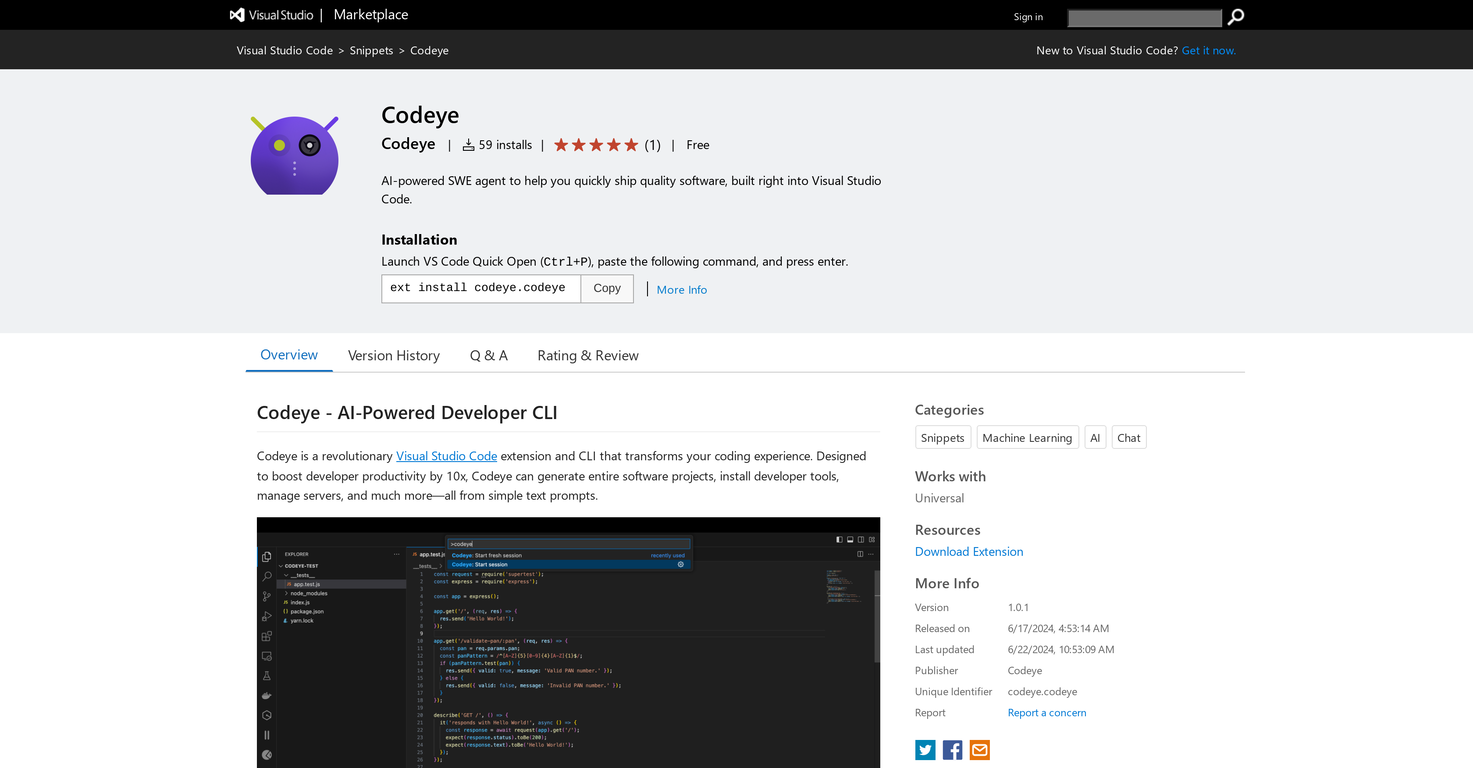
Codeye is a sophisticated extension for the Visual Studio Code environment, offering a carved-out avenue for improving developer productivity. Functioning as an Artificial Intelligence-powered Software Engineer agent, it works to facilitate swift and efficient quality software development directly within the Visual Studio Code interface.Codeye has the inherent capability to generate comprehensive software projects, manage servers, and install developer tools. This is fueled by simple textual prompts, hence rendering ease of usage.One of its distinguished features is AI-powered code generation, which allows for effortless creation of code snippets or entire projects. It also provides automated software installation for quick set-up of developer tools and work environments.Additionally, it offers a Server Management feature to deploy and manage stack servers across various programming languages. Leaning into seamless integration, Codeye operates directly within Visual Studio Code.Users can install Codeye via the Visual Studio Code extensions tab, choose their preferred AI model under Settings > Extensions > Codeye, and provide the credentials based on the selected model.Furthermore, launching Codeye post installation can be accomplished in various ways such as through the Command Palette or Terminal.
Pros and Cons
Pros
- Improves developer productivity
- Compatible with Visual Studio Code
- Generates comprehensive software projects
- Manages servers
- Installs developer tools
- Textual prompt interface
Cons
- Limited to Visual Studio Code
- Inherent learning curve
- Potential incompatibility issues
- Requires additional setup
- May produce generic code
- Potential server management issues
Categories
- Primary: Creativity
- Secondary: Software
- Specialty: Coding
Community Feedback
Only the latest comments are shown.Would rate 4.9 if possible, but rounding up to 5 stars because this app truly excels compared to other AI coding tools.Why 5 Stars:Best-in-class AI coding assistanceHuge improvements over competitorsActually works for real developmentReal Impact:I successfully built and published an actual app using this tool - that's game-changing for non-developers like me.Bottom Line:Yes, there's room for improvement, but this is already the top AI coding app available. The fact that ordinary people can create real apps with it says everything.Perfect for anyone wanting to turn ideas into actual apps!
Cursor is underrated.
>Why is this website so ugly?Our goal is to rapidly make the software better, not to have a shiny website.Love it!