Overview
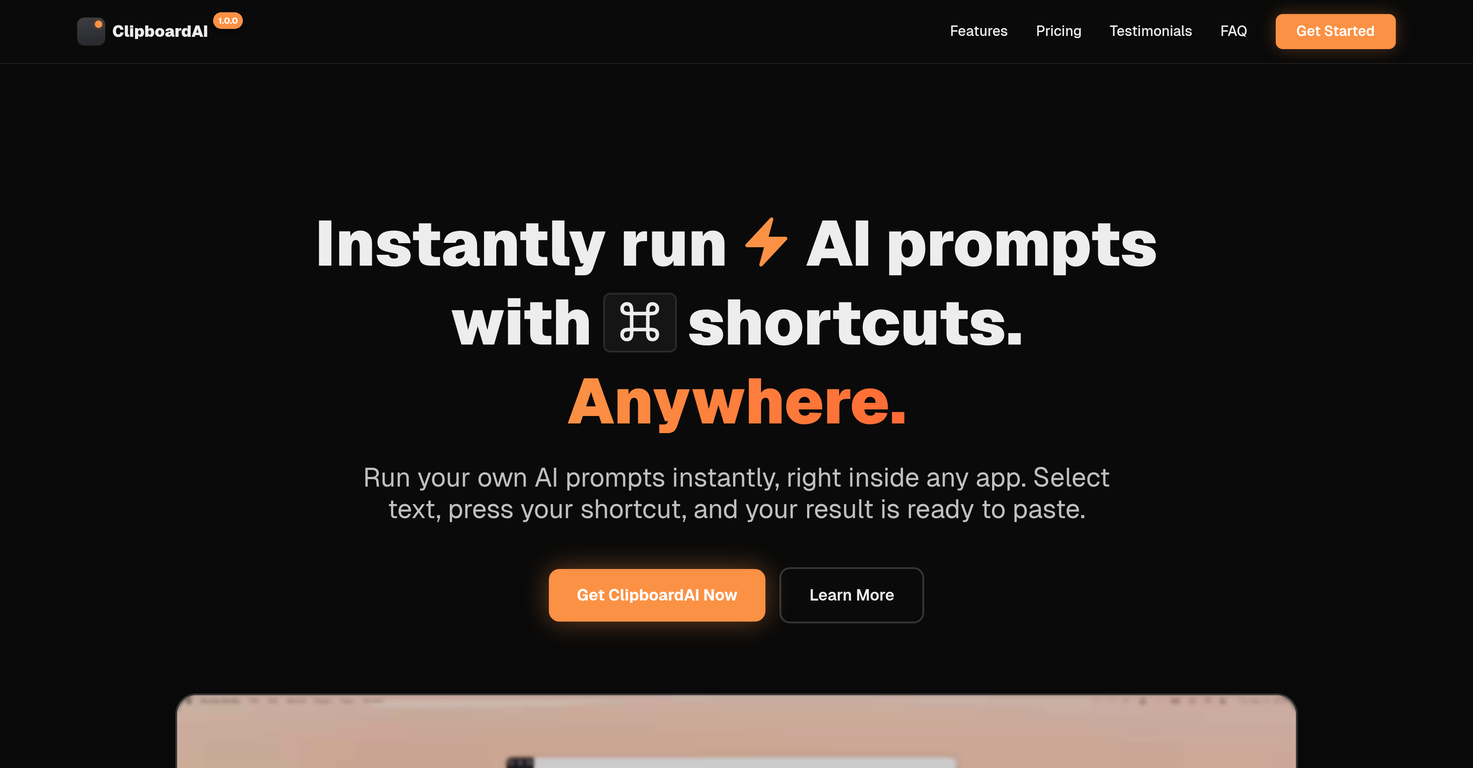
ClipboardAI lets you transform any selected text with your own AI promptsusing nothing but a keyboard shortcut. No app-switching, no copy-pasting, no memorizing prompts. Just instant results in the apps youre already using.Create as many custom prompts as you want: fix grammar and spelling, translate to Spanish, change tone, summarize, shorten, expand. Anything. Just select your text (in Slack, Gmail, Notion, Google Docs, VS Code, wherever), press your shortcut, wait for the AI to finish, hit Enter to copy or Shift+Enter to paste instantly. If you havent selected text, ClipboardAI will simply use whatever is in your clipboard instead.Its a one-time payment for lifetime access. No subscription. No account. You bring your own OpenAI API key, so all requests go directly from your device to OpenAIyour content never touches my servers.Im an indie developer building this myself. If you have ideas or run into an issue, just DM me on X or email me. I'll actually reply.Use cases? Pretty much endless. Translate, rewrite your tone, summarize long emails, polish messages, expand rough drafts, generate alt text, refactor code, or even intentionally mess up your spelling (if thats your thing??). The magic is you dont need to open ChatGPT anymore. Just hit a shortcut.ClipboardAI brings AI into your workflow. Fast, simple, and everywhere.
Pros and Cons
Pros
- Works with any app
- Custom keyboard shortcuts
- No memorizing prompts
- Eliminates copy-pasting
- Eliminates context-switching
- Unlimited custom prompts
Cons
- Requires an internet connection
- Desktop-only, no mobile app yet
- Prompts don't sync between devices
- Focused on text workflows (images/files not supported yet)
- Bring your own API Key (some setup required)
Categories
- Primary: Creativity
- Secondary: Text
- Specialty: Summaries
Community Feedback
Only the latest comments are shown.Not sure what I'm doing wrong but I downloaded the extension to my chrome browser and then highlighted my email copy and then clicked on the extension link but there is no button to provide updated copy.
works wonderfully, really good for cleaning up writing. just wish the monthly plan was a bit cheaper.
This keyboard app stands out as one of the top choices thanks to its built-in AI assistants. It's not only user-friendly but also exceptionally helpful and distinctive. Whether you're correcting grammar or using writing assistants, I can also create any assistants for fast typing. I created one for my customer support service. This app simplifies the process of accessing LLM directly, eliminating the need to open a browser.