
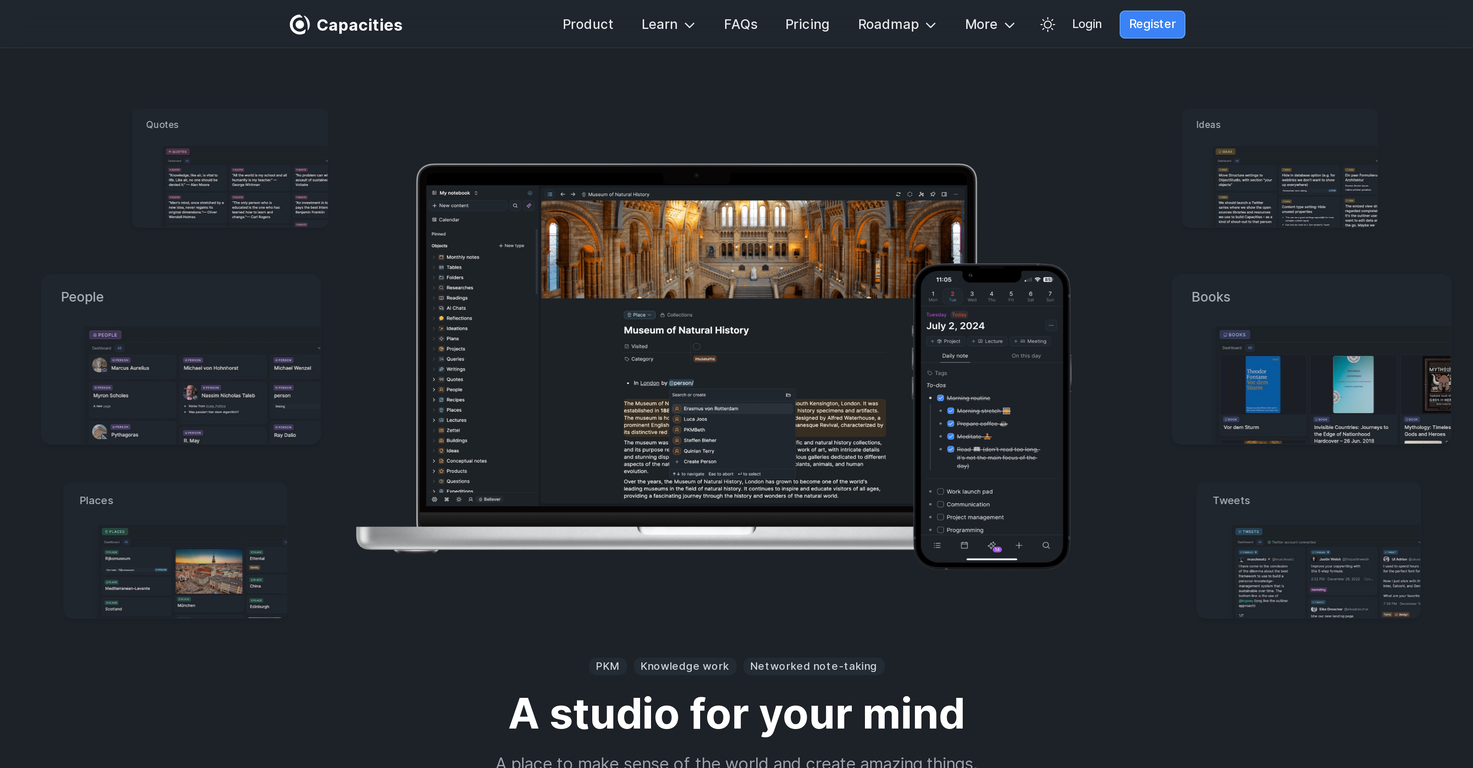
Overview
Capacities is a comprehensive, intuitive note-taking tool designed to adapt to the natural way of human thinking. It is architected around the concept of 'objects' such as books, people, conversations, and ideas, thereby shifting focus away from traditional file systems.The platform encourages a network-based approach to information structuring, connecting different objects to create a dynamic, interconnected workspace.Users can structure and organize their work without the constraints of folders and hierarchies, offering a more flexible, creative approach that aligns with the dynamism of human thought and work-flows.One of the key features of Capacities is the effective handling of large amounts of information.The tool provides a calm, productive environment for thinking, organizing, and working, while also maintaining a library for storing knowledge. Moreover, it includes a robust search functionality, helping users find relevant information quickly.Additionally, Capacities comes with a mobile app complementing the desktop application, allowing users to search, upload, and take notes on-the-go.The app features daily notes, quick capturing of photos or content, AI-assisted interactions with objects in notes, and the ability to find hidden connections between different pieces of information.In terms of privacy and security, Capacities is GDPR compliant, storing data on encrypted servers in the European Union.It also supports two-factor authentication for enhanced account security. The tool is geared towards knowledge workers and individuals looking for a flexible, intuitive space to store and structure information, ideas, and projects.
Pros and Cons
Pros
- Intuitive note-taking tool
- Objects-based architecture
- Beyond traditional file systems
- Network-based information structuring
- Dynamic, interconnected workspace
- No folder and hierarchy constraints
Cons
- Focused on object-based approach
- No traditional file systems
- No explicit offline functionality
- No mention of collaboration features
- Possibly complex for non-technical users
- No Windows app mentioned
Categories
- Primary: Work
- Secondary: Productivity
- Specialty: Knowledge
Community Feedback
Only the latest comments are shown.Love this!! 100x better than Notion, this should get more attention
I may be wrong, but it seemed like any RAG Agent
Supercharge Your AI Workflow with Keymate!AI enthusiasts, researchers, and productivity power-users meet Keymate, your new favorite AI-powered assistant to collect, manage, search, and chat with your digital knowledge. Why Keymate? Collect any source PDFs, Google Docs, YouTube videos, emails, web links all in one private memory space. Chat with your content Ask complex questions and get grounded answers directly from your own documents. Add notes and organize collections Structure your memory the way you think. Boost with AI context Keymate uses a 128K context window and multi-LLM setup to deliver better, focused results. Secure