
Overview
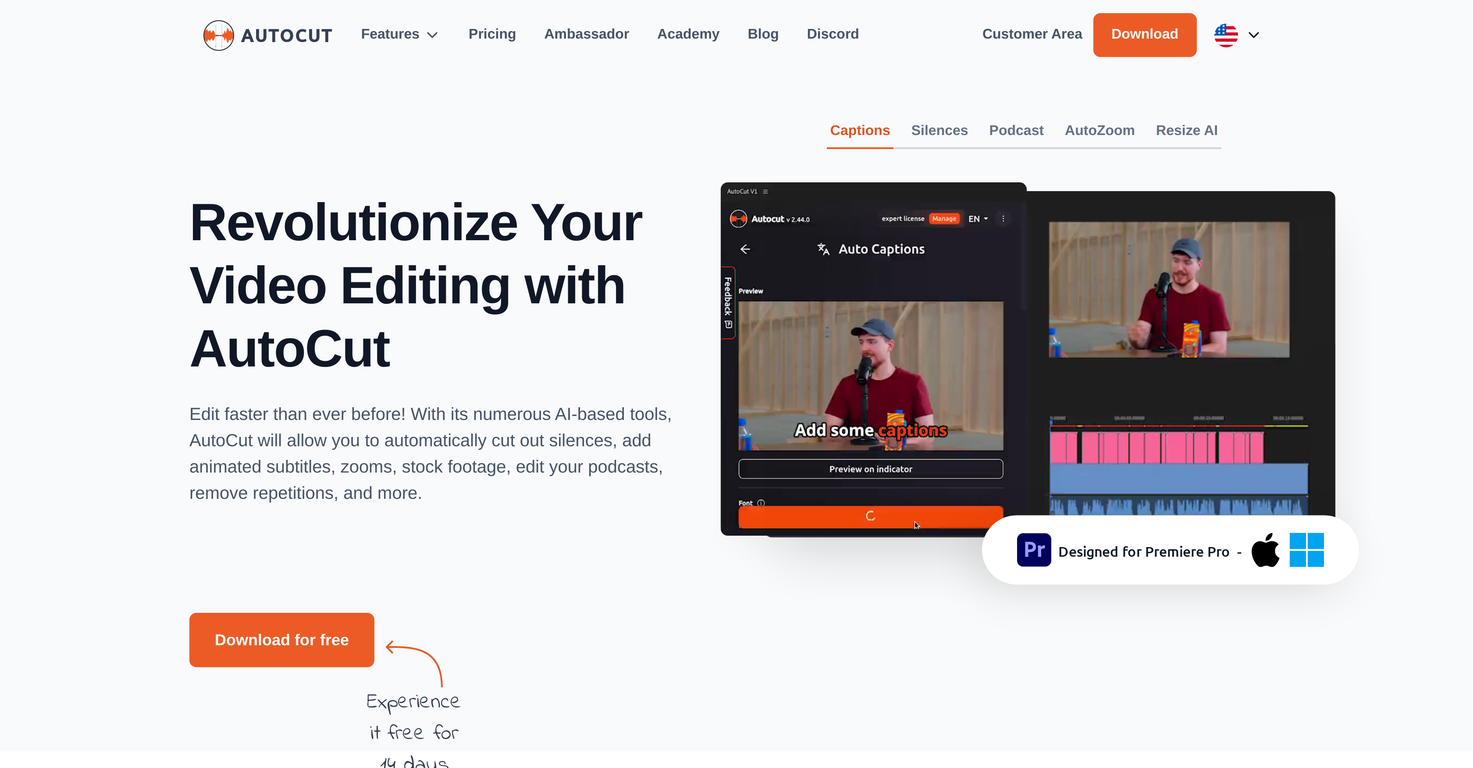
AutoCut is a robust plugin developed specifically for Adobe Premiere Pro to automate and streamline the video and podcast editing process. The tool intelligently applies various AI-based mechanisms such as removing silences to create a more fluid audiovisual experience, detecting repetitions and keeping only the best takes, applying automatic J-Cut & L-Cut edits, and automating the deployment of relevant B-roll footages.Additionally, it enhances the interactive part of the content by adding animated subtitles that sync with the audio, thus, improving user engagement. The AutoCut tool also provides features like AutoResize and AutoZoom intended to improve the visibility and focus of the subject in the videos, thereby making the content more immersive.Furthermore, it offers the AutoProfanity filter feature that automates the detection and masking of profanities in the videos dialogue, maintaining the integrity of the content.Finally, it aids in the editing of podcasts, allowing the user to activate specific cameras based on the sound input from mirrored microphones. AutoCut's overall goal is to help the user manage zooms, animations, transitions, etc., making the video dynamic and captivating.
Pros and Cons
Pros
- Adobe Premiere Pro integration
- Automates video editing
- Streamlines podcast editing
- Automatic silence removal
- Detects repetitions
- Automated J-Cut & L-Cut edits
Cons
- Only for Adobe Premiere Pro
- Less effective indoor recording
- Possible over-cutting errors
- Subscription needed for all features
- Inadequate handling of complex scenes
- Prone to detecting false positives
Categories
- Primary: Creativity
- Secondary: Videos
- Specialty: Video editing
Community Feedback
Only the latest comments are shown.Video editing
I bought it. But its pretty slow and laggy
makes actually good clips