
Overview
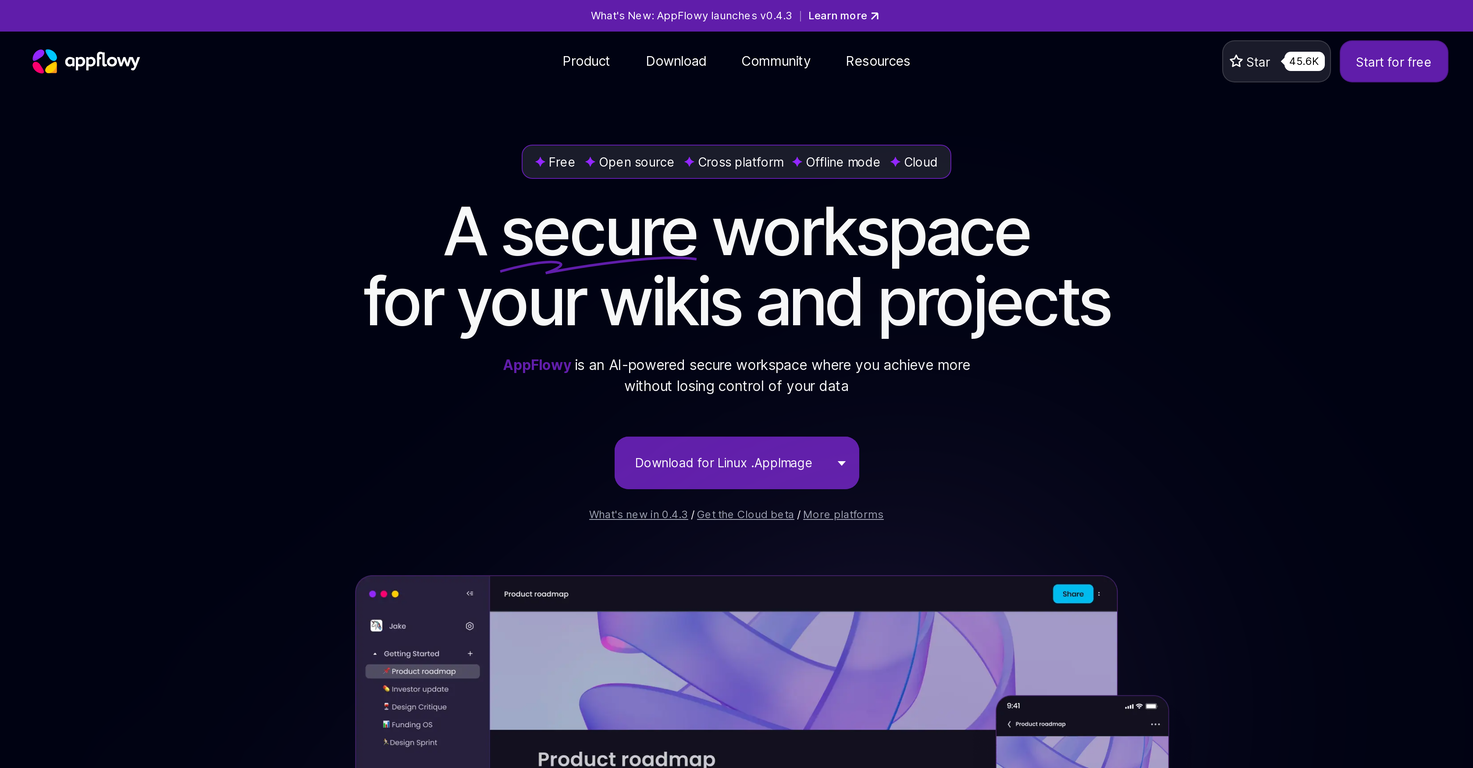
AppFlowy is an AI-powered workspace, prioritizing privacy and user control over data. This workspace tool offers cross-platform functionality and offline mode, centralizing tasks, notes, and project organization, with data visualization across tables, boards, and calendars.AppFlowy stands out with its extensible and customizable knowledge base created through a community-driven collection of plugins, themes, templates, and more.It features customization options for themes, colors, fonts, and user interface between dark and light modes. The AI's capabilities are integrated into AppFlowy's stunning rich-text editor, helping users achieve more without tool switching.Users have the option to select the AI service, like OpenAI or Stability AI, which best fits their needs. A standout feature is its commitment to user data privacy, allowing users to retain control and ownership over their data, with the choice to not send data to AI service providers.AppFlowy can be hosted as per user preference, avoiding vendor lock-in. It also offers end-to-end encryption and is available 100% offline, keeping data secure and available on demand.The active community assists in the development of secure workplace tools, creating a versatile collection of add-ons. User customization drives the system, encouraging individual tweaks and modifications to fit unique needs.AppFlowy is available for download on multiple platforms including iOS, Android, macOS, Windows, and Linux.
Pros and Cons
Pros
- Prioritizes user data privacy
- User controls over data
- Cross-platform functionality
- Offline mode
- Centralizes tasks/notes/project organization
- Visualizes data in tables, boards, calendars
Cons
- Requires user-managed hosting
- User-driven customization might overwhelm
- Possible lack of professional support
- Reliance on community for updates
- Needs regular data sync
- Lacks pre-built integrations
Categories
- Primary: Work
- Secondary: Productivity
- Specialty: Workspace organization
Community Feedback
Only the latest comments are shown.It's a powerful AI-powered personal knowledge system that brings together links, files, notes, and documents in one unified workspace.It's like Notion meets Raindrop meets Google Drive, but with an AI layer that helps you resurface forgotten content, cluster related topics, and even draft documents based on your saved materials.
If you are just starting a company and need an All in one place for your operation, this is the tool you need!