
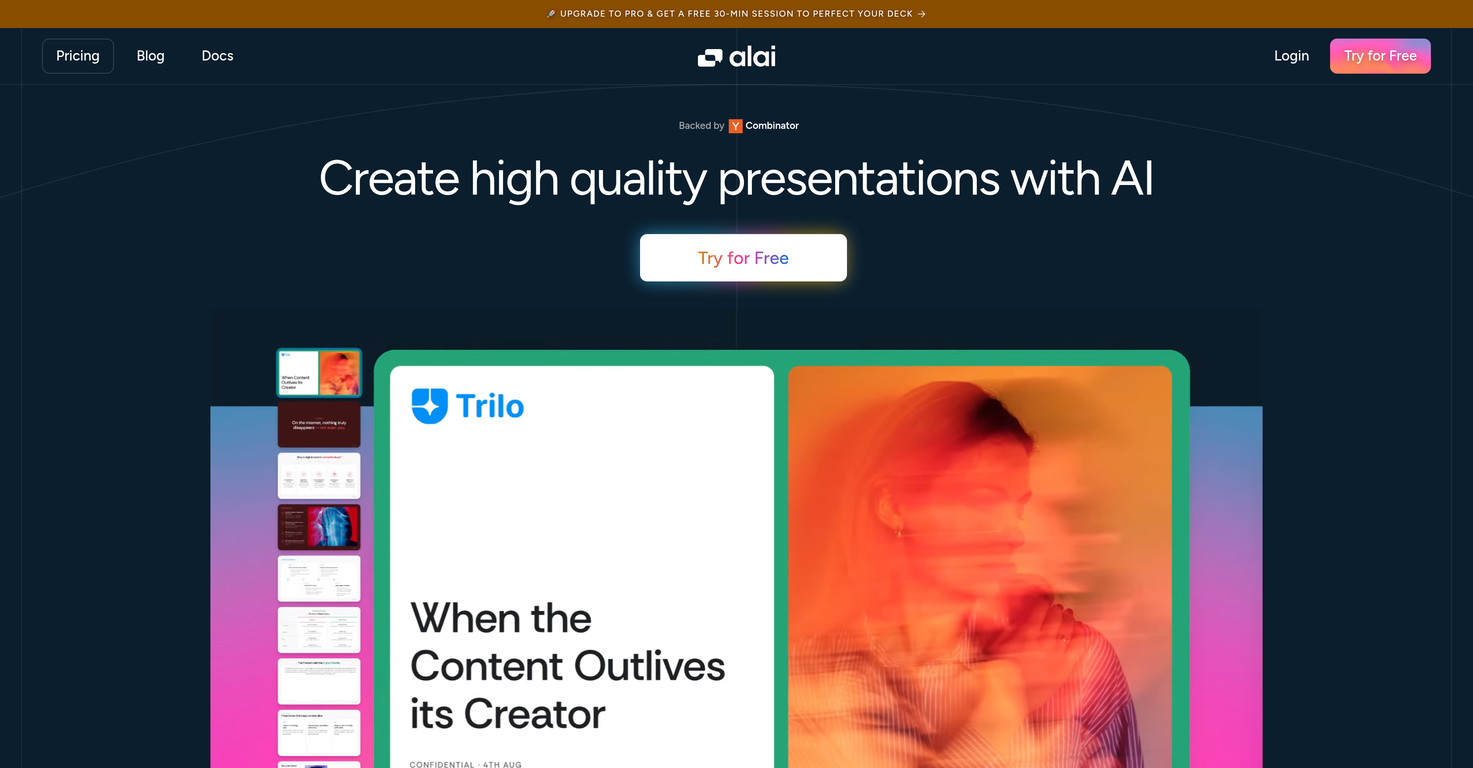
Overview
Alai is an AI presentation tool that helps you create high quality presentations using AI.Alai focuses on quality and control. The user starts with 4 AI generated options for every slide. Each slide sits on a responsive canvas that adjusts automatically as you add or move content, so you never have to fix alignment or spacing.Slides are built with a library of rich visual elements that fit real presentation needs like comparisons, funnels, and timelines. You can customize their look with presets or precise controls. Every AI action in Alai understands your entire deck. You can rewrite, split or merge slides, change layout or try different visualizations for your content.Alai lets you import existing documents and presentations, restyle them, and export the final output in PDF or PowerPoint formats. Developers can also use Alais API to generate presentations programmatically.
Pros and Cons
Pros
- Responsive canvas
- Automatic alignment and spacing
- Library of visual elements
- Built-in presets
- Option to re-visualize
- Supports importing documents
Cons
- Limited visual elements presets
- May require manual refinements
- Unclear data visualization capabilities
- Only exports in PDF, PowerPoint
- Limited slide layout options
- No offline version available
Categories
- Primary: Work
- Secondary: Business
- Specialty: Marketing
Community Feedback
Only the latest comments are shown.There is nothing here that meets the presentation requirements. The slides are monotonous and boring; it's as if I just copied my entire text and pasted it onto 10 slides - there's no value in that. The information is inconvenient and uninteresting to read. It's even summarised and organized worse than I could do it in 5 mins. It's better to use free GPT and put all into slides then use this. Omg it's really very bad, extremely poor, and I will never use it again.
Makes it easy to get started with a presentation if you have an outline, but as soon as you want more control, you're better off using Google Slides.Gamma's feature that I used the most was image generation - you can select among a variety of models (Ideogram, Flux, DALL-E, but not Midjourney), and it shows 3 variations to choose from.Performance is slow and a little janky, even in Chrome. Prompts and settings are often not respected - e.g. you set it to "preserve text" and just generate slides, and it goes onto dumping an entire 3 paragraphs of text in one slide.You can't overlay text over images (e.g. for image attribution), and there's no precise positioning control, or grouping elements. No way to control table layout, e.g. to have two images slide-by-side in full bleed mode.I tried Gamma for a new presentation, but next time I need to make a presentation, I'll go back to Google Slides and generate images independently.
Using it on day-to-day basis to create presentations for my real estate clients. It's good.