
Overview
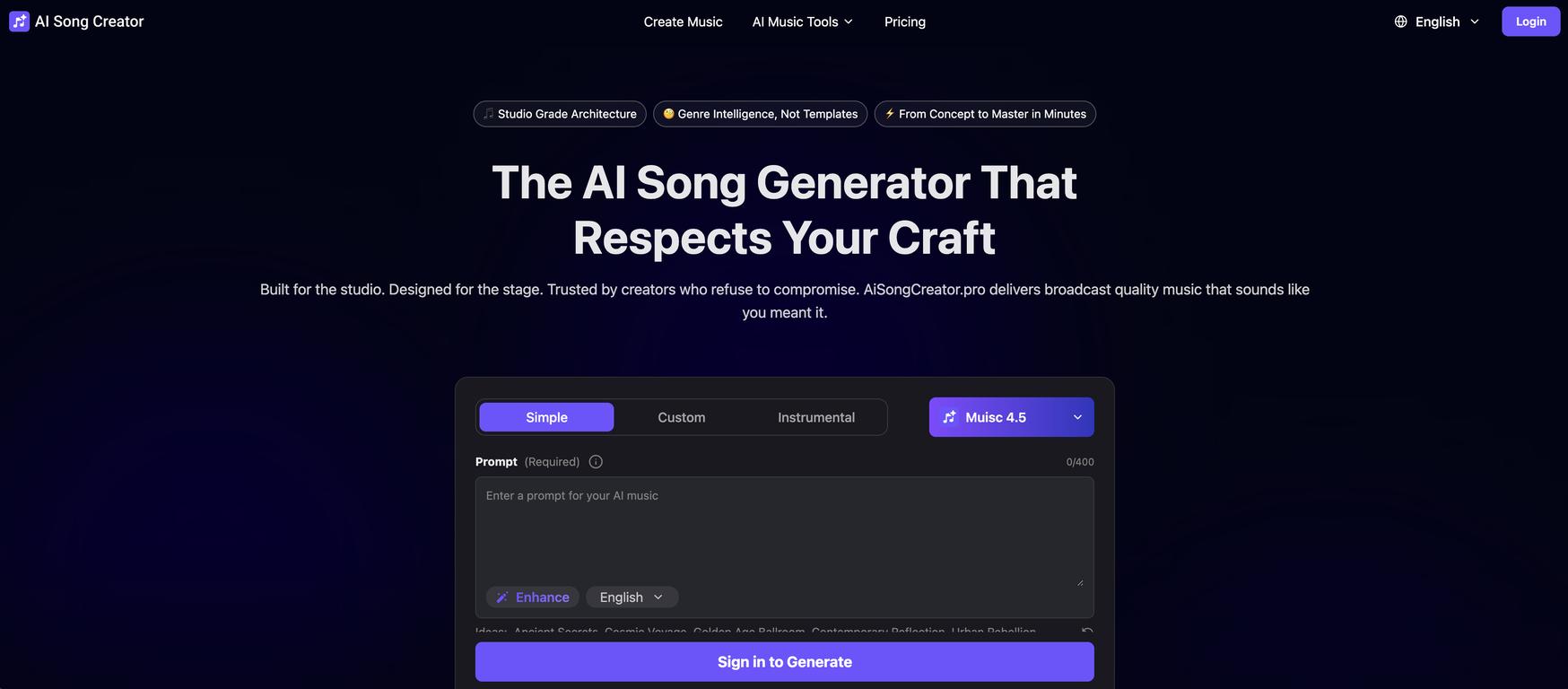
AiSongCreator.pro is an AI-powered tool that automates the process of creating and generating professional-grade music. It is built for both studio and stage environments and caters to a wide variety of music creators who strive for high-quality tracks.The tool incorporates an AI Lyrics Generator, AI Stem Splitter, and AI Voice Clone, enabling users to seamlessly produce songs from a simple text input.With the AI Song Creator, users can produce unique, genre-appropriate music across multiple moods and styles. Its Studio Grade Architecture, Genre Intelligence, and rapid song creation process impart the platform with considerable flexibility.In addition, the tool allows for customization of instrumental elements and overriding of specific textures and sounds. It is designed with ease of use in mind; enabling amateurs to turn simple phrases into complex pieces while maintaining professional results.All music generated is 100% Copyright Safe and Royalty-Free, allowing creators to monetize their music without copyright concerns. Users are also able to edit their tracks like a professional without needing deep sound engineering knowledge, by easily adjusting vocals, swapping instruments, rewriting lyrics, and restructuring sections.The tool offers an extensive Voice Library, providing varied AI voices across multiple genres, and upon completion, users can export Studio standard files for immediate download.Lastly, AiSongCreator.pro has broad applications, including royalty free background music for YouTube, Podcasts, Indie Game Developers, Short Form Video Creators, Ads & Marketing, and Film Scoring.
Pros and Cons
Pros
- Studio grade architecture
- Adaptable to genre
- Lyrics Generation
- Stem Splitter
- Voice Clone
- Produce music across genres
Cons
- No offline access
- Lacks collaborative features
- Cannot import external sounds
- Supports only WAV and MP3
- Limited to specific genres
- No mobile version
Categories
- Primary: Creativity
- Secondary: Audio
- Specialty: Music
Community Feedback
Only the latest comments are shown.Does not allow you to see your creations when you press the button 'my creations' it just redirects to a music samples page and/or original music generation page, so the only way to see your generated music is if you try to use other features like 'extend', which is very shady. Clone of other known platforms for sure. Also when you delete your account it states that some data remain on the platform which means it is not gpdr compliant and it keeps some of your information. Be wary of all this. I would not give them any money or cc details, seems way too shady.
Thanks for the detailed report.The My Creations redirect is a real bug weve already sent it to engineering and are fixing it.Theres no attempt to hide anyones generations. What youre seeing comes from that redirect issue, not design.On account deletion/GDPR: deleting an account removes personal data, but like most services we may retain limited records for security/legal reasons (and backups for a short period). If you want specifics, message support and well spell out exactly whats retained.If you can share your browser/device (and a screenshot), itll help us verify the fix.