
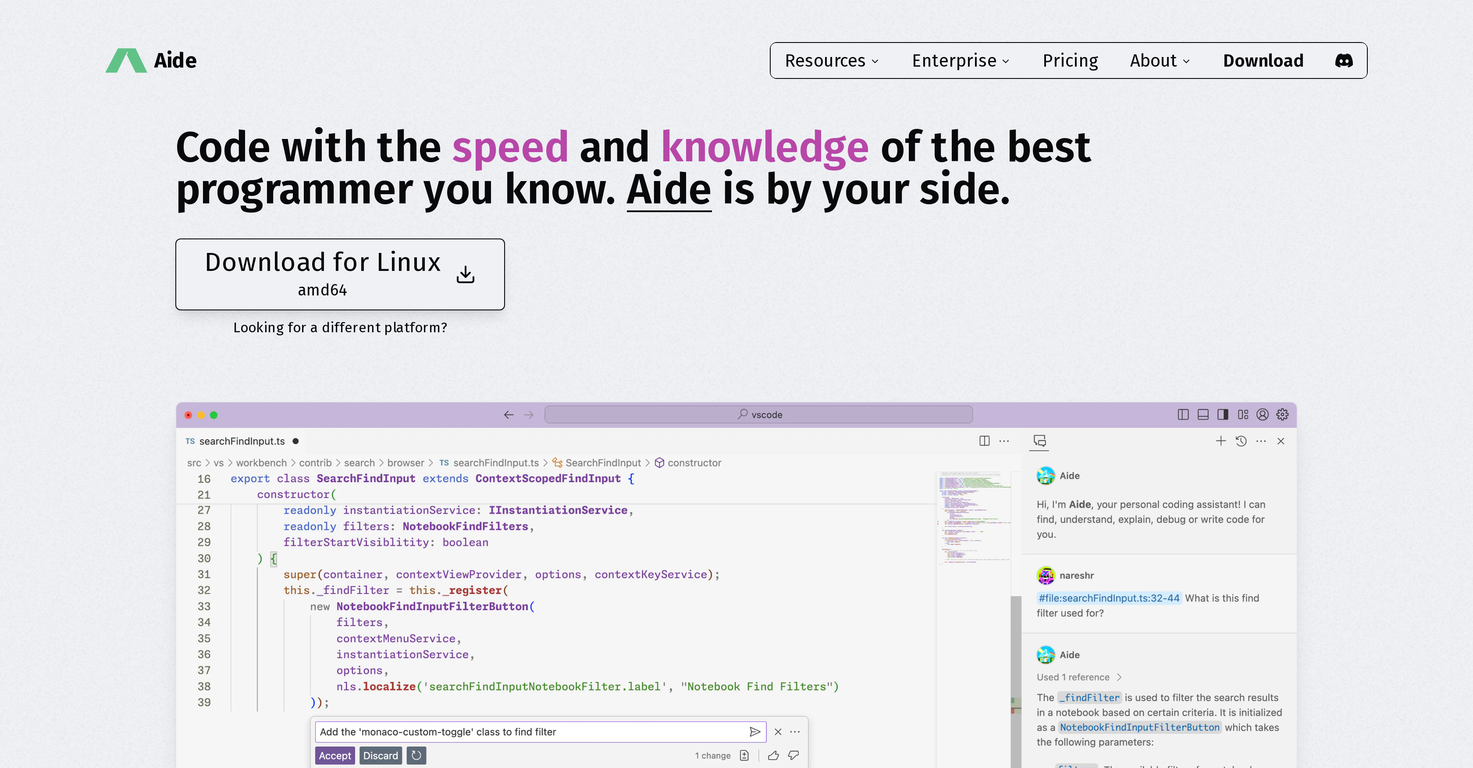
Overview
Aide is an AI-powered modification of Visual Studio Code (VSCode) designed to assist developers in writing code. It offers intelligent, context-aware code completions by not just referencing the active files but also by integrating with the Language Server to utilise related code across multiple languages.This allows developers to code more efficiently and effectively.Another notable feature is Aide's built-in chat function, which can be invoked at any time to ask questions or refer to specific code symbols or files.This creates the experience of having a coding partner, improving productivity and problem-solving. In terms of data security, Aide is built to run completely on the user's machine, without any intermediate servers between the IDE and the language model.This ensures that the user's code never leaves their local environment, which may be a significant advantage for projects handling sensitive data.Furthermore, Aide is dedicated to the Open Source community.It allows users to choose their infra provider and AI model, integrate their API key, and start coding. All model queries are stored locally, giving users complete control over their data.Aide also supports the Open Source AI models and encourages their fine-tuning.Significantly, Aide is built on top of VSCode, which means all VSCode settings, keybindings, and extensions will be compatible and easily imported.This makes the transition smoother for developers already familiar with VSCode. It creates an AI-native editor experience that blends familiar features with innovative additions.
Pros and Cons
Pros
- Intelligent, Context-aware code completions
- Integrated Language Server
- Built-in chat function
- Coding partner experience
- Total local data security
- Supports Open Source community
Cons
- Requires infra provider selection
- Requires API key integration
- Local data storage only
- Reliance on VSCode compatibility
- No intermediate server support
- Requires familiarization with chat function
Categories
- Primary: Creativity
- Secondary: Software
- Specialty: Coding
Community Feedback
Only the latest comments are shown.Would rate 4.9 if possible, but rounding up to 5 stars because this app truly excels compared to other AI coding tools.Why 5 Stars:Best-in-class AI coding assistanceHuge improvements over competitorsActually works for real developmentReal Impact:I successfully built and published an actual app using this tool - that's game-changing for non-developers like me.Bottom Line:Yes, there's room for improvement, but this is already the top AI coding app available. The fact that ordinary people can create real apps with it says everything.Perfect for anyone wanting to turn ideas into actual apps!
Cursor is underrated.
>Why is this website so ugly?Our goal is to rapidly make the software better, not to have a shiny website.Love it!