
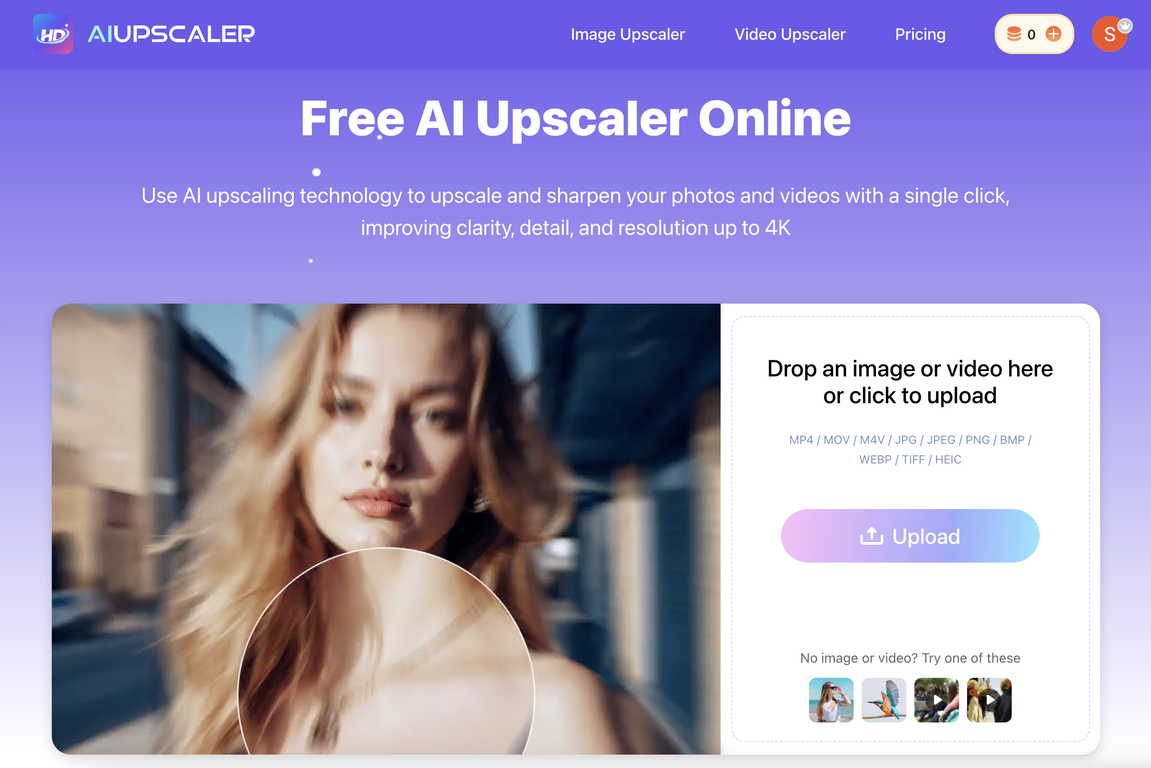
Overview
AI Upscaler is a tool that utilizes advanced AI technology to enhance the quality of both images and videos. This one-click AI solution enhances image quality by upscaling low-quality visuals without causing blur or noise, and even restores texture.Image enhancement includes fixing blurry images while retaining original colors. For videos, the tool facilitates the conversion of low-resolution videos to 4K quality, effectively increasing the clarity and detail of these visuals.The video enhancing feature provides frame-by-frame upscaling, with the capability of outputting videos in HD and 4K resolution. Along with these, it ensures smooth motion in the enhanced videos, enriching the viewer's experience.Working directly from the browser, the AI Upscaler is user-friendly and doesn't require any software installation. It supports an extensive array of file formats, making it compatible with JPG, PNG, WebP for images and MP4, MOV, and M4V for videos.Moreover, it prioritizes user security as all uploaded files undergo secure processing to protect user data. The upscaled images and videos can be safely used for commercial purposes.
Pros and Cons
Pros
- Sharpens image details
- Enhances video resolution
- One-click operation
- Automatically mitigates blurring
- Restores image texture
- High quality downloads
Cons
- Limited file size upload
- Limited video length support
- No multiple file processing
- Only upscaling to 4K
- Requires internet connection
- No offline processing mode
Categories
- Primary: Creativity
- Secondary: Images
- Specialty: Image editing
Community Feedback
Only the latest comments are shown.not bad! Try it
Very practical