
Overview
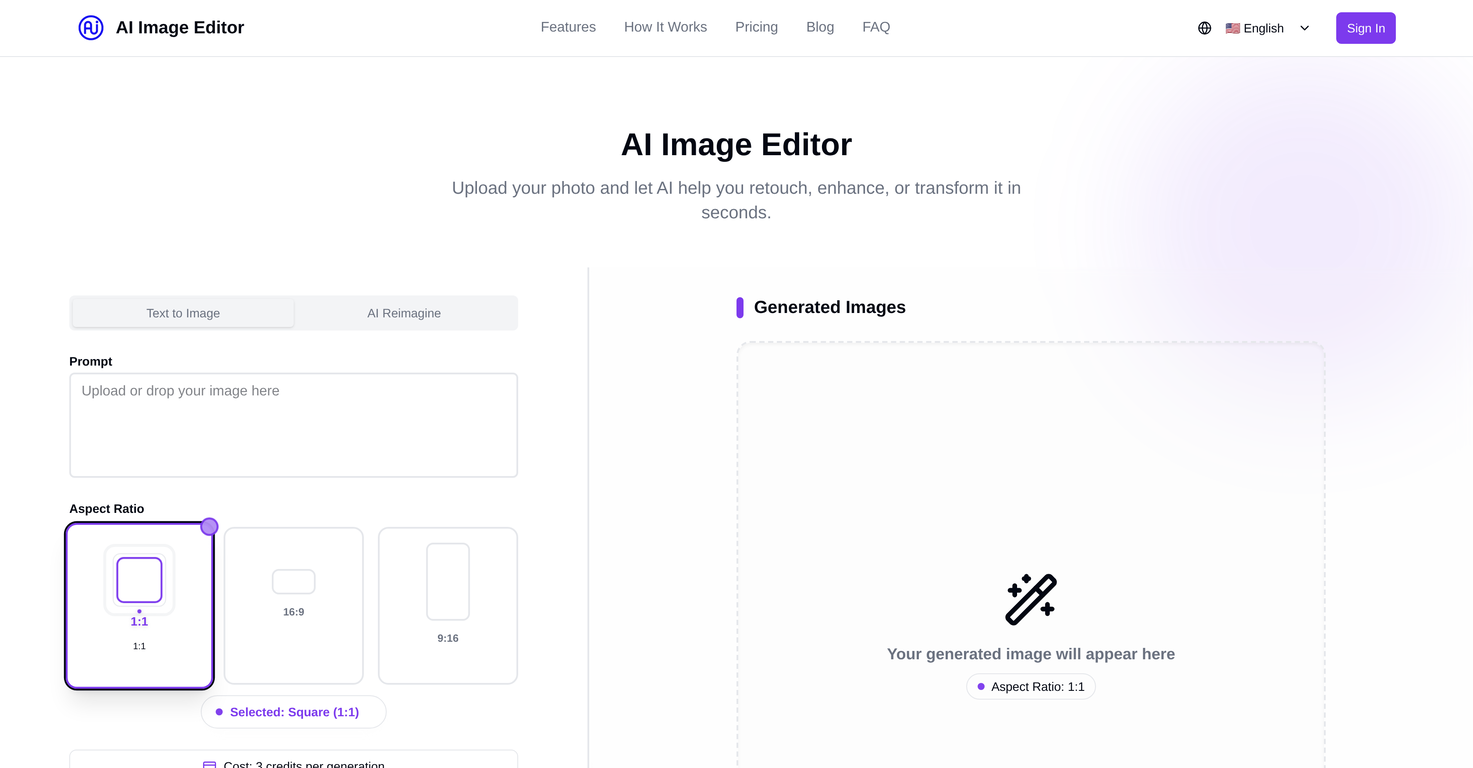
AI Image Editor is an online tool that uses advanced AI technology to edit, enhance, and transform digital images. This AI-powered platform allows users to upload images and apply various editing functions in seconds.From retouching the image, adjusting lighting, and fixing imperfections to removing backgrounds and applying creative filters, the AI Image Editor offers a range of editing possibilities.It utilizes smart algorithms to deliver professional-quality results without requiring a high level of editing skills from the user. The tool also includes the function of upscaling the image resolution without the loss of quality.A wide range of pricing plans is available that cater to different user needs and budgets, with basic functionalities accessible for free. The user-friendly design of this image editor coupled with advanced technology aims to make professional photo editing accessible to everyone.
Pros and Cons
Pros
- Automatic background remover
- Photo retouching capabilities
- Creative filter collection
- Image upscaling option
- Fast and easy editing
- User-friendly design
Cons
- Limited free edits
- Paid plans needed for high-quality exports
- Advanced retouching tools only in premium
- No 4K export in basic and pro
- Limited filters in free plan
- No batch editing in free
Categories
- Primary: Creativity
- Secondary: Images
- Specialty: Image editing
Community Feedback
Only the latest comments are shown.Not at all accurate. The only thing similar between original and generated images were the clothes and accessories face was absolutely new and unconnected.
I was struggling to create some free Christmas and New Year's e-cards, and these templates are really good. I recommend giving them a try. The only downside is that each free template can only be used once.
Will not let you test on a HD picture without paying. I found a lot of these "programs" do a poor job and I am tired of paying for a test.Maybe offer 1 HD picture, but crop it (user crop)?