Overview
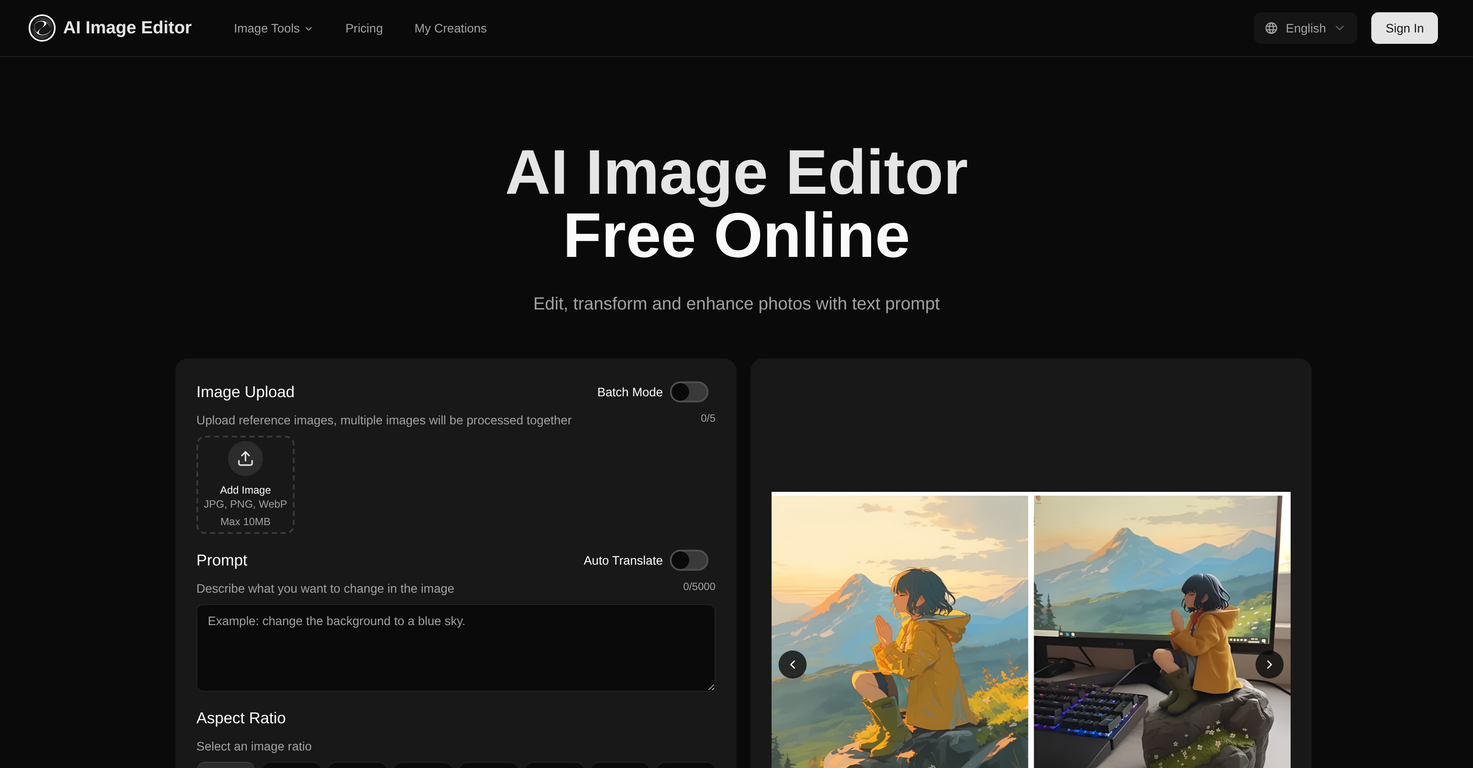
AI Image Editor is an online image editing tool that harnesses the power of AI for transforming images based on text prompts. The tool accepts images in various formats including JPG, PNG, and WebP.It operates by understanding the context of the uploaded image and then applying the modifications that have been described in the prompts by the user.AI Image Editor provides users with the possibility of executing batch mode operations which allows for simultaneous processing of multiple images.The tool preserves the image's core structure and composition while making precise modifications as described in the user-provided prompts. These modifications can range from minor adjustments to large scale transformations depending on user requirements.This AI-driven platform is not just about broad adjustments; it also facilitates precision region control. This provides the ability to target specific areas in an image with pixel-level precision, while keeping the surrounding area consistent.This nuanced control ensures that the essence of the image is preserved, while still effecting changes in specified areas.Images edited with this platform are production-ready and can be used directly for marketing, advertising, content creation and other professional applications.The tool generates high-quality image outputs optimized for professional use, making it a smart choice for creators seeking an efficient and responsive digital editing platform.
Pros and Cons
Pros
- Web-based platform
- Multiple image formats support
- Text-prompt transformations
- Four-step intuitive process
- Maintains structure, composition
- Preserves facial features
Cons
- No offline usability
- Limited to 20 images batch processing
- Transformation speed varies
- Size limit of 20MB
- Pixel dimensions limit of 4096x4096
- Free version has usage limits
Categories
- Primary: Creativity
- Secondary: Images
- Specialty: Image editing
Community Feedback
Only the latest comments are shown.Not at all accurate. The only thing similar between original and generated images were the clothes and accessories face was absolutely new and unconnected.
I was struggling to create some free Christmas and New Year's e-cards, and these templates are really good. I recommend giving them a try. The only downside is that each free template can only be used once.
Will not let you test on a HD picture without paying. I found a lot of these "programs" do a poor job and I am tired of paying for a test.Maybe offer 1 HD picture, but crop it (user crop)?