Overview
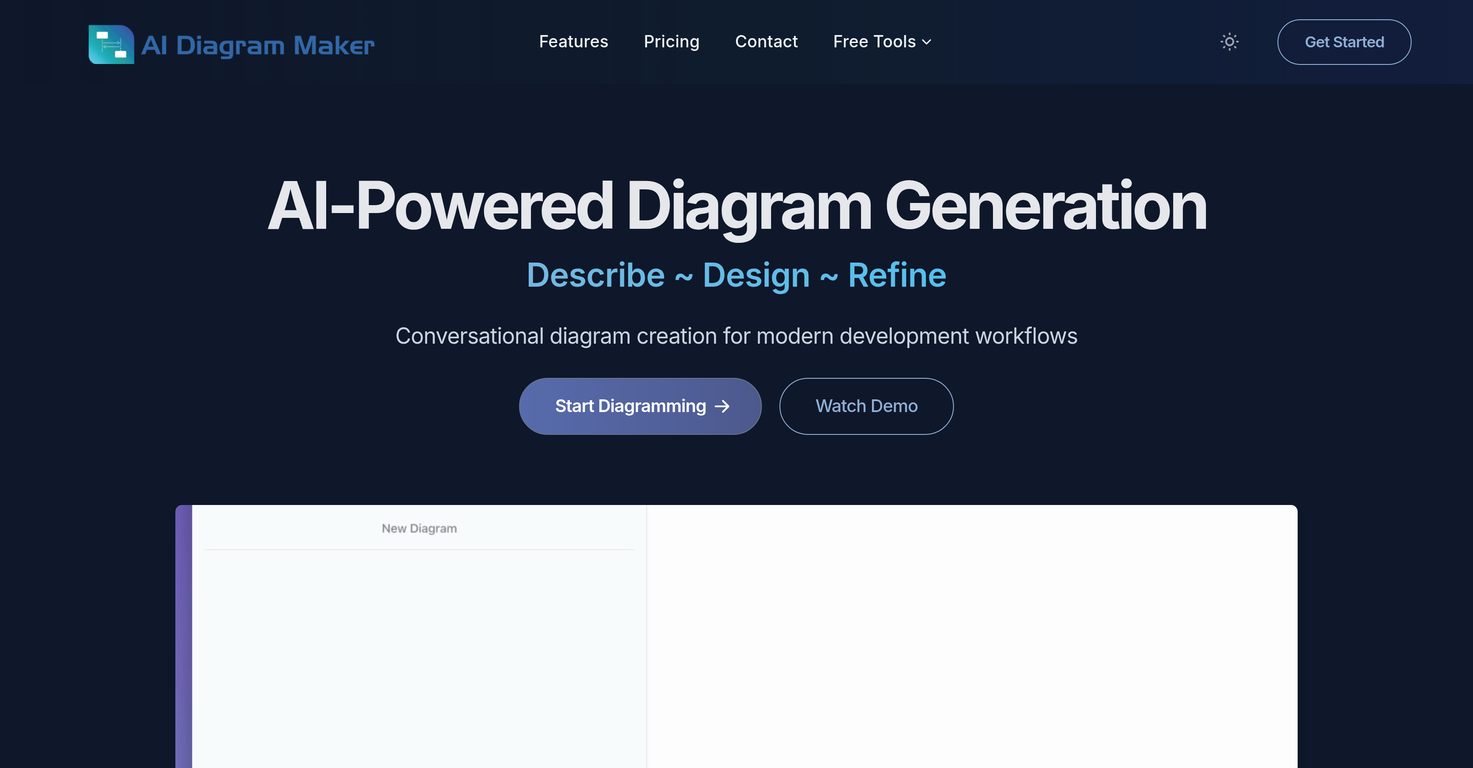
The AI Diagram Maker is an intelligent tool designed to help users generate various types of diagrams such as software architecture, flowcharts, UML diagrams, and ERD (Entity-Relationship Diagram) diagrams.Users can generate these diagrams by simply typing their ideas in plain English, eliminating the need for complex interfaces, toolbars, menus, and manual placement of elements.This AI-powered tool can also transform existing notes, documents, or whiteboard sketches into structured diagrams. It offers automatic layout and styling, allowing for professional results instantly.Diagrams can be exported in multiple formats such as PNG, SVG, or as Diagram code, making them ideal for documents, presentations, or repositories. The tool also offers a conversational interface for refining and editing the diagrams, and users can switch to code view for direct edits.Other features include diagram revision history tracking and upload of attachments, which the AI complements by transforming them into diagrams. This tool is potentially beneficial to developers due to its fast processing time, intuitive interface, and the freedom it offers to users by allowing them to focus on architecture as opposed to tool learning curves.
Pros and Cons
Pros
- Generates professional diagrams
- Transforms English text into diagrams
- Generates diagrams from attachments
- Automatic positioning and alignment
- Exports in PNG, SVG, Diagram code
- Features a code editing feature
Cons
- No collaboration feature
- Limited customization options
- Dependent on textual data
- Absence of real-time diagrams
- Limited revision history with free version
- No mobile app
Categories
- Primary: Work
- Secondary: Productivity
- Specialty: Knowledge
Community Feedback
Only the latest comments are shown.Game changer. Stays on topic, generates solid layouts, fast, and switching formats is smoother than I expected, so what else do you really want/need? Big plus that it lets you test things properly before hitting you with a paywall (most tools do exactly that). Giving this one a 5 for sure!
nice! does exatly what i wanted it to do, takes text, makes a nice looking diagram.
Isn't it possible that when downloading a diagram from it, the diagram to have white background rather than black background.